

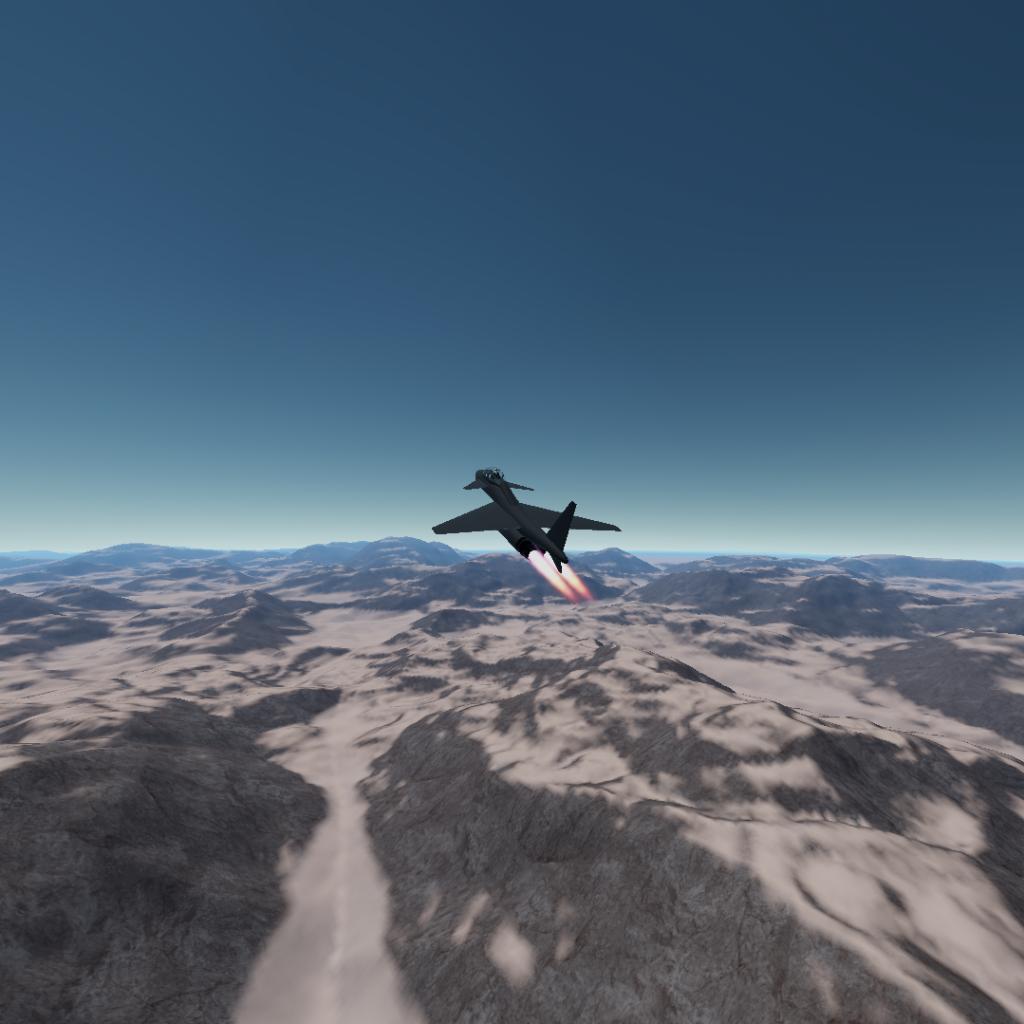
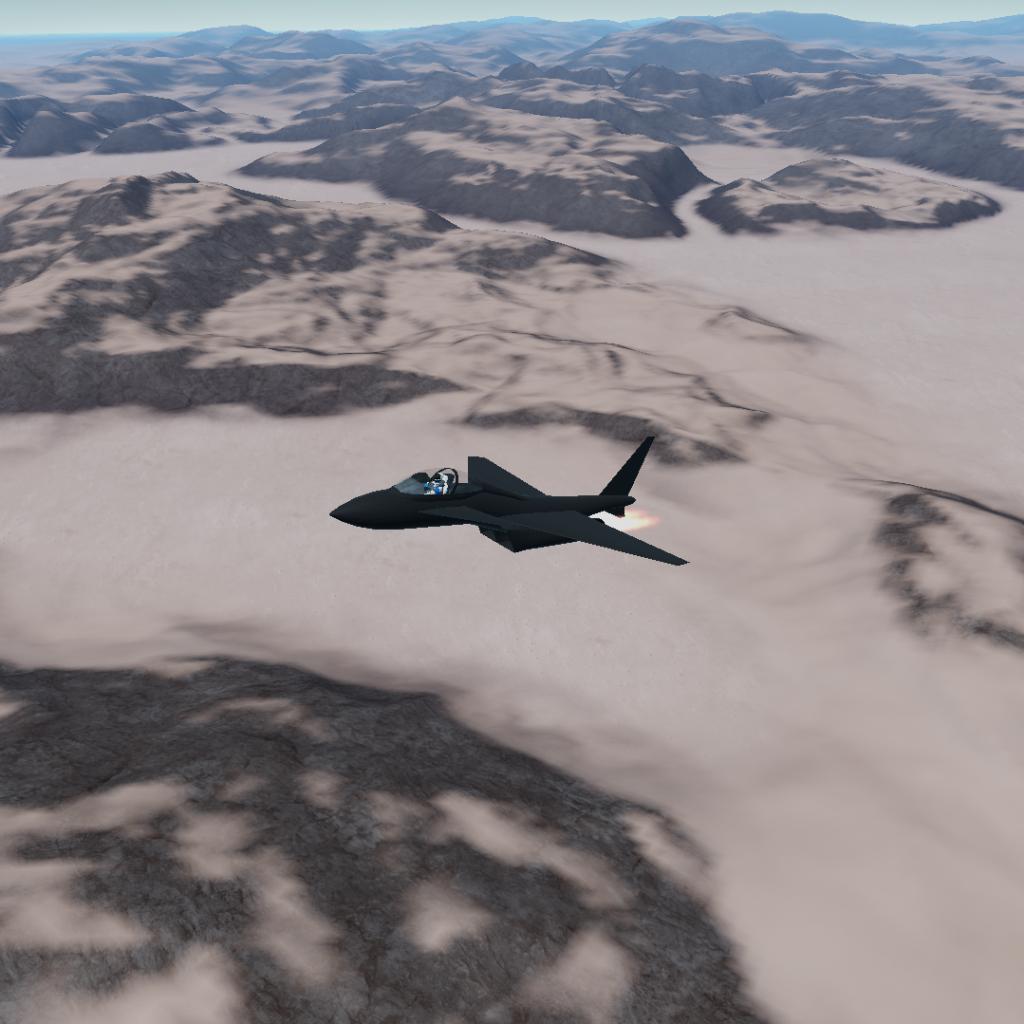
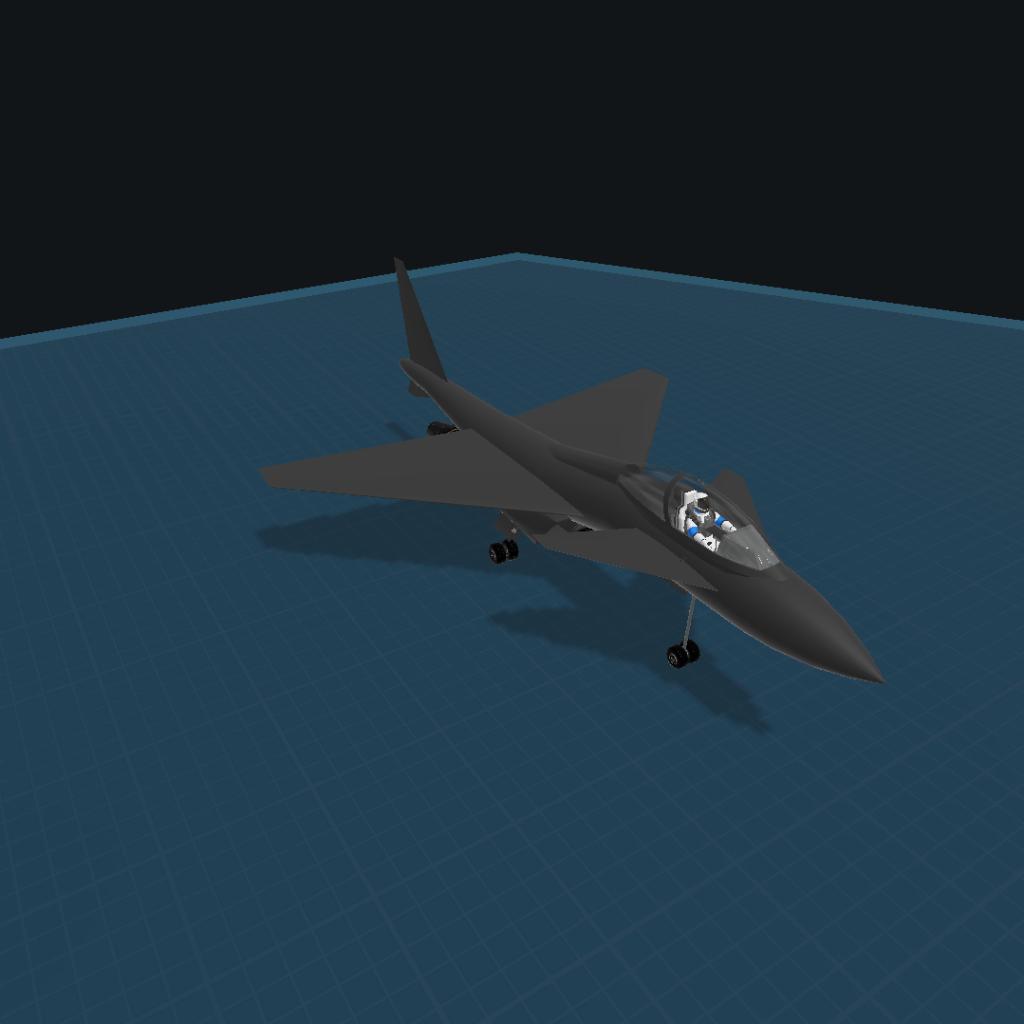
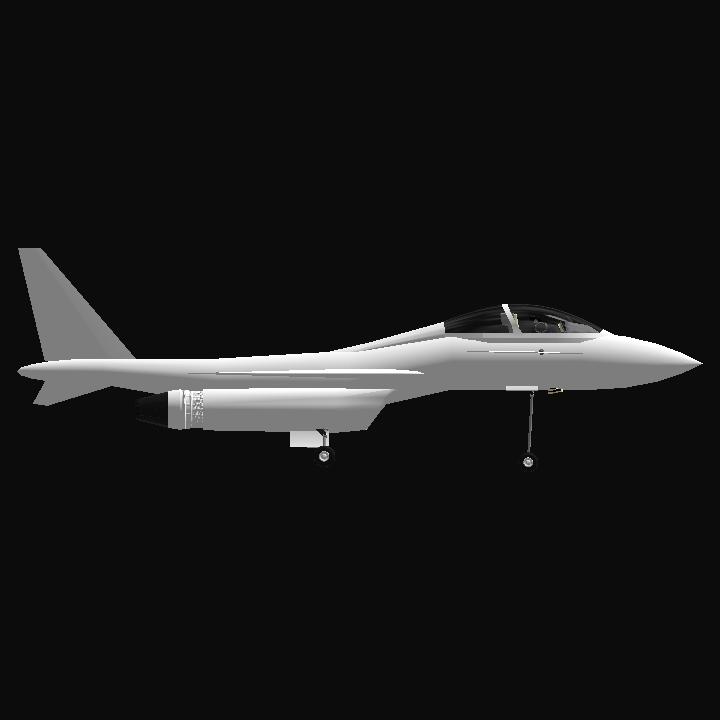
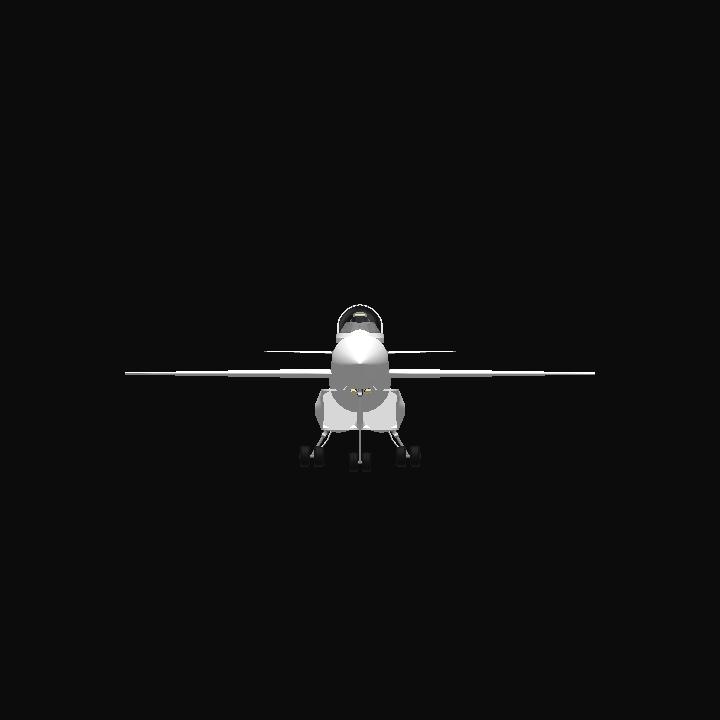
No description.
GENERAL INFO
- Created On: Android
- Game Version: 1.3.114.0
- Price: $5,027k
- Number of Parts: 28
- Dimensions: 4 m x 9 m x 13 m
PERFORMANCE
- Total Delta V: 0m/s
- Total Thrust: 300N
- Engines: 3
- Wet Mass: 12,726kg
- Dry Mass: 9,117kg
STAGES
| Stage | Engines | Delta V | Thrust | Burn | Mass |
|---|---|---|---|---|---|
| 1 | 2 | 0m/s | 0N | 0s | 12,726kg |
12 Comments
- Log in to leave a comment
-
-
26.2k Aludra877+1 2 months ago
@DivyankaAerospace Ok here's what you do: head to settings, once there, you'll see on the top right, "Control" tap that, once there you'll see 3 dots on the top right, tap them, now you will see a list, at the bottom will be Dev Console. Once tapped, a small bar will appear below, now type in the bar "PlanetStudio" and then tap "Execute" once tapped you will then be taken to another interface, at the bottom of the left hand panel you will see "Load System" and "Create system" if you want to add the planet to the current system you are in or if you want the planet alone, tap Load system and search the current system you are in, tap on it, load it, head to the star, (here onwards applies to load system systems and create system systems) tap on the star, and tap the circled + button and search for the planet, load it, and set it where you want, ensure the SOI Is reasonable (you may have to zoom out for that, it looks like a white bubble). If the planet has locations, on the left hand panel, tap the location icon, press the "reset" button at the bottom, and confirm that you want to reset, now return to the main interface (3 upper lines on the panel) and then press " save system" and overwrite. I hope this helps!
-
2 months ago
@Aludra877 I have downloaded a planet but I don't know how to apply it in solar system
-
2 months ago
@BeaconIndustries I'll improve. It will be series PUSPAK Series 1,2,3...
-
9,482 BeaconIndustries+1 2 months ago
@DivyankaAerospace could improve details but overall looks cool
-
-
26.2k Aludra877+1 2 months ago
@DivyankaAerospace that's Ultaheim Huverix, it's not released yet, I'm going to release it later today, likely with its moon system, if you want to download worlds on mobile, tap the 3 dots on the upper right hand corner, scroll down on the tab that appears until you see "Desktop site" tap that, now you can download celestial bodies, yet the screen will get smaller, yet don't worry, zooming in is allowed, as well, np live long and prosper
-
+1 2 months ago
@Aludra877 Which planet is there in your latest post. How can I download that?
-
-
-


Hey Divyanka, I made my first Military Jet & It Looks Great Go Check Out.