

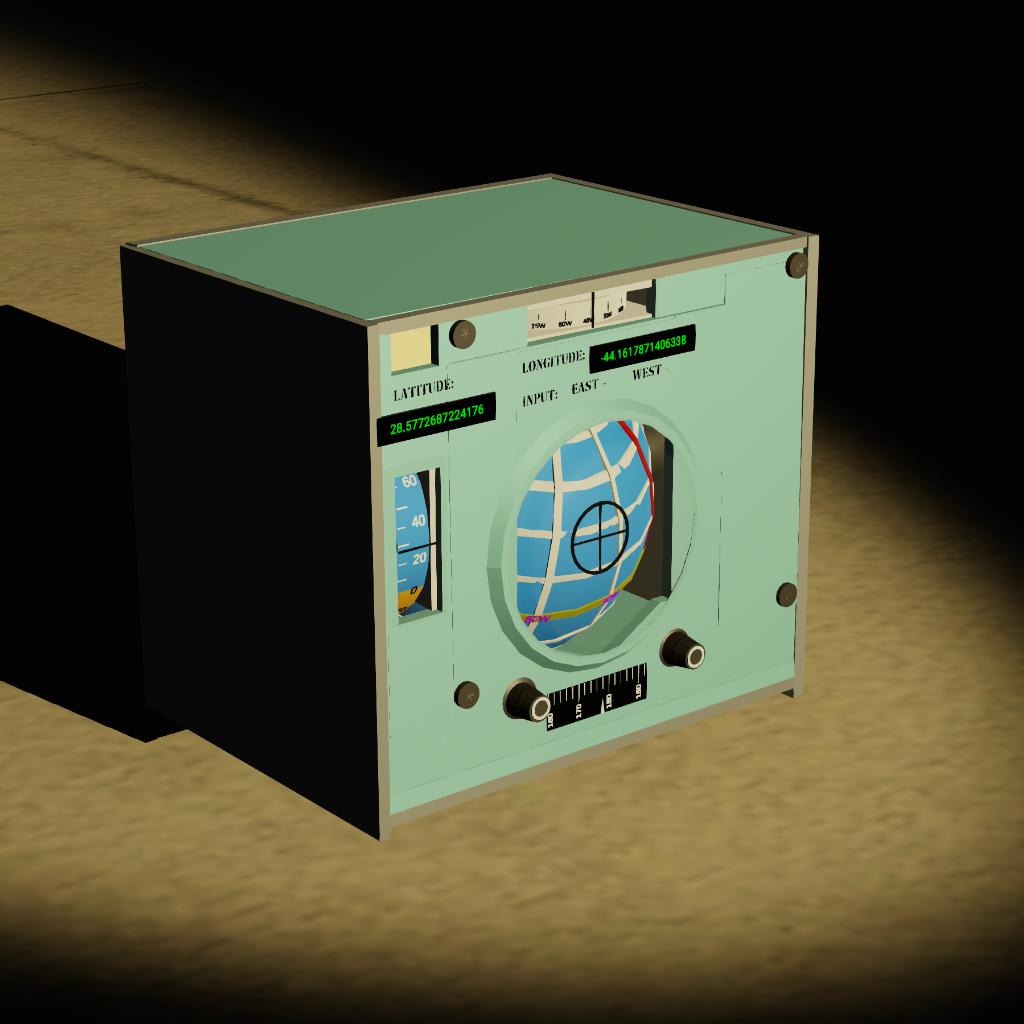
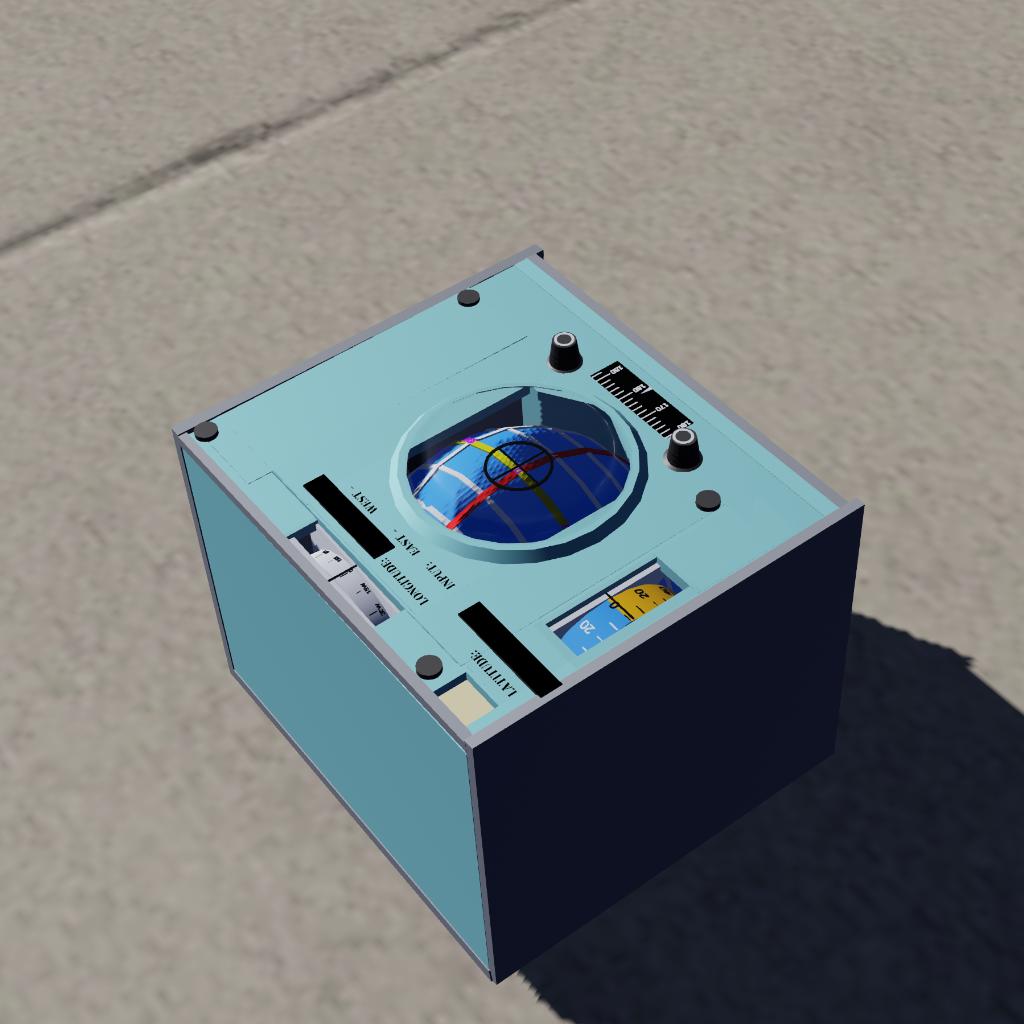
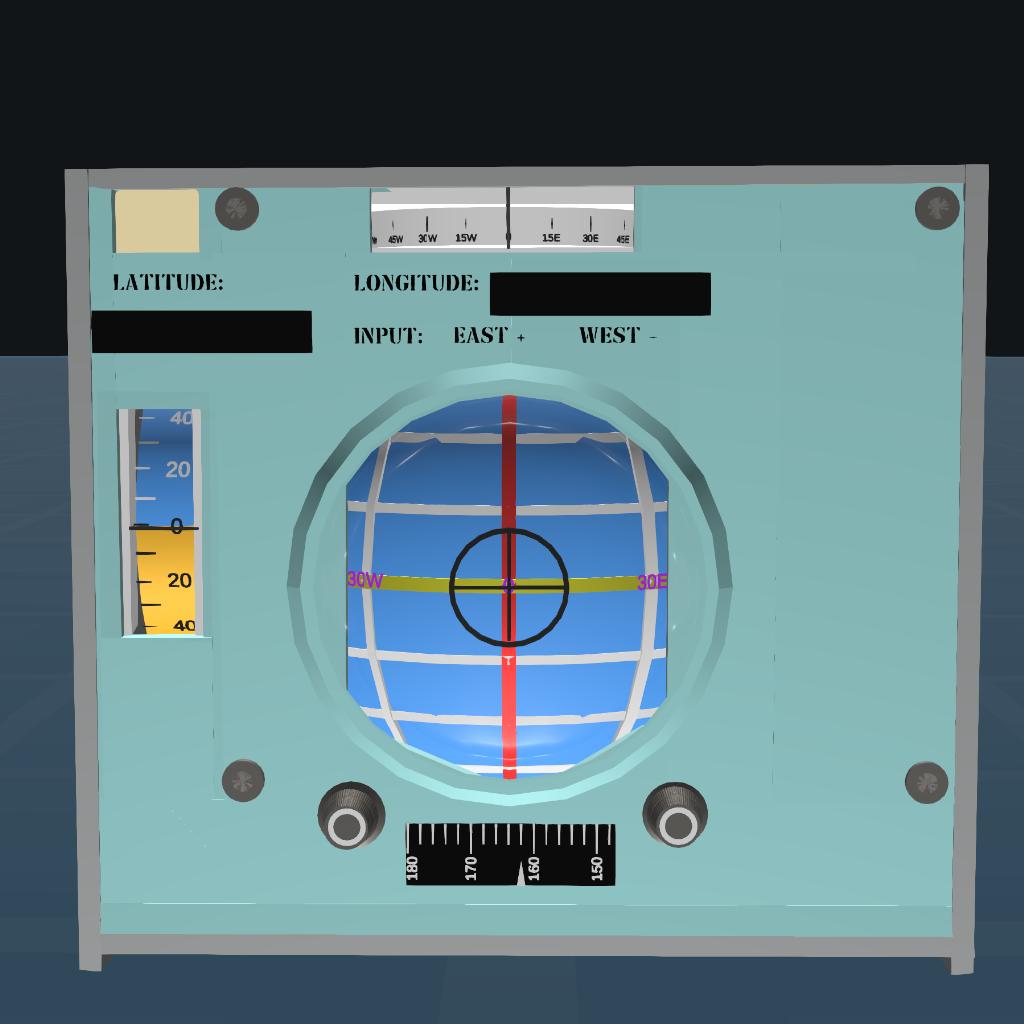
This is a navigation system that can display your current latitude and longitude information.
install:
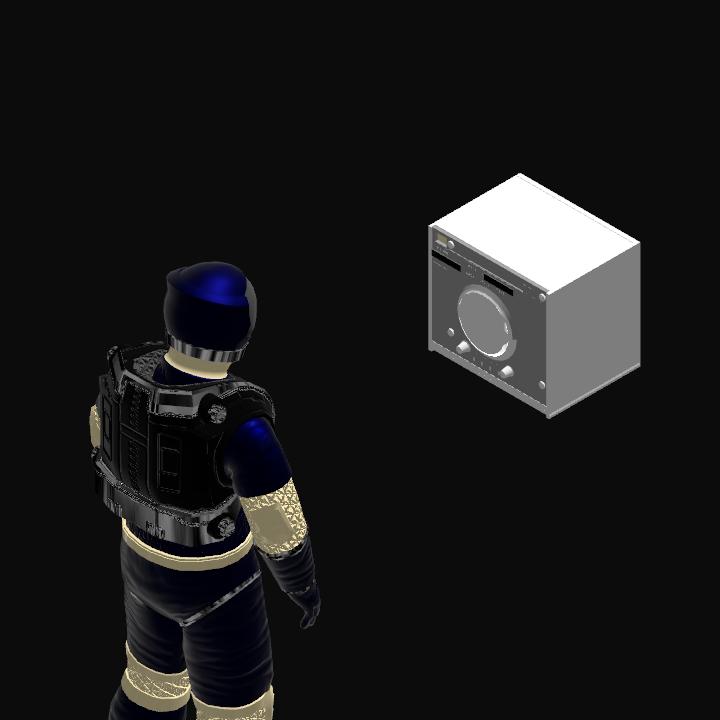
You can install it on a manned aircraft or rocket to display your current location.
When installing, do not overlap with other parts, otherwise the middle sphere will not display latitude and longitude properly.
How to use:
Step 1: Press AG1 to activate the navigation system
Step 2: Enter the longitude of your location (which is displayed on the launch point), with positive values indicating the Eastern Hemisphere and negative values indicating the Western Hemisphere.
Step 3: Select a stationary object closest to you and target it.
After completing the above three steps, the latitude and longitude of the navigation system will be calibrated. When we move, the latitude and longitude of your current location will be displayed.
Note:
When starting the navigation system, all craft should be in a stationary state.
Principle:
Use the built-in position function in the Vizzy program to convert the displayed Cartesian coordinate position to polar coordinate position, and then use simple geometric concepts to convert it to latitude and longitude.
You can view the code by clicking on MFD on the navigation system.
This is my first programming work, I hope you guys will like it.
If you have any issues, feel free to discuss in the comment section below.
GENERAL INFO
- Created On: Mac
- Game Version: 1.3.205.0
- Price: $10k
- Number of Parts: 192
- Dimensions: 0 m x 0 m x 0 m
PERFORMANCE
- Total Delta V: 0m/s
- Total Thrust: 300N
- Engines: 1
- Wet Mass: 358kg
- Dry Mass: 351kg
STAGES
| Stage | Engines | Delta V | Thrust | Burn | Mass |
|---|
GRACIAS !!!!!!