

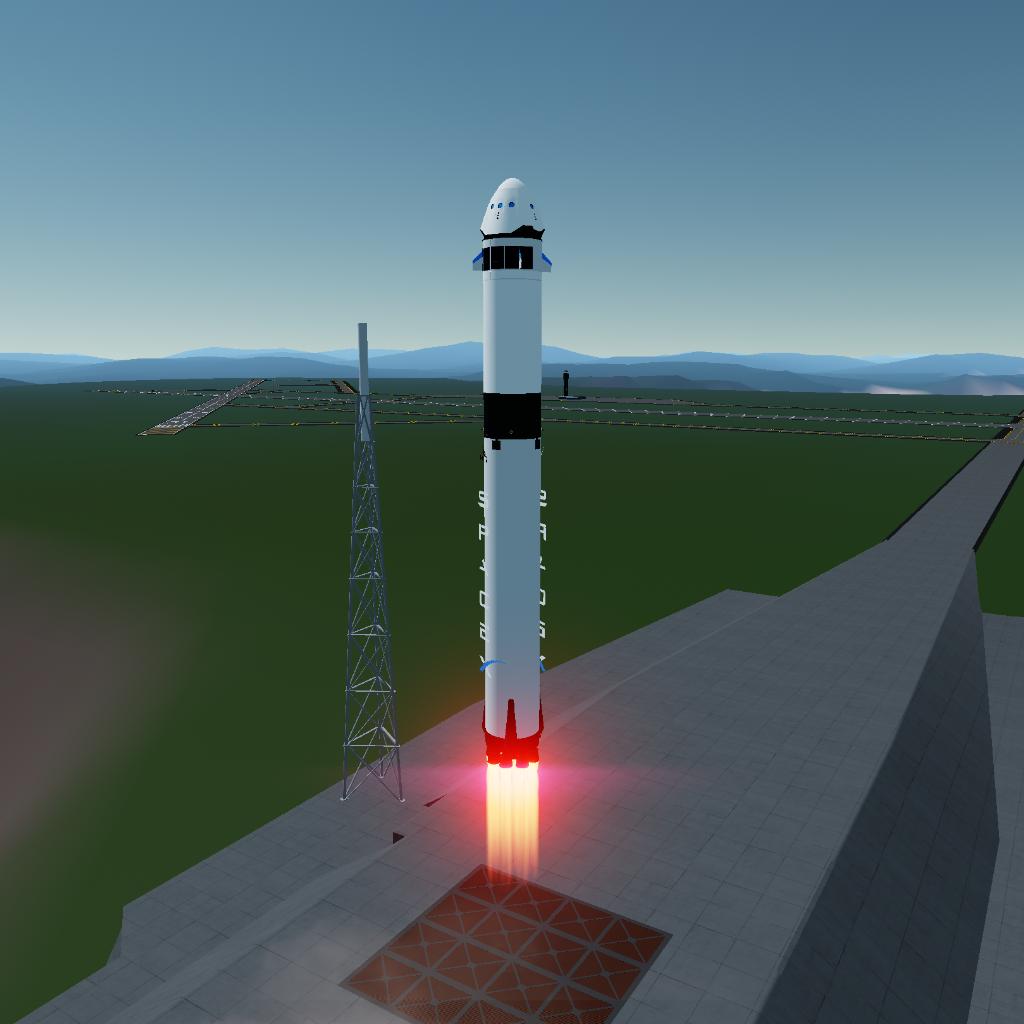
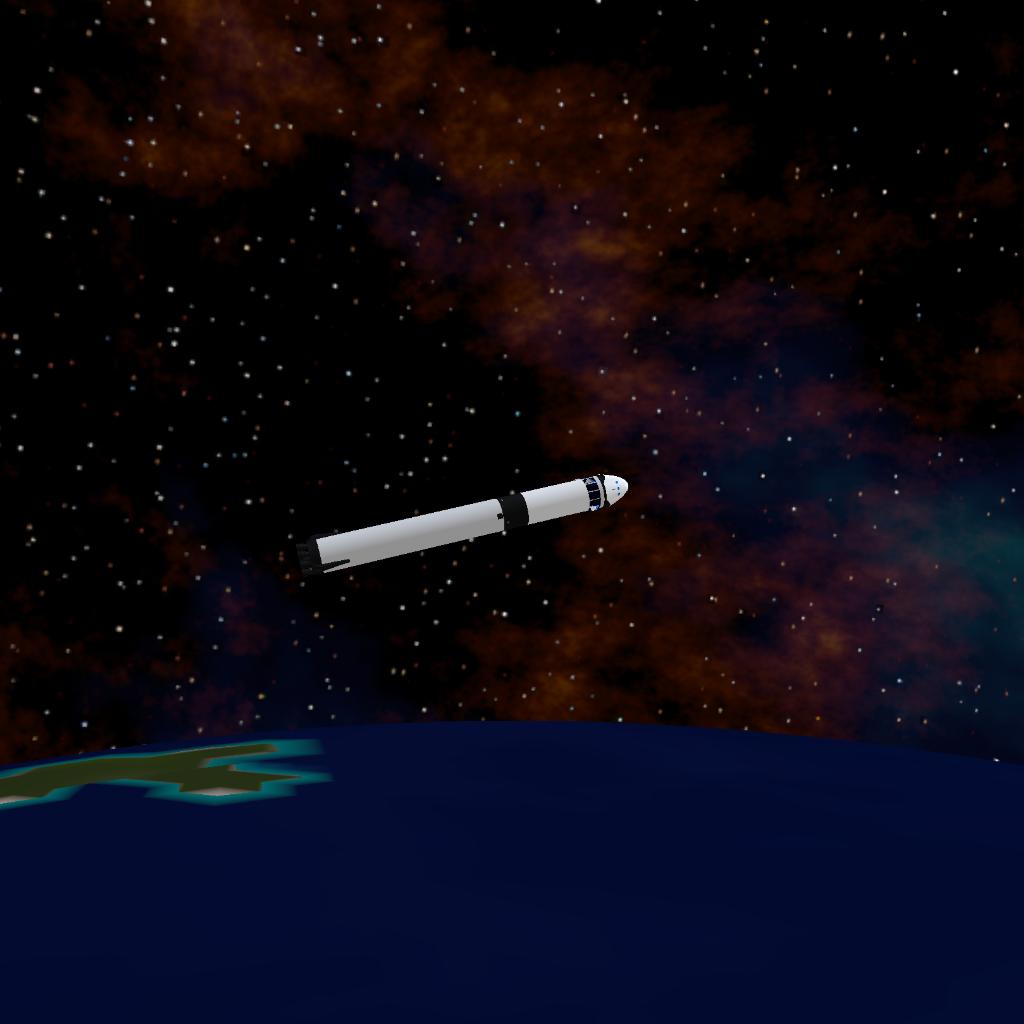
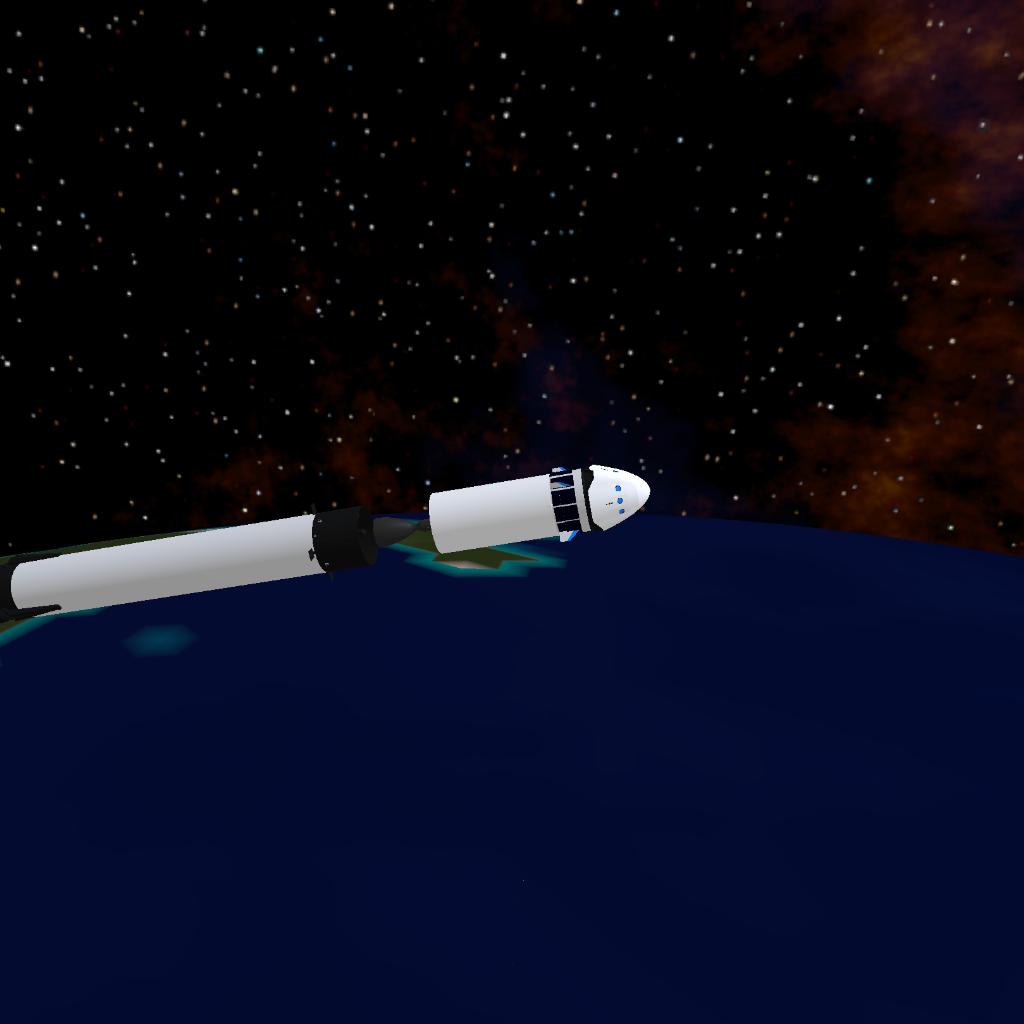
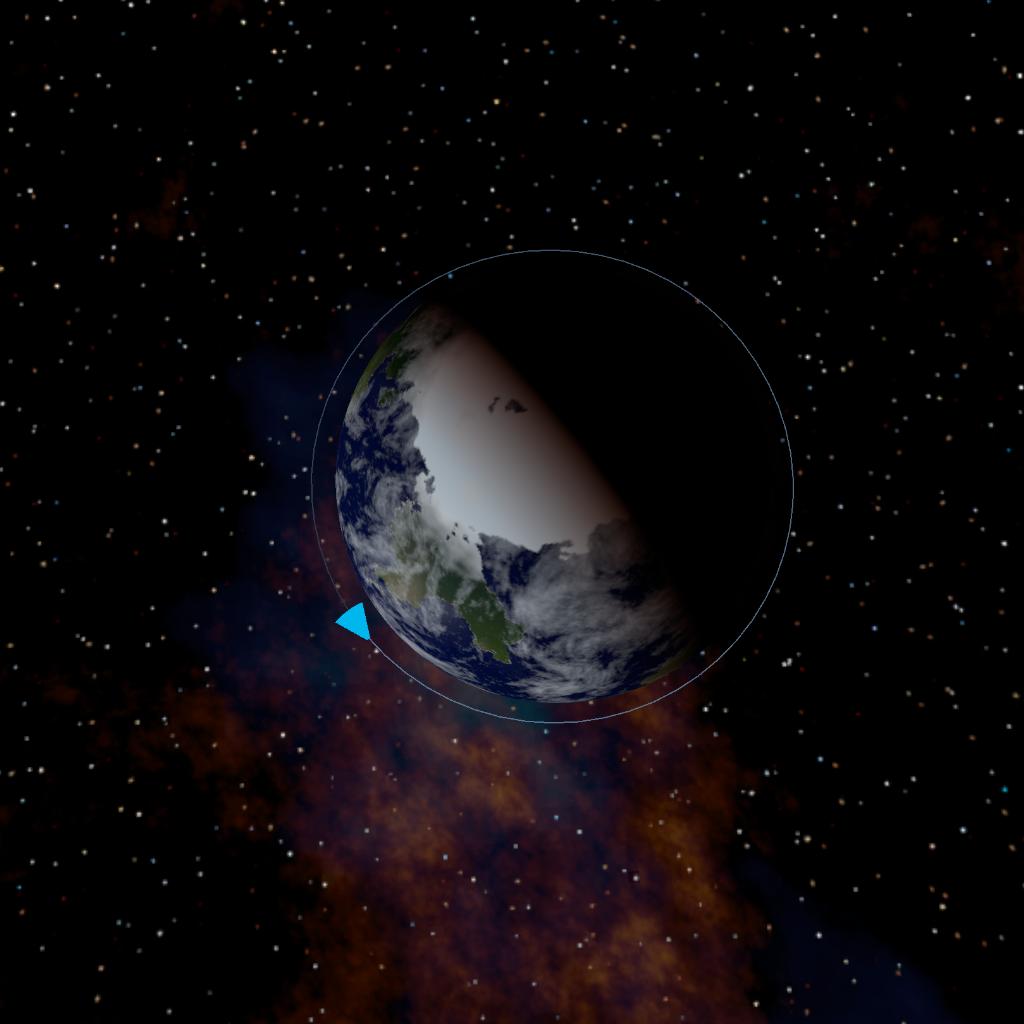
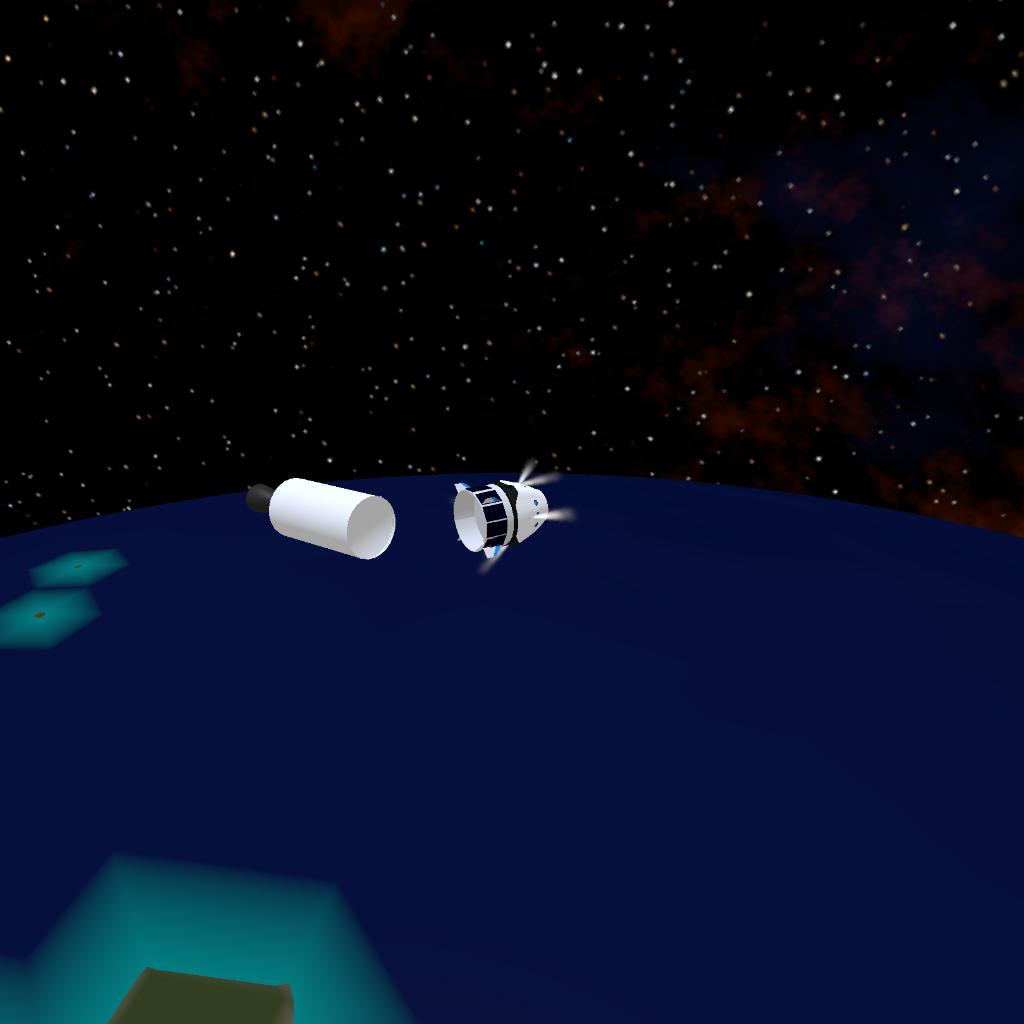
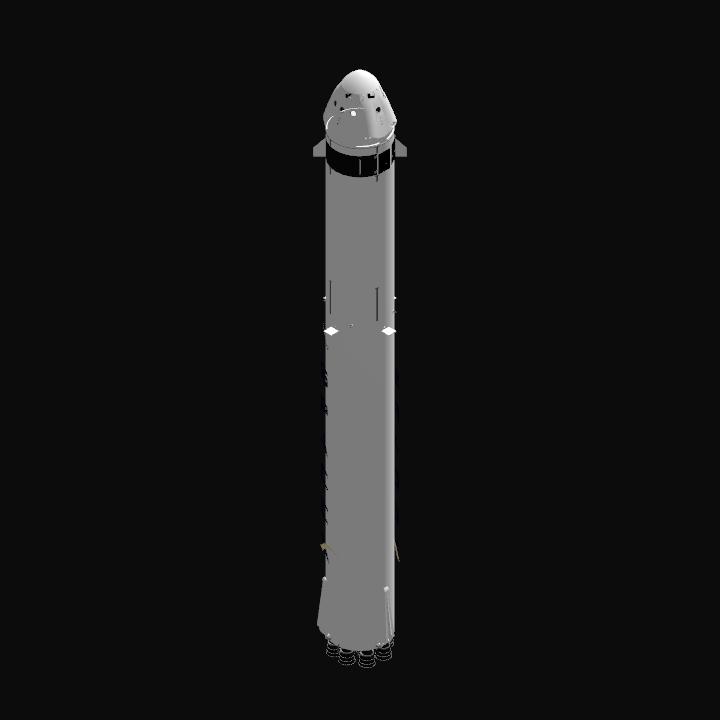
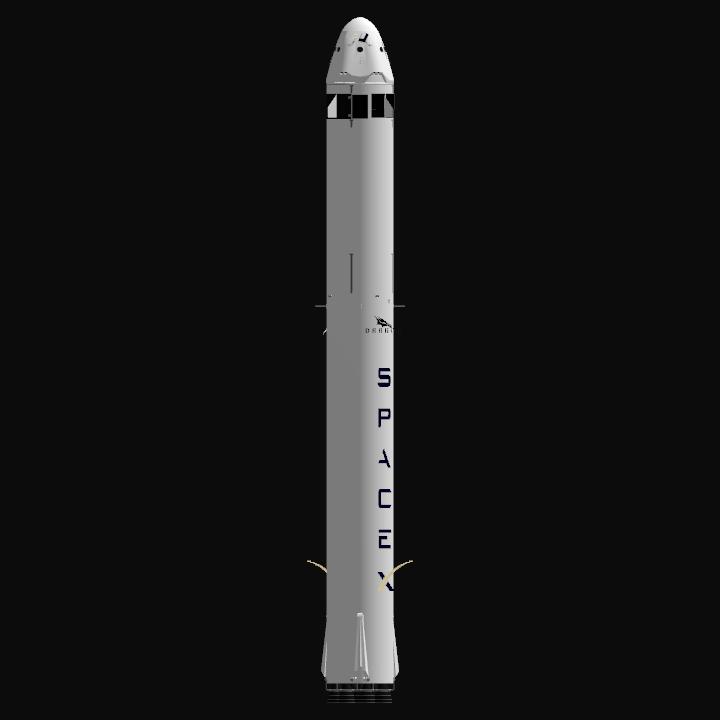
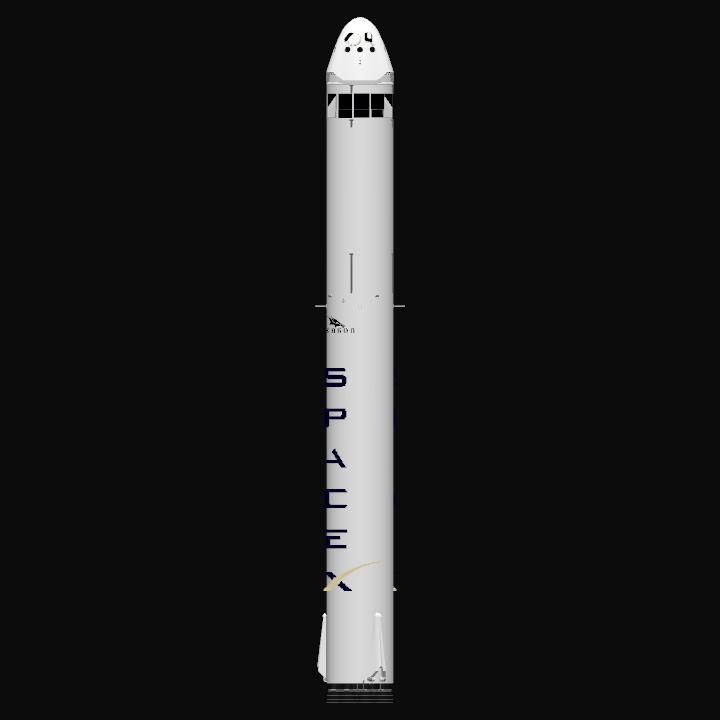
I made an 85% automatic crew dragon. INSTRUCTIONS DO NOT SKIP
When your ready to liftoff go to full throttle and the countdown should start.
As soon as the second stage automaticlly gets into orbit switch to the first stage booster and deploy the gridfins Slider 2 then do the boostback burn, entry burn, and landing burn by hand.
Switch back to the second stage and activate AG 8 then do whatever you want with it
When you are ready to de-orbit lock velocity Prograde then set Slider 4 to 100%
Once that is complete it will de-orbit and seperate the trunk automaticlly then you lock velocity retrograde and deploy the parachute.
DETAILS:
1: It has a launch escape system that works if anything explodes. I made the vizzy better. It took me about an hour to edit the vizzy NOT FOR RSS IT DOES NOT WORK FOR RSS. I added that It now de orbits second stage so there is no more space debris and automatic parachute deployment
Thanks to @CentaurAreospace for the logos! Hope you enjoy!
GENERAL INFO
- Predecessor: 1:1 scale 85% vizzy automatic Crew Dragon
- Created On: iOS
- Game Version: 1.3.204.1
- Price: $98,589k
- Number of Parts: 117
- Dimensions: 76 m x 10 m x 12 m
PERFORMANCE
- Total Delta V: 40.6km/s
- Total Thrust: 11.9MN
- Engines: 16
- Wet Mass: 7.55E+5kg
- Dry Mass: 79,020kg
STAGES
| Stage | Engines | Delta V | Thrust | Burn | Mass |
|---|---|---|---|---|---|
| 2 | 2 | 40.6km/s | 1.2MN | 5.48hours | 2.08E+5kg |
| 7 | 0 | 0m/s | 0N | 0s | 27,466kg |
| 10 | 1 | 59m/s | 229kN | 7s | 27,466kg |
8 Comments
- Log in to leave a comment
-
-
420 C47skytrain214 days ago
@Rocketnerd2025 in the top right corner, there is a button with the the text "tags" to the left of the download counter. Click on that button, then click on the tags that best describe your craft. you can up to six tags
-
-
420 C47skytrain215 days ago
@Rocketnerd2025 you should add tags so that people can see this in the future
-
-
-


@C47skytrain2 thx I figured out