

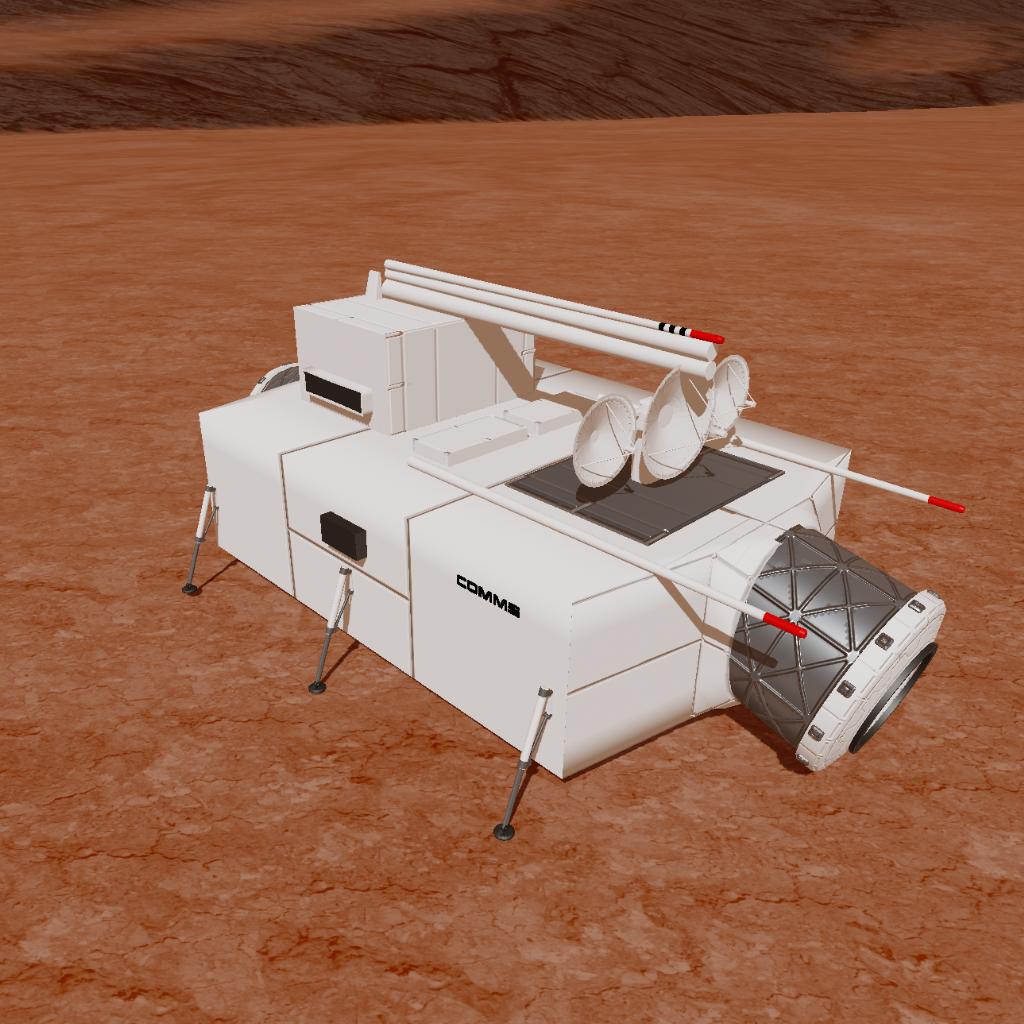
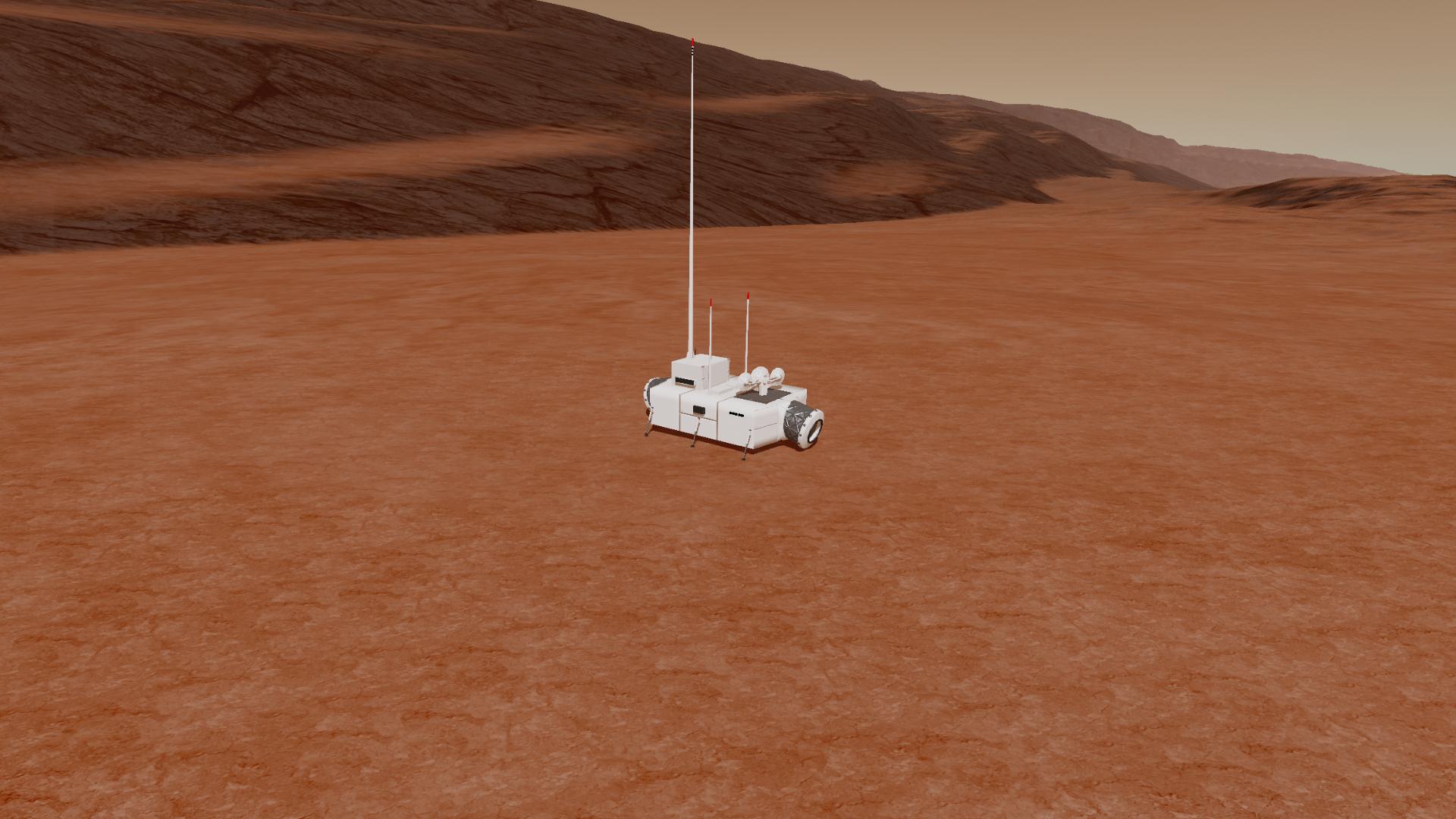
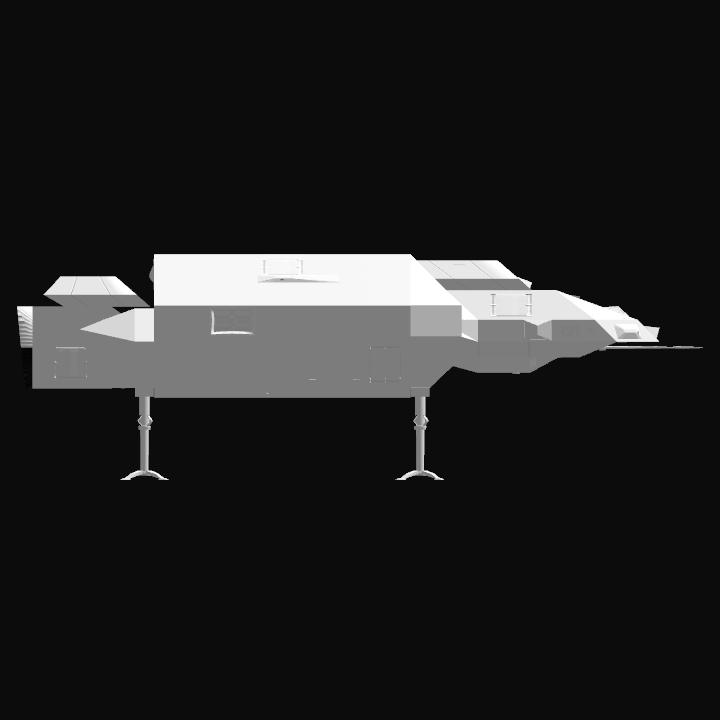
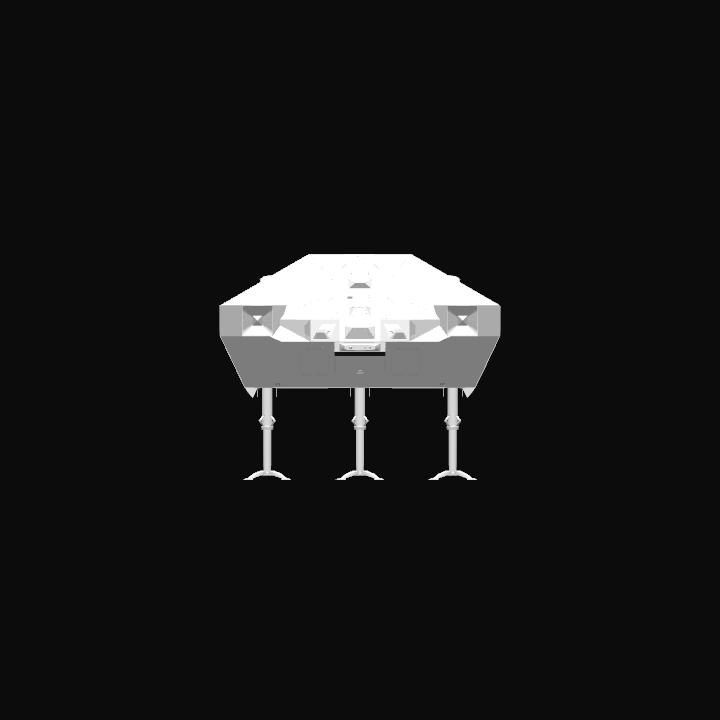
Colony comms module, the colony communications module, houses all high energy comunications equipment/arrays.
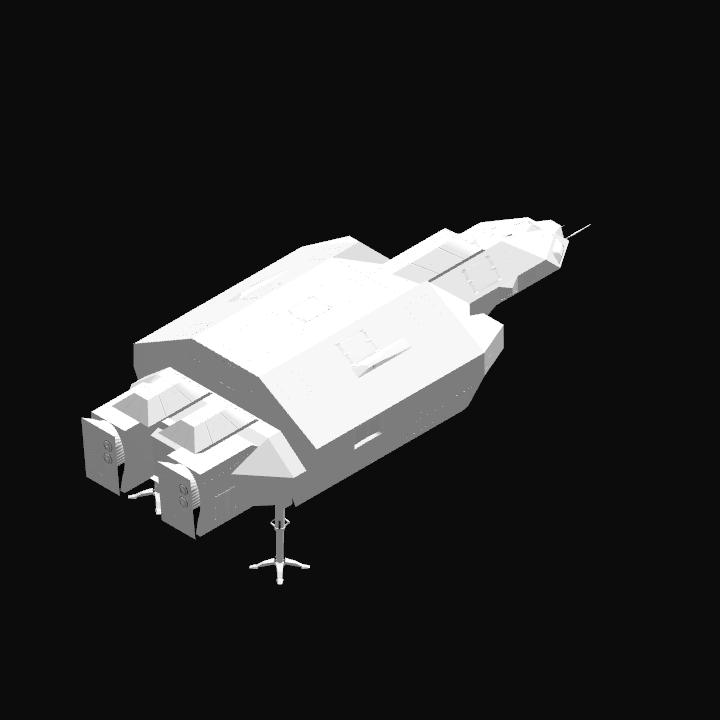
Pre-loaded on ATREMIS transport, ready for launch.
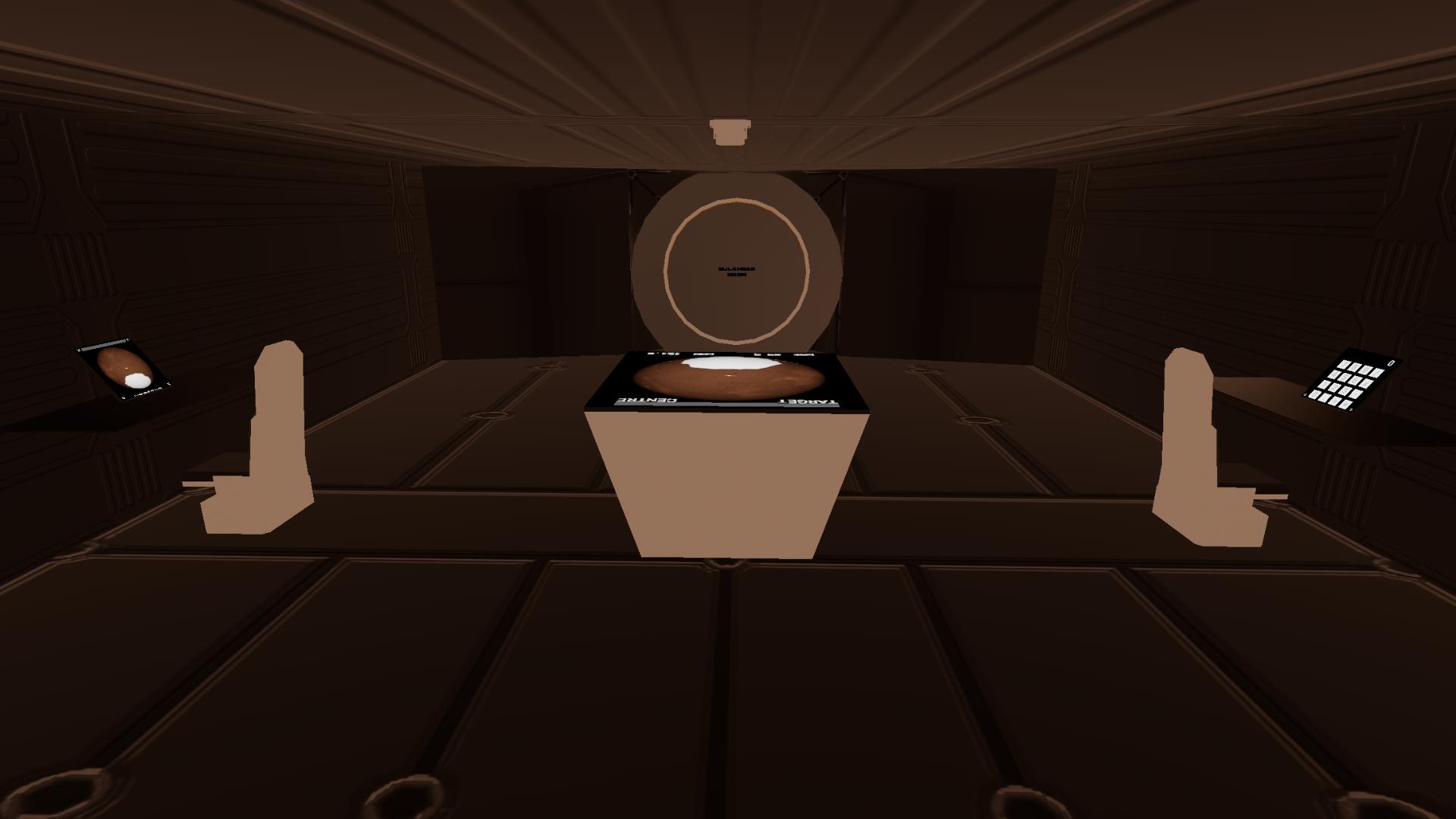
Full interior
Action Groups:
-AG1 - deploy support struts
-AG2 - lights
-AG3 - turn on comms array
-AG6 - deploy antenna
Notes:
-to deploy: once landed hit the “deploy cargo” action group on the ARTEMIS. The module will deploy to ground level. Then switch control to the module, tap on the interstage and deactivate it to release. Then deploy the support struts. Then switch back to the ARTEMIS and get it out of the way.
-move the module into place with the CAV (colony assembly vehicle).
-once the module is connected to the colony you can switch to the module and deploy the antenna, and turn on the comms array.
-moving droods: Droods can freely walk around inside each module. To get from one module to the next, they can enter the internal airlocks (all are labeled bulkhead door). From there they can be transferred to the next modules internal airlock and then EVA into the next module.
-Droods can only exit the modules through external airlocks. The operations module has one and there is a dedicated external airlock module. They need to travel inside the colony/outpost to one of these external airlocks to get outside.
-once modules are connected together, to access a given modules functions you need to switch to that specific module. So if you want to turn on the lights on a module you must switch to it. Or if you want to use the operations elevator you need to have the operations module selected.
GENERAL INFO
- Created On: iOS
- Game Version: 1.3.204.1
- Price: $787,412k
- Number of Parts: 731
- Dimensions: 22 m x 27 m x 67 m
PERFORMANCE
- Total Delta V: 140,983.0km/s
- Total Thrust: 45.2MN
- Engines: 18
- Wet Mass: 4.23E+5kg
- Dry Mass: 4.07E+5kg
STAGES
| Stage | Engines | Delta V | Thrust | Burn | Mass |
|---|---|---|---|---|---|
| 1 | 18 | 140,983.0km/s | 45.2MN | 14.99days | 4.23E+5kg |

@Banic very cool folding antenna nice building