

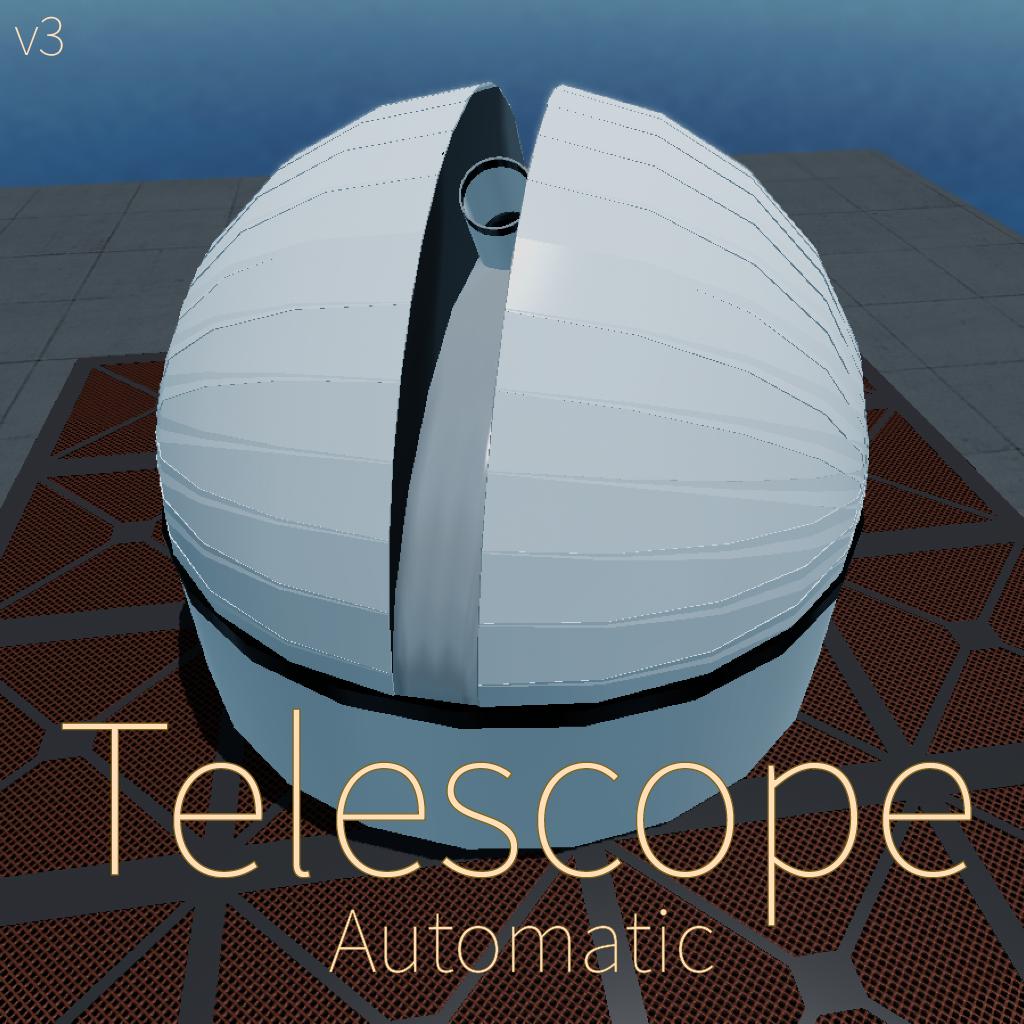

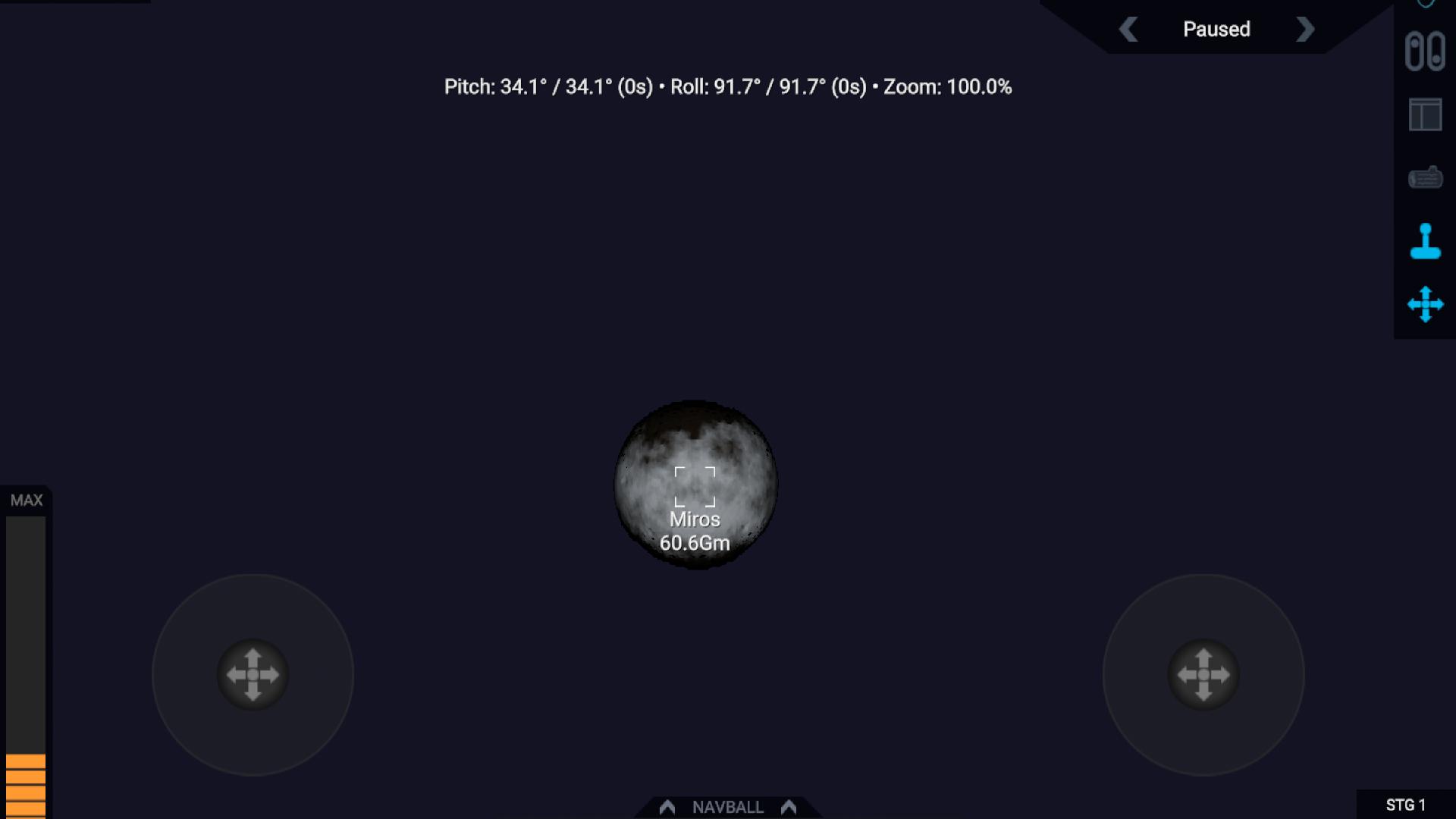
Project ASTRAL
Automatic Observatory v3
Advanced
Space
Telescope for
Research
And
Light-analysis
An observatory featuring precise automatic control with a zoom never seen before
Preoject ASTRAL is a modern, ground-based telescope featuring fully automated positioning on any planet (including custom systems), a zoom that makes even comets seem huge and a user-friendly interface. Alternatively the user can activate manual mode and take full control with intuitive controls.
Features
- Automatic + Manual Controls
- 8× more Zoom than before
- Auto-Warp
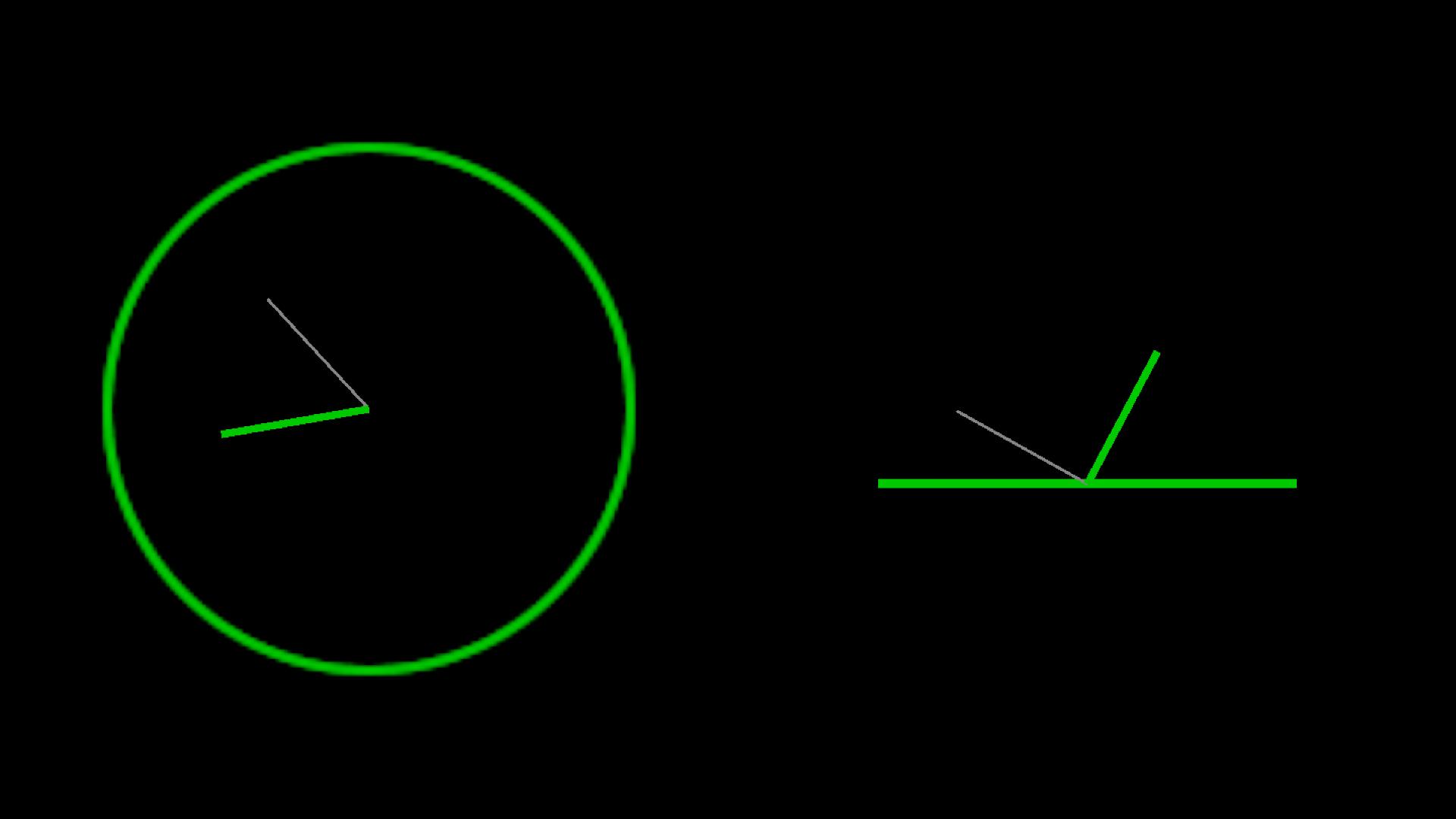
- Compact Position Display (including time to arrival)
- Position MFD
Controls
- Movement - Pitch + Yaw
- Calibrate - Translate Up + Right
- Zoom - Translate Forward
- Zoom Sensitivity - Throttle
Credits
Special Thanks to:
- Charodey for explaining the input (upload with comments and explanation linked)
You want more?
Vizzy Problems?
GENERAL INFO
- Successors 1 craft(s)
- Created On: Android
- Game Version: 1.3.114.0
- Price: $23,773k
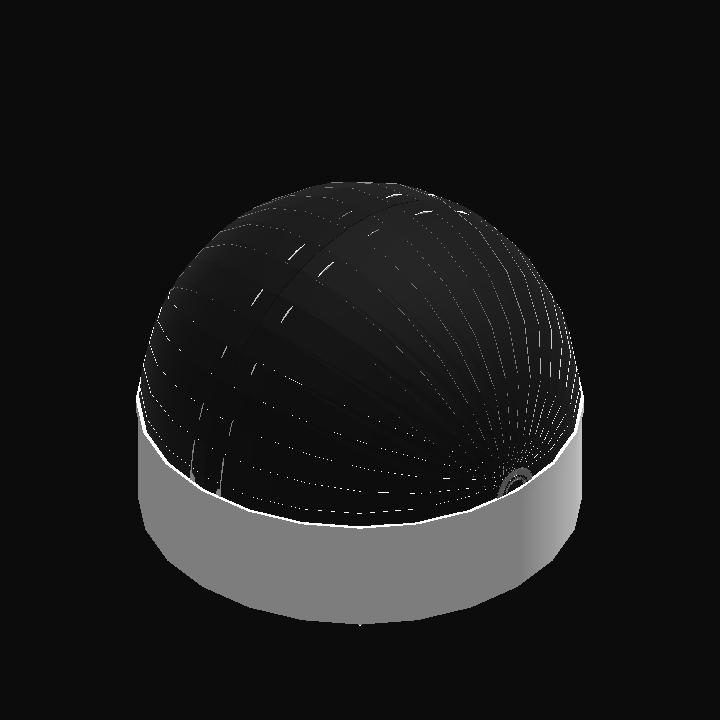
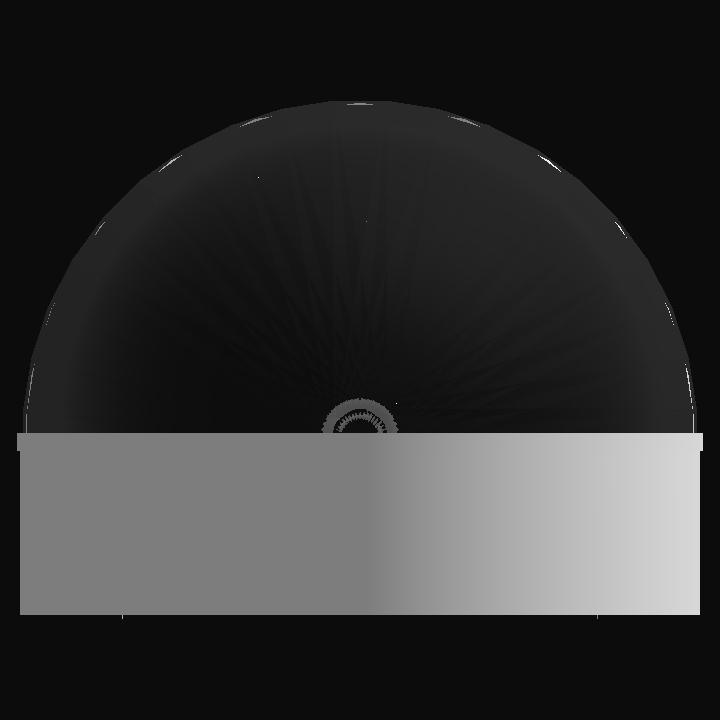
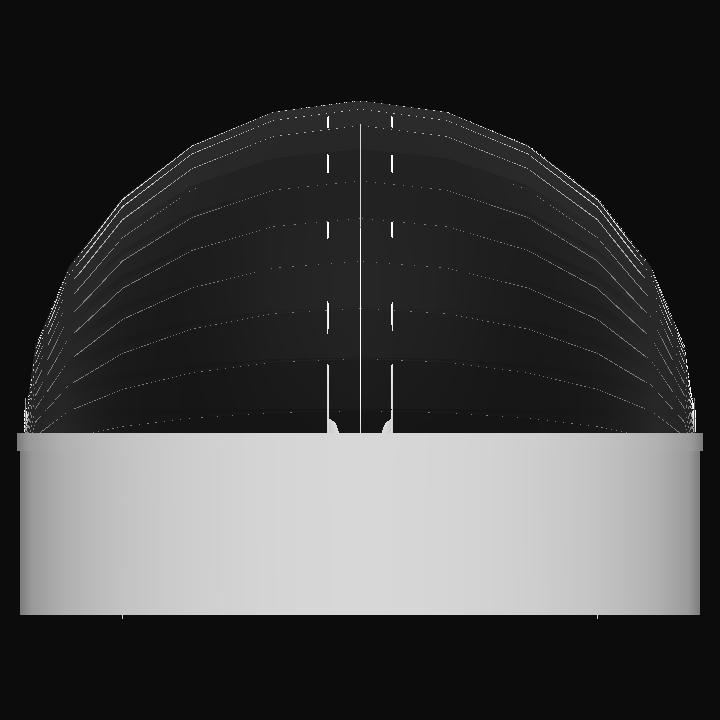
- Number of Parts: 76
- Dimensions: 14 m x 19 m x 19 m
PERFORMANCE
- Total Delta V: 0m/s
- Total Thrust: 0N
- Engines: 0
- Wet Mass: 5.25E+5kg
- Dry Mass: 5.25E+5kg
STAGES
| Stage | Engines | Delta V | Thrust | Burn | Mass |
|---|
24 Comments
- Log in to leave a comment
-
2 months ago
@TheVizzyLucky i thought i already answered, sorry, yes it does happen in the default system.
-
3,788 TheVizzyLucky2 months ago
@RemoveDownloadLock Again, does the same error occur in the default system? This is the 4th time I'm asking this, I can't help you if you ignore my questions
-
2 months ago
https://imgur.com/a/sample-P8kztN0 was taken by charodey's telescope, you can see how the better target acquisition and tracking helps improve the results.
-
2 months ago
@TheVizzyLucky i have noticed that the craft you got the zoom formula from works a lot better with the tracking systems, especially when i turned on autocenter with the camera.
-
3,788 TheVizzyLucky2 months ago
@RemoveDownloadLock In theory, changing the range of the rotators changes their sensitivities too (1% is 3.6° with range 360°, but just 1° at 100°), but I can't do that - they have to reach every angle. Maybe you could make yaw a bit less sensitive by setting its rotator's range to 180° and doubling the input in the vizzy, but that's it. On auto mode, does the same happen in the default system?
-
2 months ago
@TheVizzyLucky but it would be good if tracking worked, as it would be a lot less painful to take pictures of planets while the camera is following them, they should really really make it so we can change the camera sensitivity, so telescopes are actually useable.
-
-
3,788 TheVizzyLucky2 months ago
@RemoveDownloadLock You can use them to control all inputs, just like you did with throttle. I don't know how that could cause such an error, but still, could you try if the same happens on the default system?
-
2 months ago
@TheVizzyLucky what do the sliders do? are they like a better manual mode? also i used that for throttle because of an unrelated mission where i had to use the slider for throttle instead of the default slider, and hughess saturn is a custom planet, i am using the everything system, sorry for the late reply, it was getting late.
-
3,788 TheVizzyLucky2 months ago
@RemoveDownloadLock Oh, that surprises me, for me pitch always works better than yaw. Next to the throttle slider, there's a little +. If you click on that you can add sliders for all controls (brake, pitch, slider 1 - 4, translate controls, ...) (edit: just saw you used that for throttle) - those stay even after you let go. But that's quite a lot of error, calibration won't fix that... that 'Hughess Saturn', is that a custom system or just a craft? If it's a custom system, have you tried the default one? I don't see how that could make a difference - the coordinate system is the same - but still worth a try.
-
2 months ago
@TheVizzyLucky which sliders? also the yaw seems to be correct, but the pitch is very off, i will attach a few pictures, also, the green lines always do line up with grey ones. https://imgur.com/a/reH5SpD heading north. images were taken after the green and gray lines lined up completely.
-
3,788 TheVizzyLucky2 months ago
@RemoveDownloadLock Because that's how Juno's controls work - once you let go off the joystick, it resets. If you want it to stay you'll need to use the slider. I never encountered that issue with the heading myself, so there's not a lot I can do right now. A few more questions, maybe I can still find a solution: 1. Are both pitch and yaw wrong or is it just yaw? 2. Does it reach the positions displayed on the position MFD, i.e. are the green lines on the gray lines? Thanks for reporting!
-
-
2 months ago
@TheVizzyLucky when i let go off the joystick, the manual mode resets, and the auto mode, is completely off, i will try with heading of north now.
-
3,788 TheVizzyLucky2 months ago
@RemoveDownloadLock Well, of course manual mode is painful to use... you have to move the rotators by fractions of a millimeter - that's why there's auto mode. For auto mode, I'll need a bit more information: is it just a bit off or completely wrong? If it's just a bit, you can counter that with translate controls. If it's completely wrong, is your heading 0°? I tried making it work for all headings, but that somehow always made it off by a few degrees, so it only works if it faces north.
-
2 months ago
the track is not working properly, it moves but not to the planet, and it does not track it as it moved, and manual mode is very painful to use. please fix the tracking and manual
-
3,788 TheVizzyLucky2 months ago
@TritonAerospace For me the mass of the parts on the hinge (camera and all that) caused the most shaking, I fixed that by simply tinkering their mass to 0. I also decreased the motor's speed quite a lot, I'm not sure if that helped though. I never had a lot of issues with pci vectors, though the motors' inputs are largely based on... oh, I forgot the credits... one of the telescopes that will be linked here in just a second, so maybe the creator of that can tell you more.
Edit: credits added, the one from Patelsh24 -
13.4k TritonAerospace2 months ago
brilliant, in my experience with ultra zoom there has always been shaking caused by pci vectors how did you deal with this?
-
3,788 TheVizzyLucky+1 3 months ago
@AdamDraco Válassz ki egy bolygót a térképen célként. Ezután kapcsolja be az "Automatikus mód" ("Automatic Mode") aktiválási csoportot. A többi automatikusan történik. A nagyításhoz aktiválja a fordítási módot ("Translation Mode") és húzza felfelé a bal joysticket.
-
-
-
-


@RemoveDownloadLock Hmm... I assume you didn't accidentally change something and you don't have any mods that change how the coordinates work, so I honestly have no clue how that could have happened. I'll do what I can to reproduce it and let you know if I find out more, but tbh I don't have much hope