

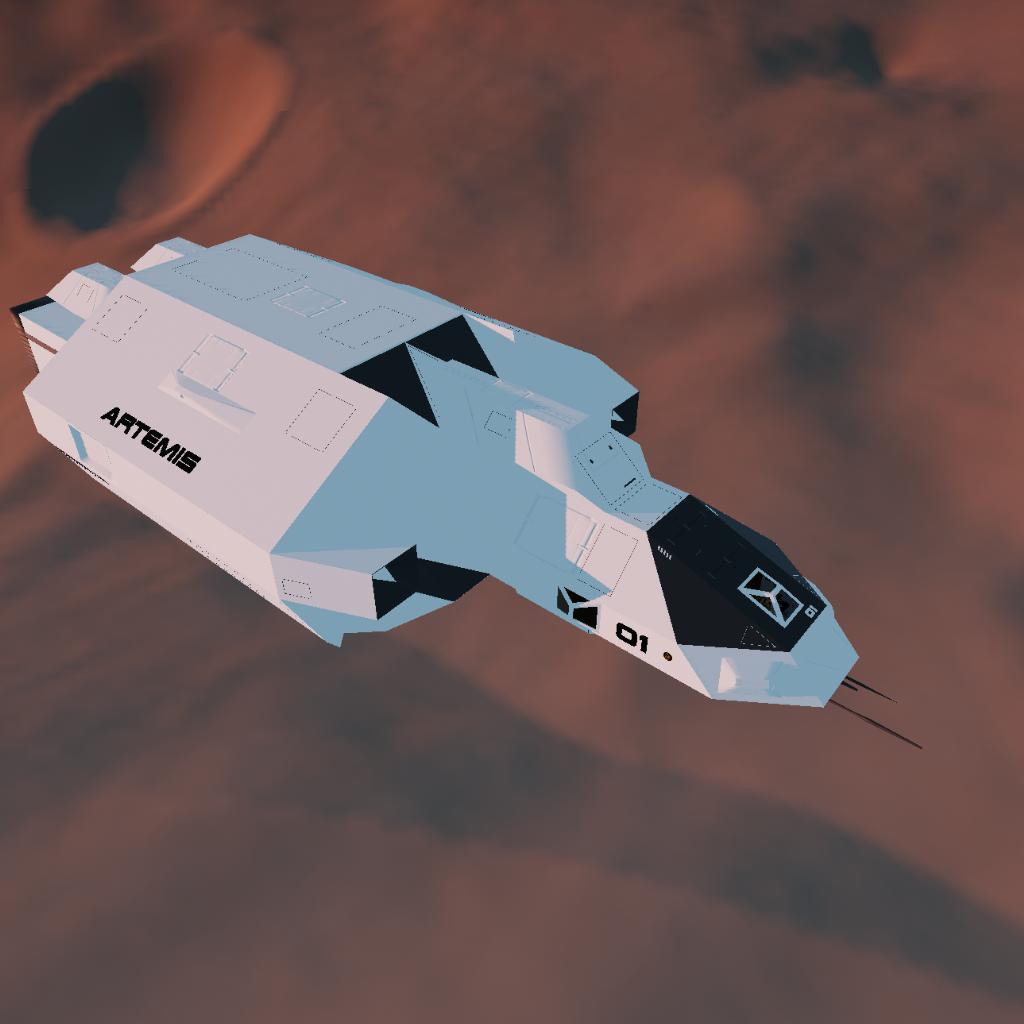
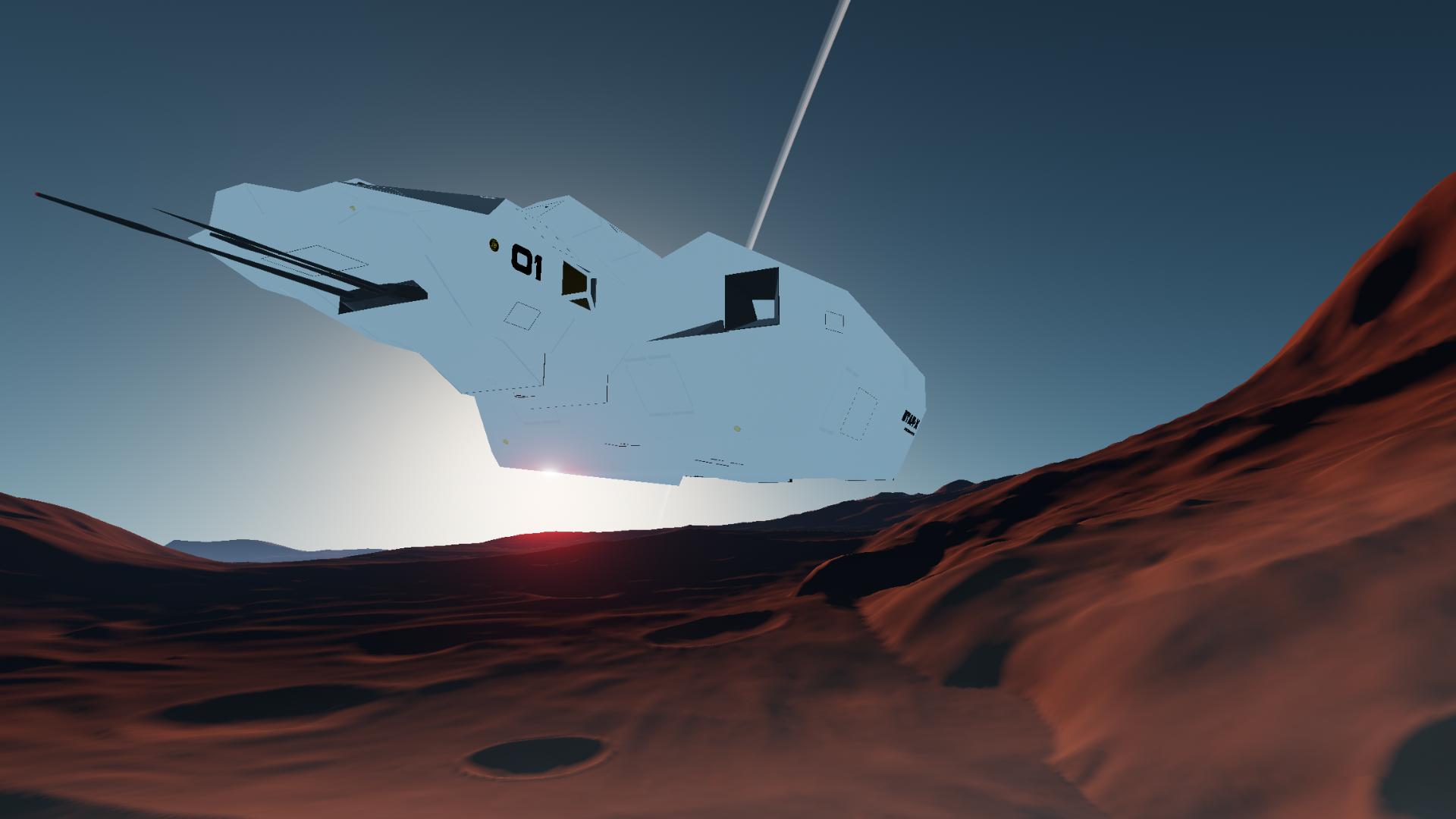
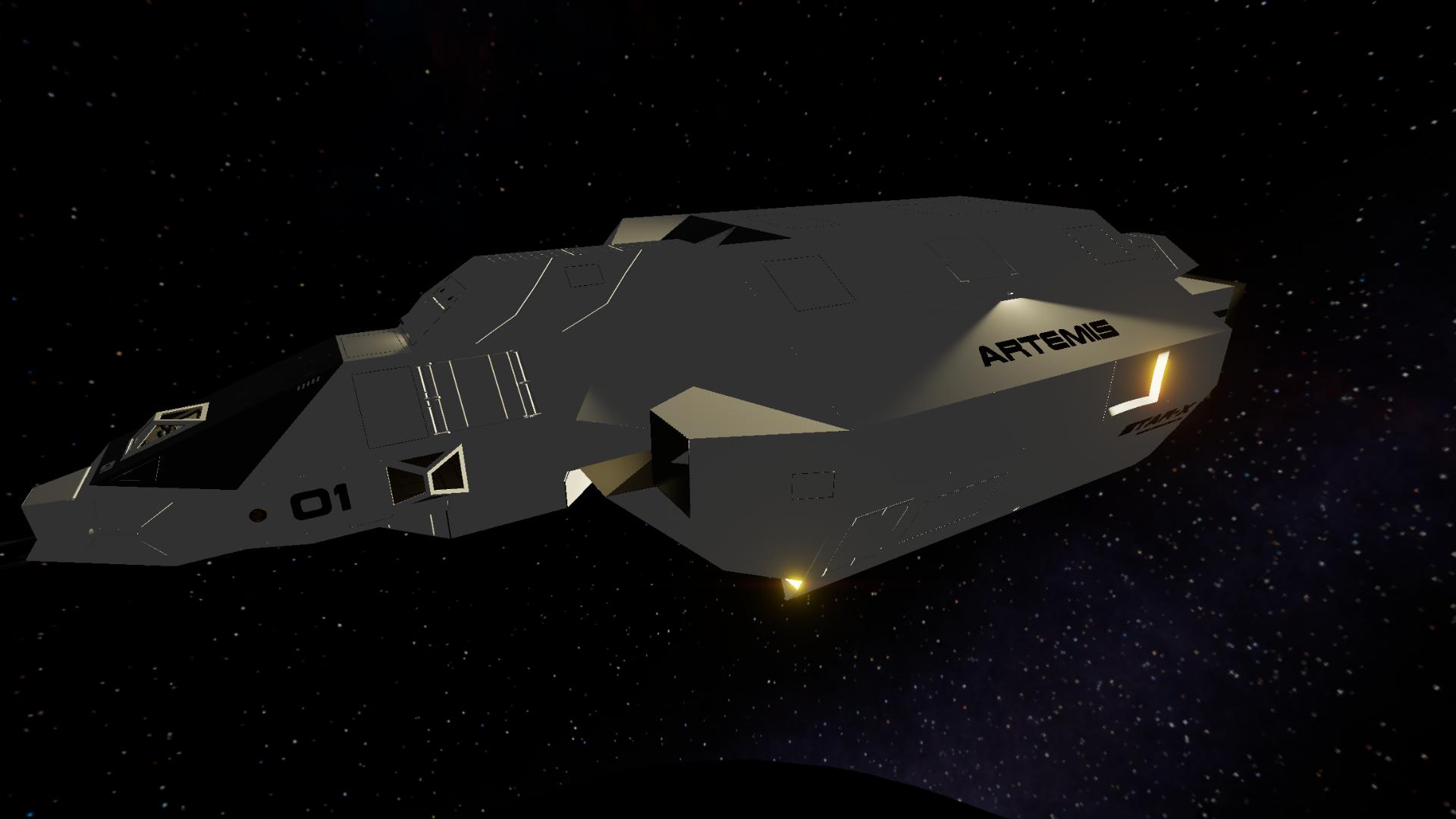
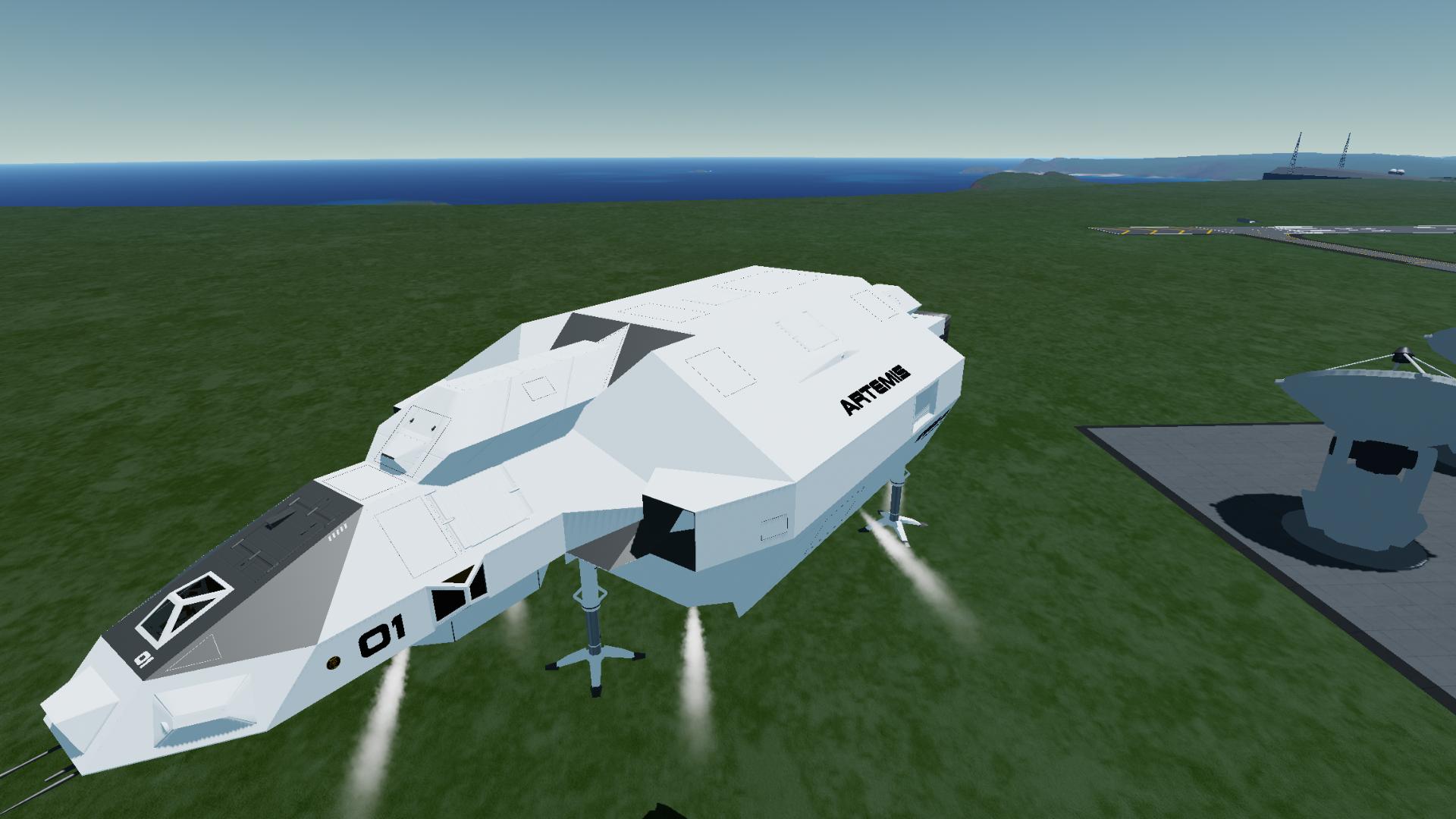
Colonizing Worlds - ARTEMIS Planetary Transport V4
Version 4 Improvements:
-fixed rare instance where an engine could explode with heavy loads.
-fixed ship decending from orbit to fast with very heavy cargo.
Short vid of the ship in use:
https://www.reddit.com/r/simplerockets/s/LaGV3OQXnu
Vid of new features:
https://www.reddit.com/r/simplerockets/s/La3AXlJBTy
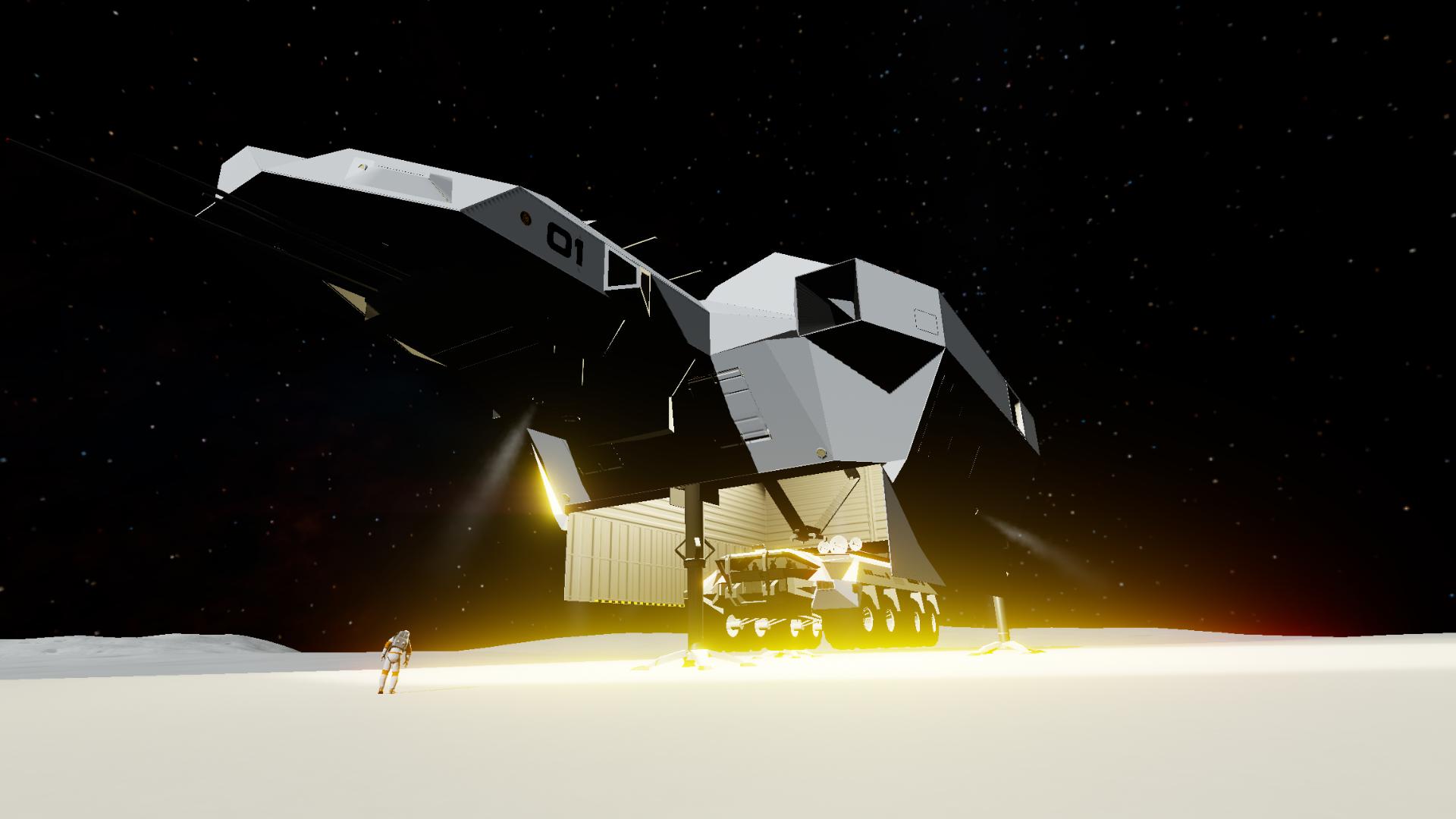
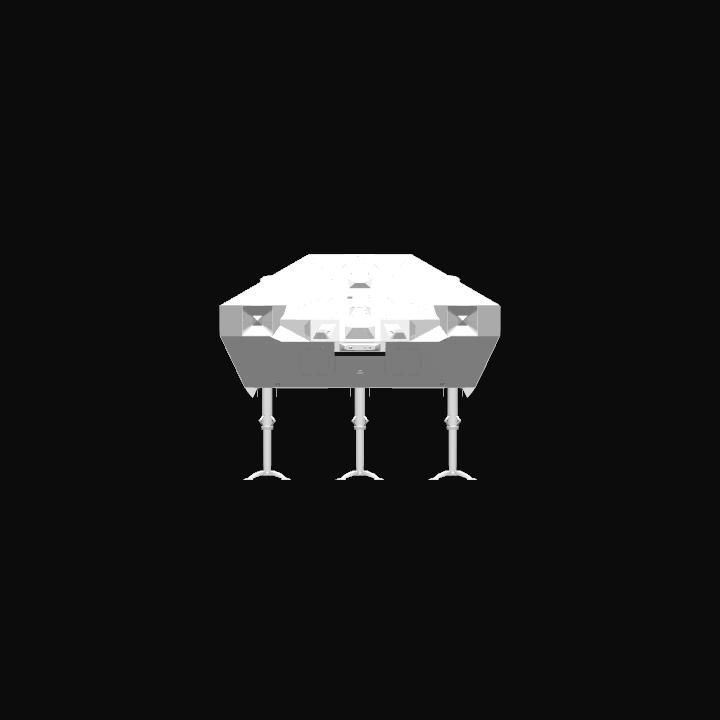
The colonizing worlds work horse, heavy transport for getting all the CW vehicles/buildings/equipment to their offworld destinations. Massive 5000 cubic meter cargo bay. The ship has a programmable autopilot; player can enter the altitude/speed/heading for the autopilot to follow. Autopilot also has terrain/obstacle avoidance capabilities. Player can send the ship to land at a selected target, or tell the ship to land anywhere; the ship will scan terrain for a suitable spot, place a target icon, then fly and land there. The ship can also land anywhere, or at a target from orbit, the ship will perform deorbit maneuvers. Player can now manually change/select landing co-ordinates.
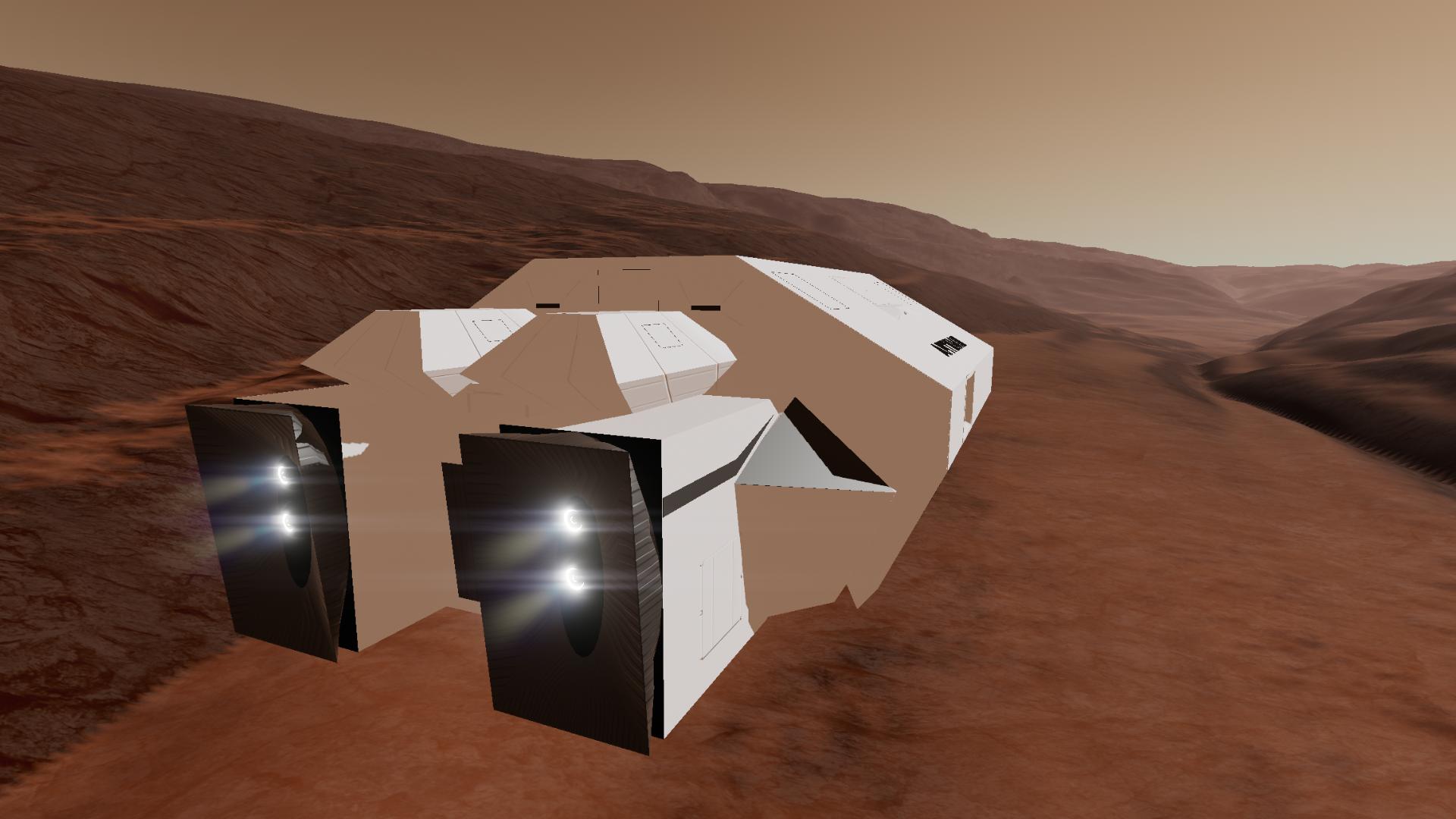
Planet side the ship flys like the hopper/Quadcopter using translation controls and slider 1, for a serious speed boost main engines can also be used. For obital/interplanetary travel it handles like a rocket. Use the nav rings and heading locks. The auto leveler can be used in orbit (it will keep the ship belly down to the planet).
Ship is an SSTO, has a huge lifting capacity, and can get to anywhere in the juno system. And as with everything in the colonizing worlds project it’s vanilla and career mode friendly.
Action Groups:
-AG1 - level assist
-AG2 - hover assist
-AG3 - engines
-AG4 - scanner (gives planet/moon info when a body is targeted)
-AG5 - retract legs
-AG6 - cargo bay doors
-AG7 - travel to a selected target and land (works from orbit)
-AG8 - autopilot (will ask for alt/heading/speed) input
-AG9 - tell ship to land (it will scan terrain for a site/place a target/and proceed to it. Works from orbit)
-AG10 - deploy cargo (lowers cargo to ground, if the door is closed it will open it)
-AG11 - external lights
-AG12 - internal lights (can also be used for less intense short range outdoor lighting)
-AG13 - manually set landing target/manually move existing target.
Controls:
Roll/pitch/yaw - as normal (not going to be used in most situations)
Throttle - main engines. (Can be also used in translation mode planet side)
Translate up - move forward/reverse (have auto level on for translation flight)
Translate right - move left/right
Translate right on left side (aka EVA turn) - turn ship left/right
Slider 1 - collective up/down
Slider 2 - move landing target north/south
Slider 3 - move landing target east/west
Slider 4 - camera zoom
Notes:
Autopilot will default any altitude below 100 m to its 100 m minimum. There are no other limitations on it, you can tell it to fly dangerously. A guideline example for inputs is: in the mountains around the village, min safe altitude 500 m at a max speed of 100 m/s. Faster speeds are safer at higher altitudes.
The obstacle/terrain avoidance is pretty good. It got me across the entire mountain range at 500 m Alt @ 100 m/s, without crashing. However is not as extensive as the autonomous ships.
If you load your own cargo to the coupler, there is a red plate right under it. This plate is the cargo arm sensor. It tells the arm when its near the ground. After loading the cargo move this plate to just under whatever was loaded. That way when the “deploy cargo” action group is hit the arm knows when to stop just before hitting the ground. Only move it straight up/down, do not move it to the side.
I will post variations of the ARTEMIS with all the colonizing worlds items pre-loaded in the cargo bay.
When transitioning from VTOL flight to Rocket flight be sure that hover assist is off and slider 1 is zero or you could get unwanted lateral thrust while doing orbital maneuvers.
When manually changing landing co-ordinates there will be feedback on the terrain at the spot of the target. It will tell player if good or dangerous. NOTE this feedback is only useful within a set distance from the ship. The game only loads surface terrain contours in a specific radius. This is not a problem; just be aware when selecting a landing target at far distances the feedback will always say the landing site is hazardous. When you get close enough to load terrain contours then you can manually adjust the landing site if it needs to be moved.
How to use the manual landing site: turn on AG 13, if a target is selected you can move it with slider 2/3. If no target is selected one will drop below the ship. Then use slider 2/3 to move it to where you want the ship to land. Targets can be altered on the fly, you can refine the landing while the ship is in the process of landing. If you are setting a new target don’t forget to turn on the travel to target AG so the ship will proceed to it for landing.
Also note you can not see the landing target icon in map view (there is no way to achieve this without modding the game). You will have to be in ship view to see the target. You can zoom way out to move it around the planet at great distances.
Also note that when using the “land” AG the ship will search for a landing site. It will not try to land anywhere the surface is below sealevel as it assumes this is below liquid. If you want to land on liquid or an a planet where the landing site is below sealevel you will need to use the “manual target” AG.
GENERAL INFO
- Created On: iOS
- Game Version: 1.3.204.1
- Price: $782,951k
- Number of Parts: 629
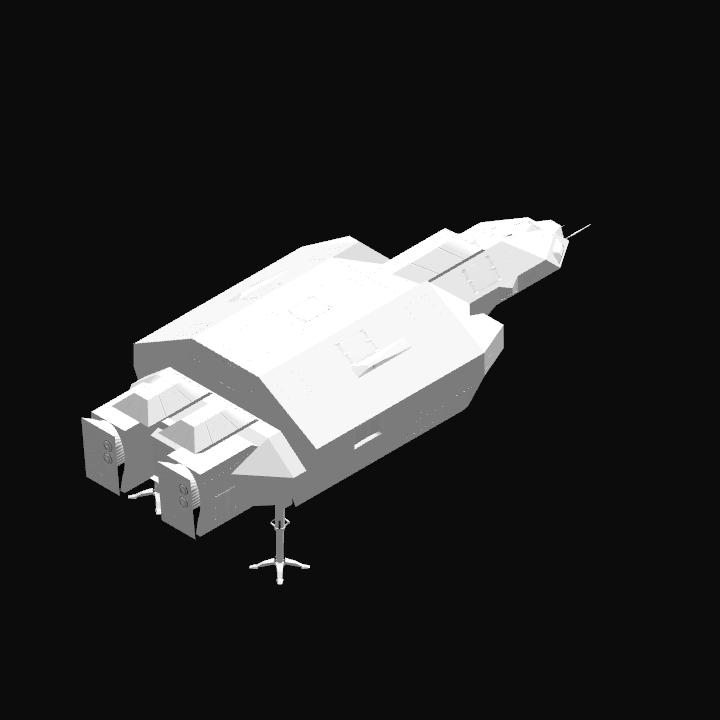
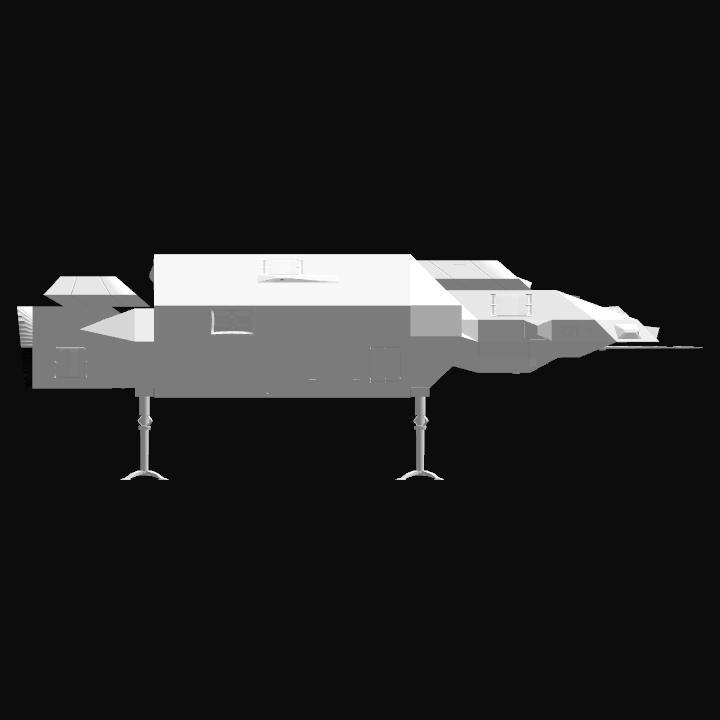
- Dimensions: 22 m x 27 m x 67 m
PERFORMANCE
- Total Delta V: 182,228.4km/s
- Total Thrust: 45.2MN
- Engines: 18
- Wet Mass: 3.29E+5kg
- Dry Mass: 3.13E+5kg
STAGES
| Stage | Engines | Delta V | Thrust | Burn | Mass |
|---|---|---|---|---|---|
| 1 | 18 | 182,228.4km/s | 45.2MN | 14.99days | 3.29E+5kg |
13 Comments
- Log in to leave a comment
-
1,985 ODYSSEY3 months ago
@Banic thanks for the help I greatly appreciate it , I’m looking to do a program for my craft to enable a stable hover and landing on target from space
-
-
1,985 ODYSSEY3 months ago
Hi I love your craft especially all the vizzy could you help me with my craft that does the same thing as you ?
-
255 0Fox04 months ago
@Banic @Banic yeah it may be my wifi.its trash and we have had coastal storms on top of it.i might try if I get on better wifi.
-
5,197 Banic4 months ago
@0Fox0 if you’re trying to use autopilot to travel to a different planet/moon, it won’t do that (it’s not programmed to do that) it’s programmed to go to a target on the planet/moon you are currently orbiting or on. You have to travel between planets and moons manually. If the ship is in orbit travel to target will deorbit and land at the target selected/or the manual target you set. If the ship is not in orbit the ship will fly to the selected target/or the manual target you set and then land there.
-
5,197 Banic4 months ago
@0Fox0 the version 3 file is still posted you probably downloaded that one. This one is version 4 I double checked it.
-
255 0Fox04 months ago
Also this is listed as v4 but when downloaded it is listed as v3.not sure what is up with that honestly
-
255 0Fox04 months ago
Also this is listed as v4 but when downloaded it is listed as v3.not sure what is up with that honestly
-
255 0Fox04 months ago
Stuck.it deorbits when I select travel to target no mater how I set target planet and reach orbit.
-
-
5,197 Banic5 months ago
@Toothless896 I’m on an iPhone 15 pro max. Not sure what the hardware differences are between the two.
-


@ODYSSEY it’s pretty complicated to try to explain here. Maybe take a look at the autopilot program on the Artemis and see if you can modify it for your needs. I can answer specific questions if you run into issues.