

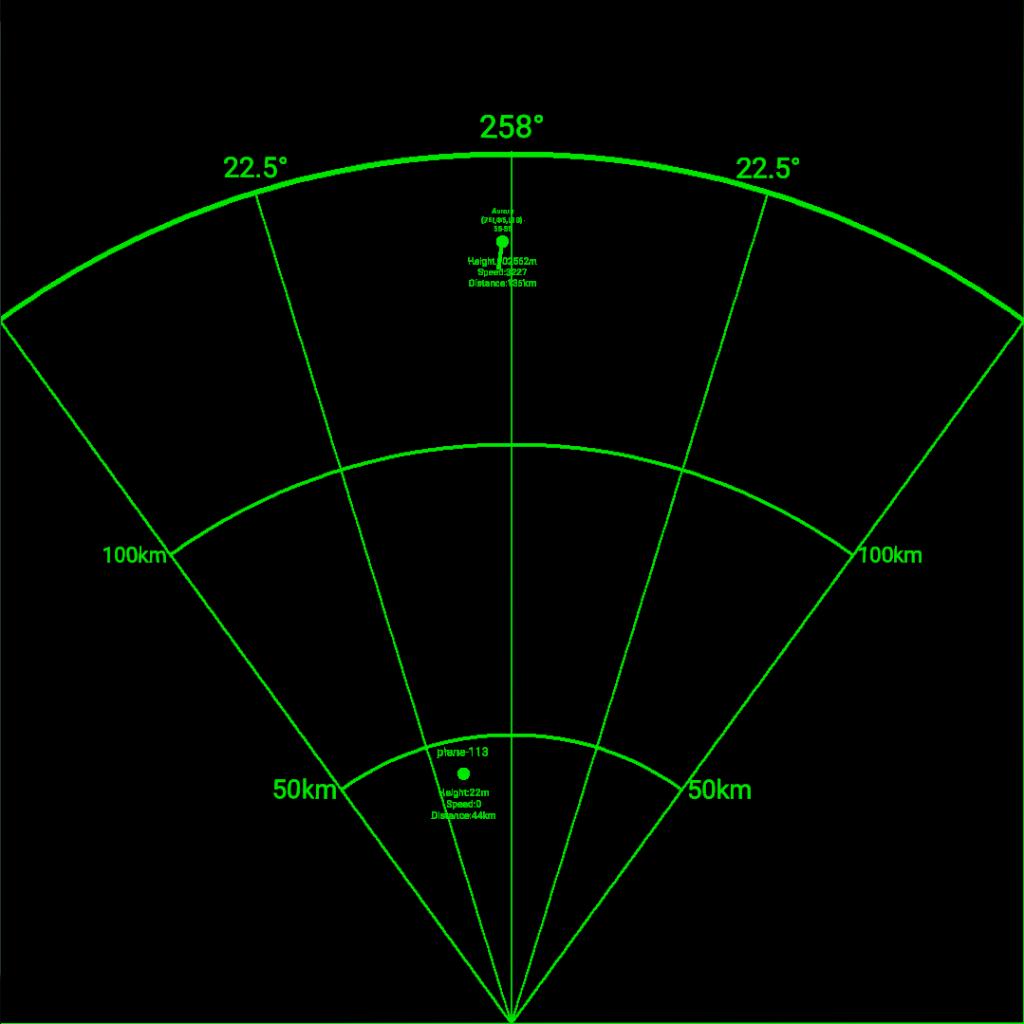
雷达系统使用说明(The English instructions are located in the lower half of the article.)
一、基础配置
- 雷达参数设置
- 最大探测距离:通过修改
"Maximumdetectiondistancekm" 变量(单位:公里)设置雷达探测范围,默认值为 150公里。 - 屏幕分辨率:
"Screenresolution" 指MFD的每平方米像素数(默认1024像素)。数值越高,细节越清晰但可能影响性能。 - 屏幕尺寸:
"Screenlengthm" 和 "Screenwidthm" 为MFD的物理尺寸(默认0.23米×0.23米)。 - 探测角度:
"Radardetectionangle" 设置雷达扫描扇区角度(默认90度),之后会重置为"Radardetectionangle/2" 用于计算半角。 - 公制单位系统:所有测量均使用公制单位
- 最大探测距离:通过修改
- 界面元素
- 中心标签:显示当前航向,动态更新飞行方向。
- 距离刻度:以同心圆形式显示距离标记(如150km、100km、50km),颜色为绿色。
- 半角辅助线:两条绿色直线标示雷达半角边界(默认45度)。
二、操作流程
- 启动雷达
- 触发
进入游戏后后,检测到AG1由关闭变为开启状态时开始初始化,直到初始化完成(状态变量 "Radarinitializationstatus" 变为"True")。 - 初始化完成后,雷达界面(MFD纹理)将在中心位置生成。
- 触发
- 实时探测
- 雷达每帧更新一次,检测周围飞机(通过 "Identified_aircraft" 列表管理)。
- 检测条件:
- 目标飞机非玩家操控("Craft.IsPlayer=False")。
- 目标位于雷达扇区内且距离小于最大探测值。
- 目标标注
- 检测到的飞机会在雷达上显示为绿色圆标记,标签包含:
- 飞机名称(如 "Aircraft-Label-name")。
- 高度、速度、距离信息(如 "Height: 3000m <br> Speed: 800km/h <br> Distance: 25km")。
- 若目标速度超过5m/s,会显示速度矢量线。
- 检测到的飞机会在雷达上显示为绿色圆标记,标签包含:
三、交互与调试
- 故障排查
- 若雷达无显示,将AG1重启即可。(AG1关闭时自动清空内容,AG1再次开启时将重新初始化)
Radar System User Manual
I. Basic Configuration
Radar Parameter Settings
- Maximum Detection Range: Set the radar detection range by modifying the variable "Maximumdetectiondistance_km" (unit: kilometers), with a default value of 150 kilometers.
- Screen Resolution: "Screen_resolution" refers to the number of pixels per square meter of the MFD (default: 1024 pixels). Higher values yield clearer details but may impact performance.
- Screen Size: "Screenlengthm" and "Screenwidthm" represent the physical dimensions of the MFD (default: 0.23 meters × 0.23 meters).
- Detection Angle: "Radardetectionangle" sets the radar scan sector angle (default: 90 degrees), which is later reset to "Radardetectionangle/2" for calculating the half-angle.
- Metric System: All measurements use the metric system.
Interface Elements
- Center Label: Displays the current heading and dynamically updates the flight direction.
- Distance Scale: Shows distance markers (e.g., 150km, 100km, 50km) in concentric circles, colored green.
- Half-Angle Auxiliary Lines: Two green straight lines indicating the radar half-angle boundaries (default: 45 degrees).
II. Operating Procedures
Starting the Radar
- After entering the game, initialization begins when AG1 is detected switching from off to on, continuing until completion (the status variable "Radarinitializationstatus" becomes "True").
- Upon initialization completion, the radar interface (MFD texture) will be generated at the center position.
Real-Time Detection
- The radar updates once per frame to detect surrounding aircraft (managed via the "Identified_aircraft" list).
- Detection Conditions:
- The target aircraft is not player-controlled ("Craft.IsPlayer=False").
- The target is within the radar sector and its distance is less than the maximum detection value.
Target Annotation
- Detected aircraft appear as green circular marks on the radar, with labels containing:
- Aircraft name (e.g., "Aircraft-Label-name").
- Height, speed, and distance information (e.g., "Height: 3000m <br> Speed: 800km/h <br> Distance: 25km").
- If the target’s speed exceeds 5 m/s, a velocity vector line will be displayed.
III. Interaction and Debugging
Troubleshooting
- If the radar does not display, simply restart AG1. (When AG1 is turned off, content is automatically cleared; when AG1 is turned on again, it will reinitialize.)
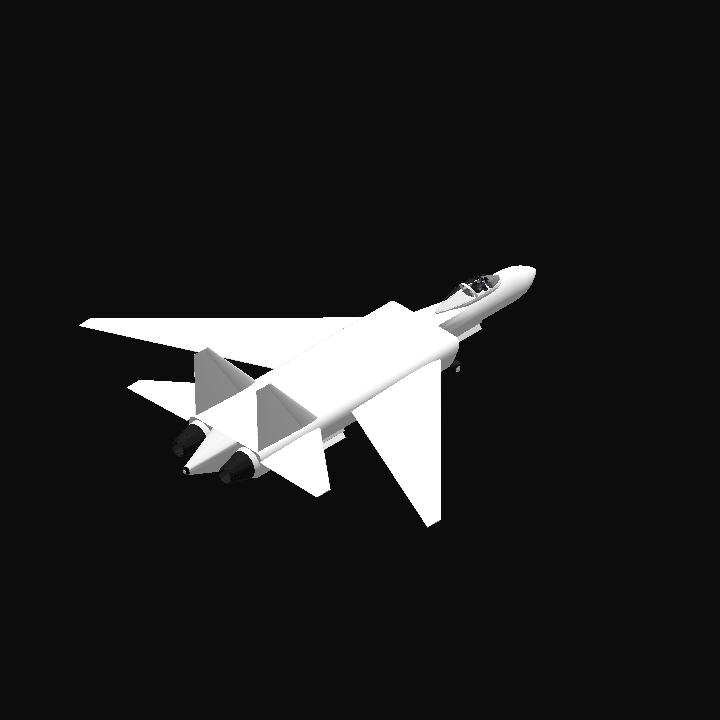
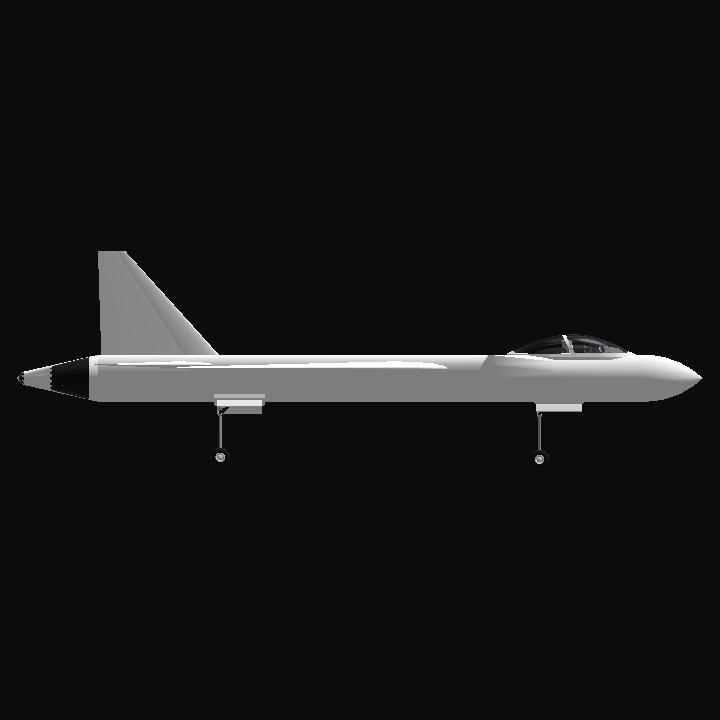
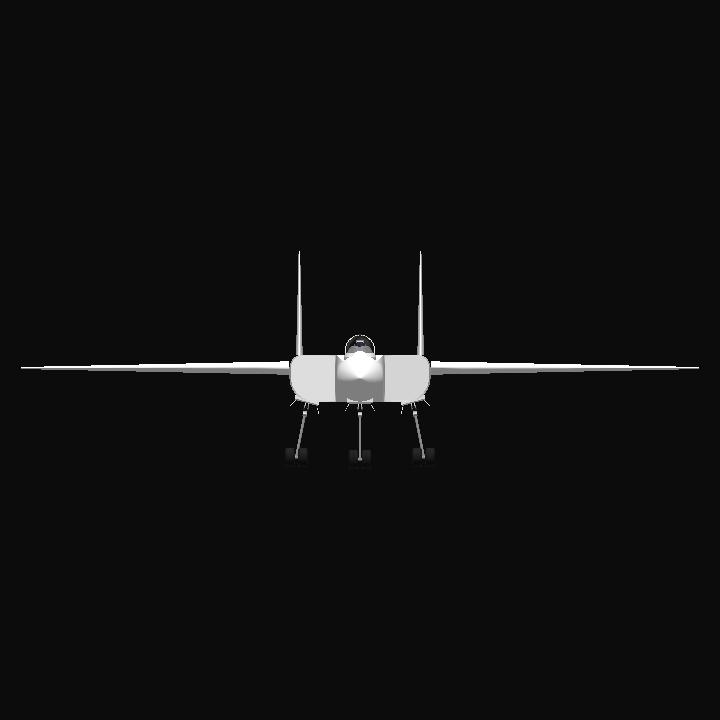
GENERAL INFO
- Created On: Android
- Game Version: 1.3.204.1
- Price: $26,764k
- Number of Parts: 26
- Dimensions: 7 m x 20 m x 20 m
PERFORMANCE
- Total Delta V: 0m/s
- Total Thrust: 300N
- Engines: 3
- Wet Mass: 47,130kg
- Dry Mass: 17,863kg
STAGES
| Stage | Engines | Delta V | Thrust | Burn | Mass |
|---|---|---|---|---|---|
| 1 | 2 | 0m/s | 0N | 0s | 47,130kg |
1 Comment
4 Upvotes
Log in in to upvote this post.
Brilliant work