

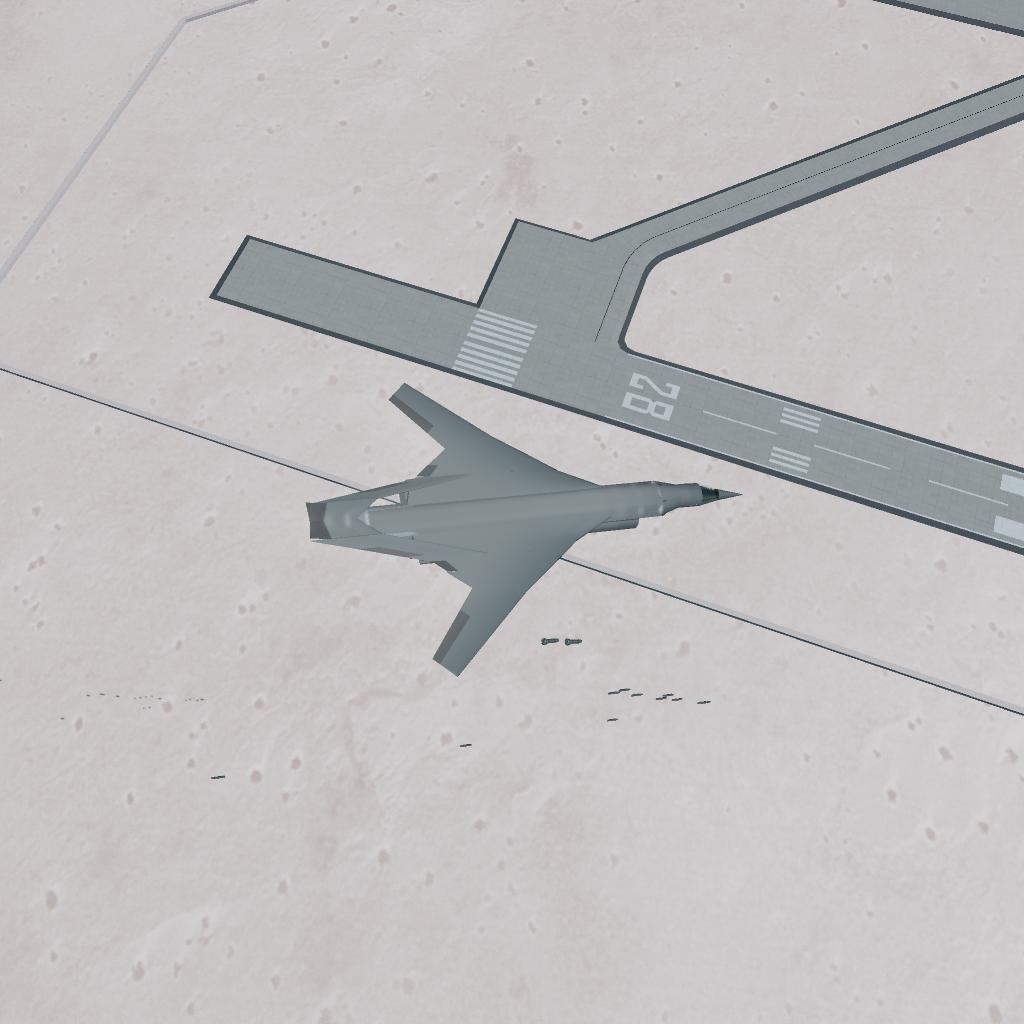
Slideer 1= Wing sweep
Slider 2 = Flaps
You can control the ags in a decently decorated custom cockpit, either with the MFDs or the switch toggles.
Brake slider= Wheel Brake, and when landing at night or with not a lot of light you can always turn the landing lights on, with ag9. Enjoy and remember to upvote. Thanks :D
GENERAL INFO
- Predecessor: BV-X-1 (Unfinished)
- Created On: iOS
- Game Version: 1.3.204.1
- Price: $586,394k
- Number of Parts: 310
- Dimensions: 5 m x 35 m x 46 m
PERFORMANCE
- Total Delta V: 0m/s
- Total Thrust: 600N
- Engines: 8
- Wet Mass: 1.92E+5kg
- Dry Mass: 80,276kg
STAGES
| Stage | Engines | Delta V | Thrust | Burn | Mass |
|---|
9 Comments
- Log in to leave a comment
-
1,049 SpaceInvader08263 months ago
@JAIndustries ik but i still want the tinker panel just to change the shape of the engine instead of needing to do this stupid clipping.
Also i actually want to use the CODING PART cuz rn i rlly wanna make a pulse wave detonation engine plane to kinda push hypersonic limits. Tinker panel would make this much more seemingly realistic.
-
2,688 JAdynamics3 months ago
@SpaceInvader0826 do you know that if you make a career system then save a craft you are working on you can basically use the engineer bundle the just save the new version of the craft and go into your default system ( the one you use most) and then open the new version of the craft you are working on, the changes will still be there and you basically just used the engineer bundle.
-
-
-
-
9,739 BeaconIndustries+1 4 months ago
@SpaceInvader0826 begging for upvotes be like....... We all can decipher the message in code
-
-


Yeah you can’t use tinker panel sadly BTW cool build!