

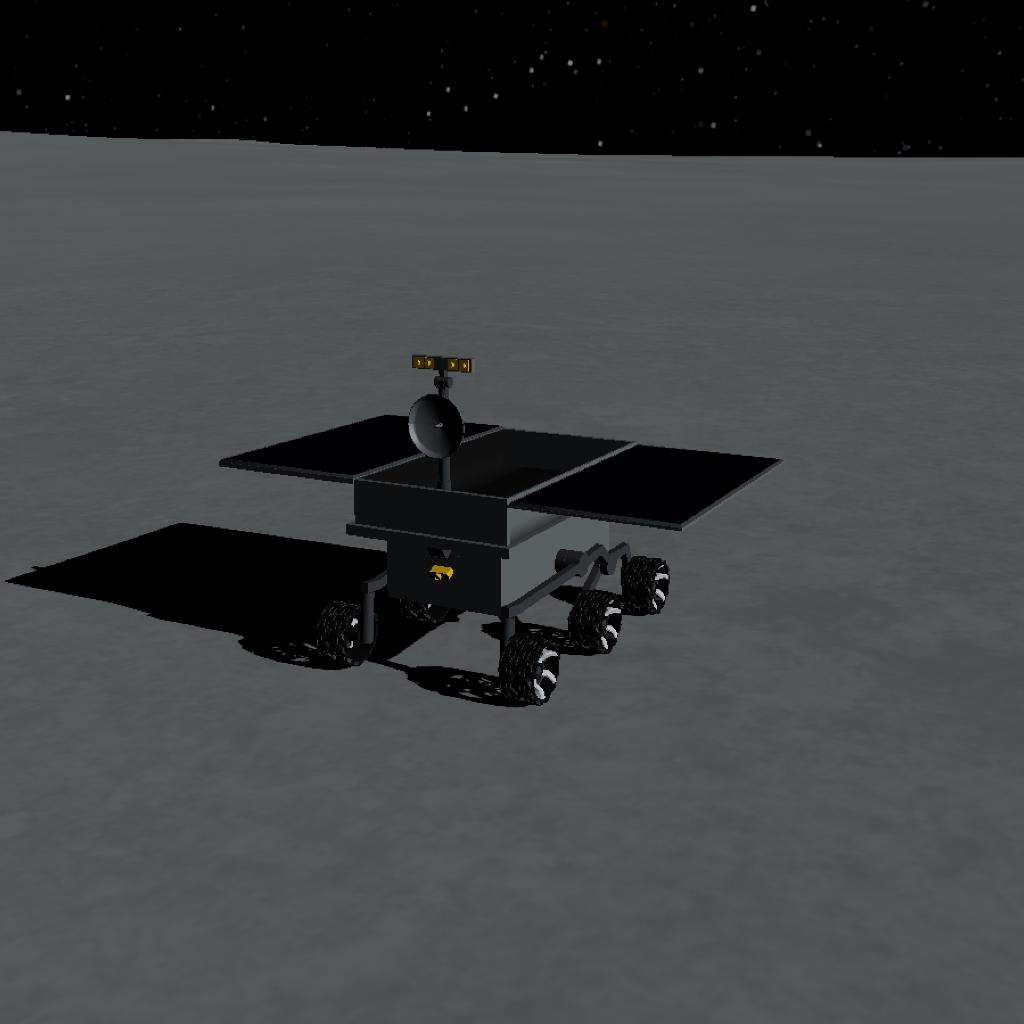
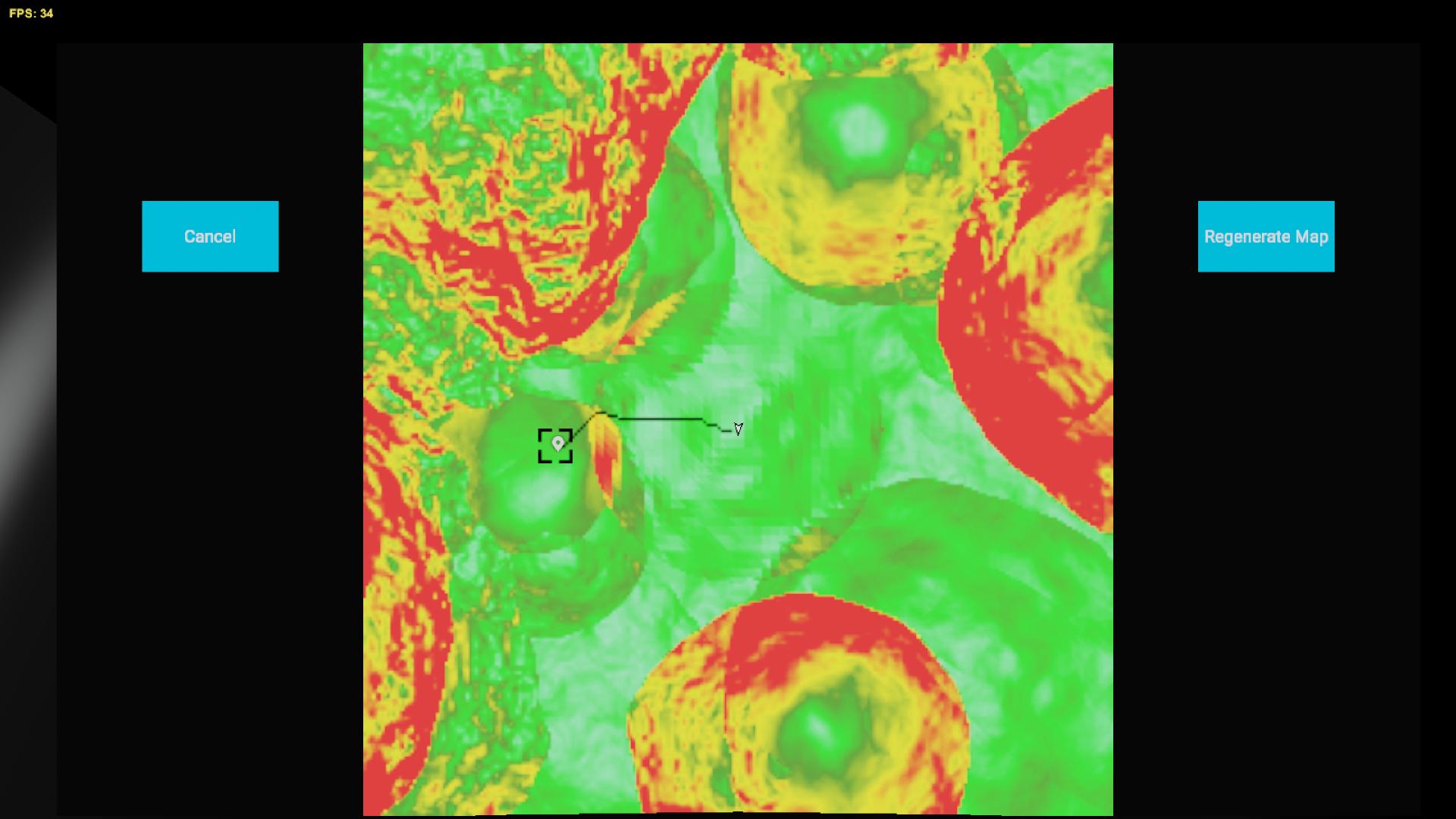
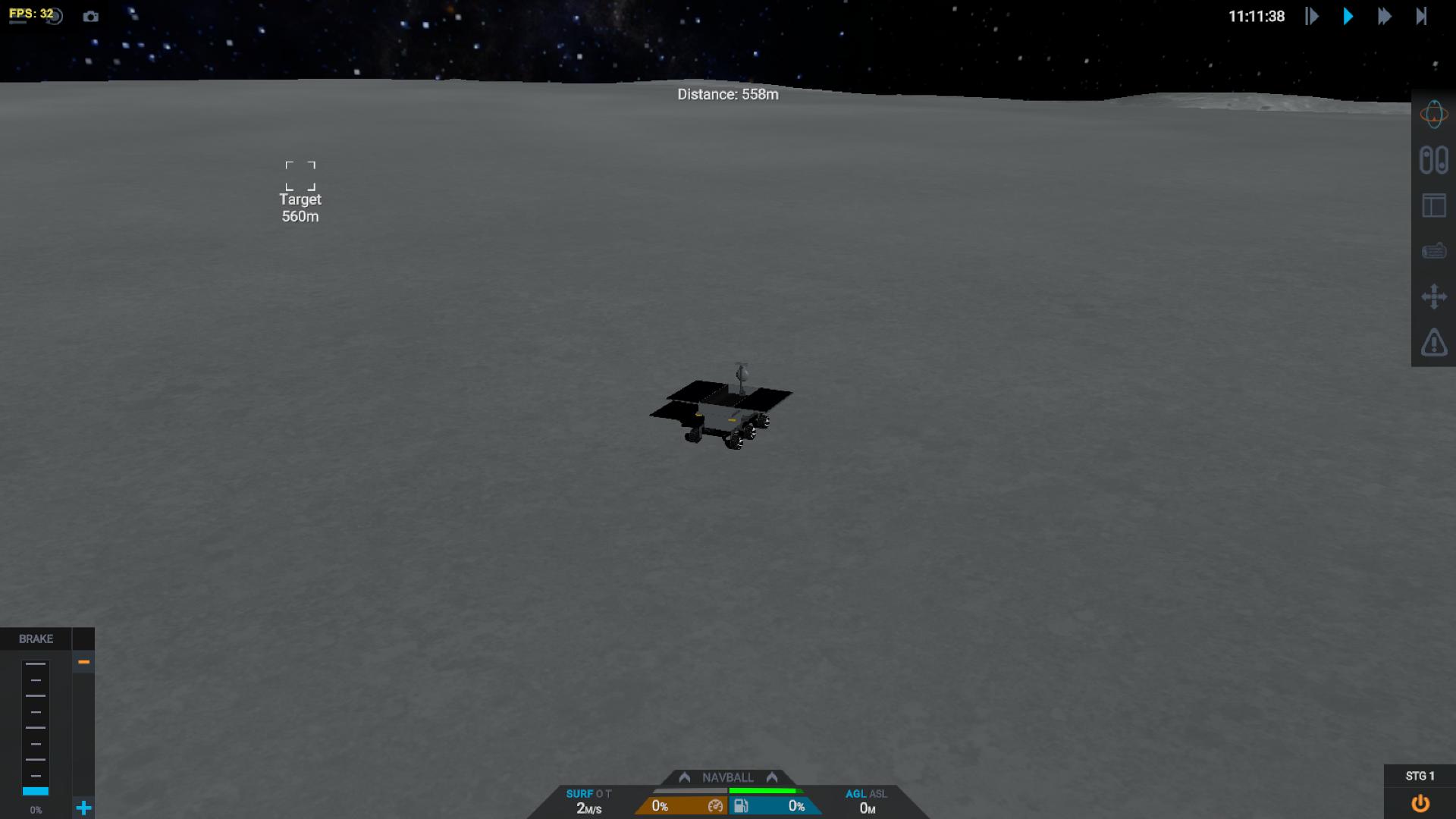

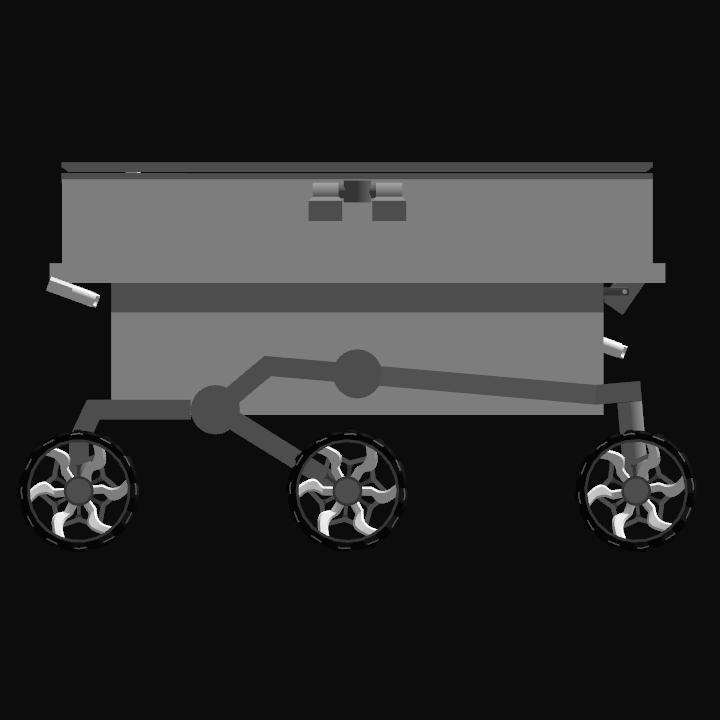
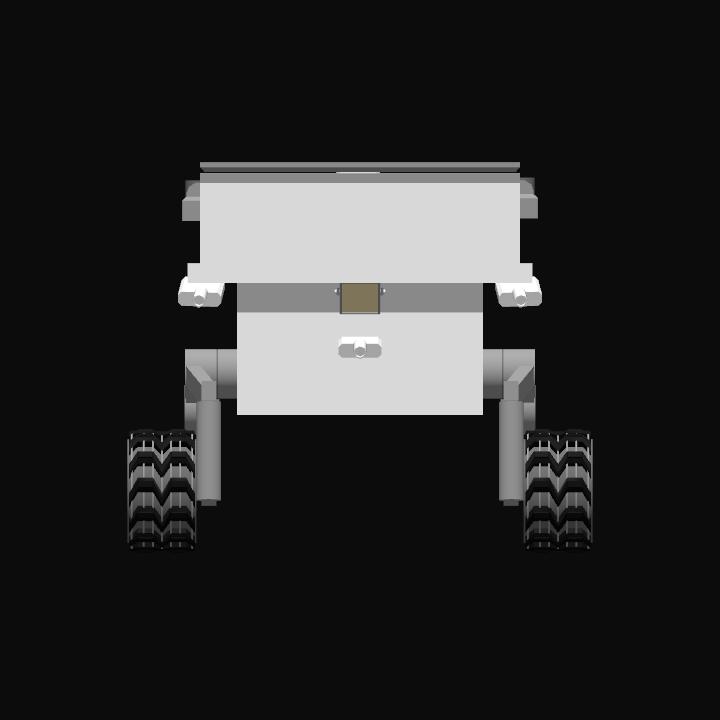
Rover with self driving feature. AG2 to view Slope Map, click a point in MFD to navigate to desired location. Open flight log to view pathfinding progress. Pitch to move forward and Roll to steer.
Activation Groups:
1. Deploy Rover (Make sure Solar Panel is deployed)
2. Pathfinding (This does not work well with building)
7. Turn in place
9. Solar Panel
10. Light
GENERAL INFO
- Created On: Windows
- Game Version: 1.3.116.0
- Price: $34k
- Number of Parts: 101
- Dimensions: 1 m x 1 m x 1 m
PERFORMANCE
- Total Delta V: 0m/s
- Total Thrust: 0N
- Engines: 0
- Wet Mass: 143kg
- Dry Mass: 143kg
STAGES
| Stage | Engines | Delta V | Thrust | Burn | Mass |
|---|
8 Comments
- Log in to leave a comment
-
2,811 llwei97one month ago
@castellareospace160706 drag the MFD part to subassembly on top left, save as subassembly.
-
-
2,811 llwei97one month ago
@castellareospace160706 Yes, you need copy the MFD part (map) and the autopilot code in command disc, make sure to set the instructions per frame to whatever value the command disc had. And set wheel steering input to roll
-
-
-
-

11 Upvotes
Log in in to upvote this post.
@llwei97 ok thanks for your advise idecided to ask before doing anything so i avoid commiting previous mistakes i have done on previous crafts