

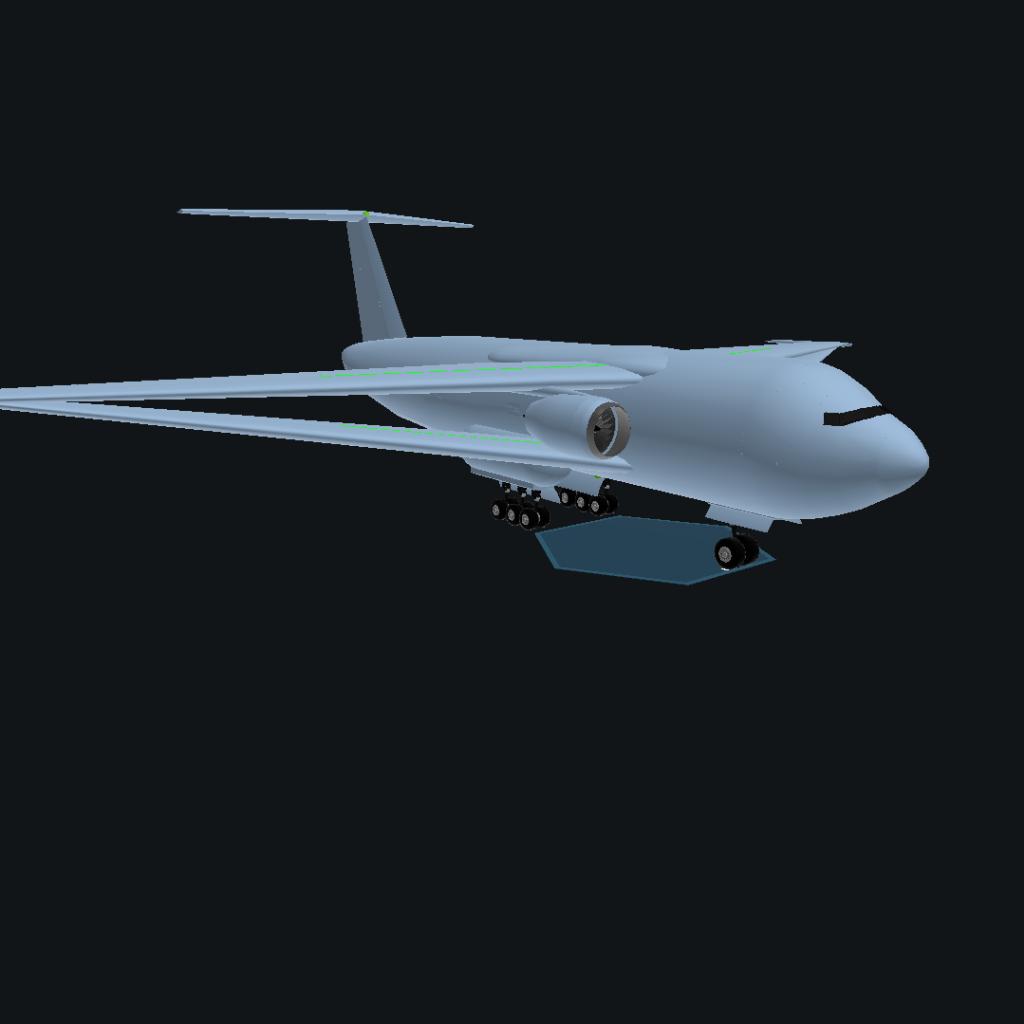
No description.
GENERAL INFO
- Predecessor: BX-CARGO (Massive Bay size)
- Created On: Android
- Game Version: 1.3.114.0
- Price: $205,887k
- Number of Parts: 112
- Dimensions: 63 m x 219 m x 174 m
PERFORMANCE
- Total Delta V: 0m/s
- Total Thrust: 0N
- Engines: 2
- Wet Mass: 2.61E+5kg
- Dry Mass: 2.38E+5kg
STAGES
| Stage | Engines | Delta V | Thrust | Burn | Mass |
|---|---|---|---|---|---|
| 1 | 2 | 0m/s | 0N | 0s | 2.61E+5kg |
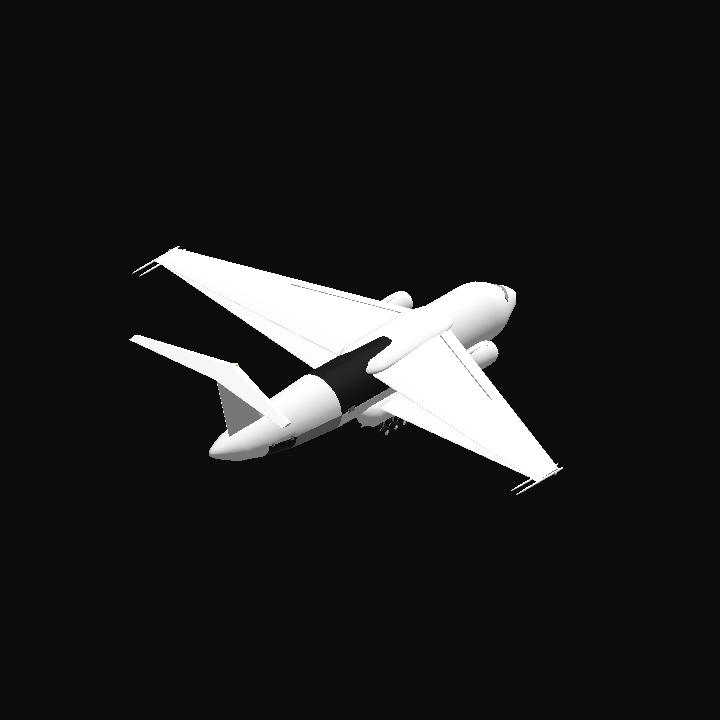
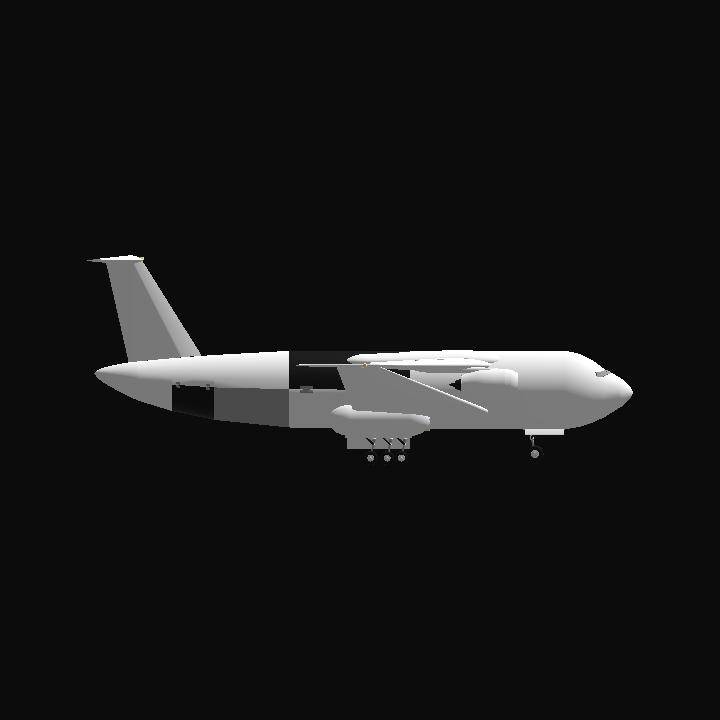
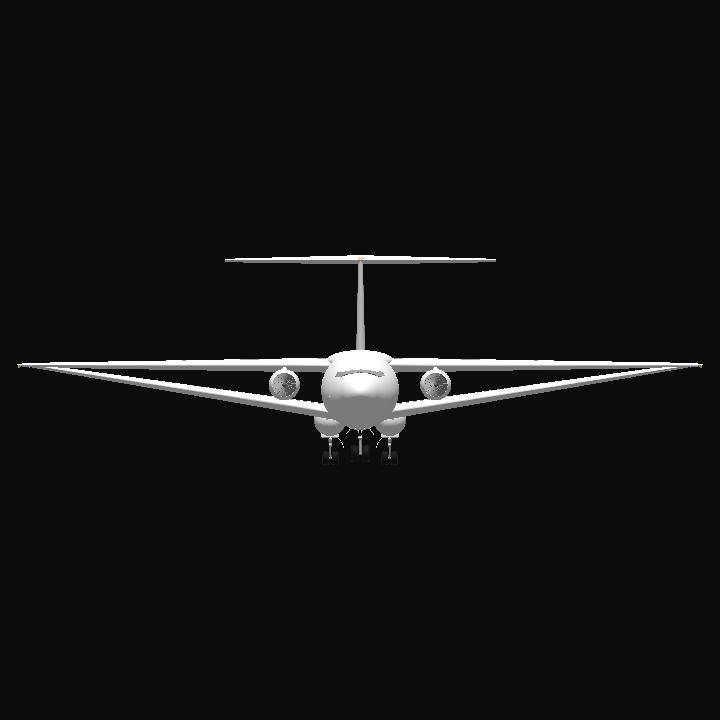
11 Comments
- Log in to leave a comment
-
-
+1 2 months ago
@Aludra877 Don't apologies it's not a mistake. Live longer and prosperous
-
25.6k Aludra877+1 2 months ago
@DivyankaAerospace sorry sister...I apologize for misgenedering you, live long and prosper
-
2 months ago
@Aludra877 just for info I'm female call me sister. It's rare to see female in Aerospace games that's why everyone consider me as male 😅
-
-
-
25.6k Aludra877+1 2 months ago
Alright here's what you do: head to the setting option, you will see 3 upper buttons, now focus on "control" the button to the right, tap that, then you will see 3 dots on the upper right of the setting panel, tap them, now a list has dropped down, look at the bottom that says "Dev Console" tap that, once you are done tapping that, type in the bar that has appeared below "PlanetStudip" and then tap execute, once loaded, you will see "Create planet" and "Create system" I reccomend you create your host star first, you can do this by tapping "Create planet" and looking for the star template, once you've loaded that, you will see a panel to the left, here are some key things to notice: the mountain symbol is the noise editor, this is highly editable, the planet like symbol without the rings is where you can recolor terrain. Now head over to the noise editor for stars, look for gradient, now you can edit the colour there, just tap on the marker things and enter the colour you want in hex code.
Once you've made your star, SAVE IT, once saved you should head over to "Create system" name your system, and replace Juno with your star by tapping on Juno and pressing the symbol with 2 arrows that resembles a recycling symbol but with 2 square arrows, once you've done that, you should now search your stars name and select it, tap "replace" and boom, you have the first part of your solar system you can now make planets and edit their noise to make them look unique and dope, once you are done making planets, I suggest you add a launch location (head over to the location looking symbol on the panel and tap the location looking symbol on the blue button) in space, (elevate it in space), save it, load it into your system, you can add it to your system by tapping your star and then tapping the encircled plus symbol, then you can select your planet and yeah, now you can edit where it orbits and etc. Now launch a ship of your choice into the system (since you have the launch location, yet I reccomend before closing the system you check the locations and reset it to ensure you have all locations needed) and you can use this ship to take really nice pictures of your planet in its natural environment, this way you can now post it. I hope this helps man
Live long and prosper! -
-
-


@Tranedi This cargo is as same as the size of Village