

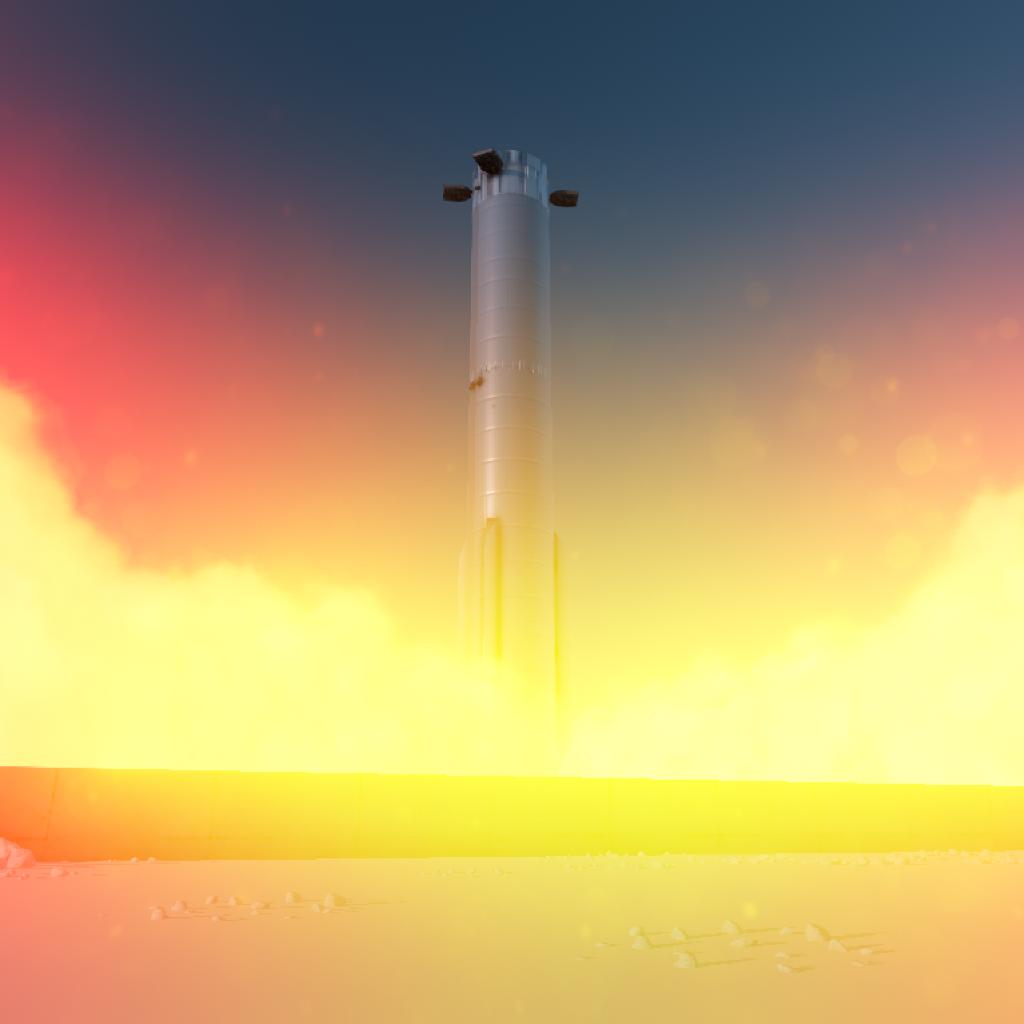
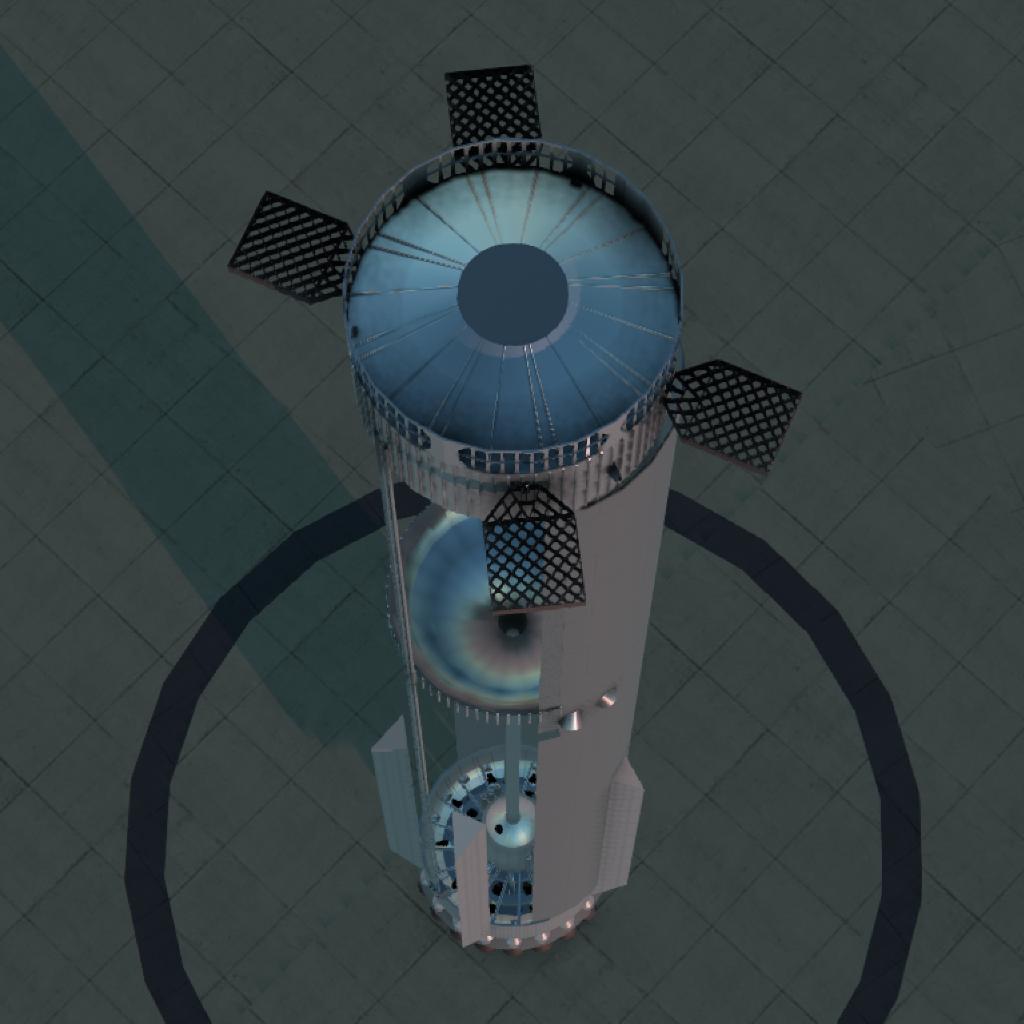
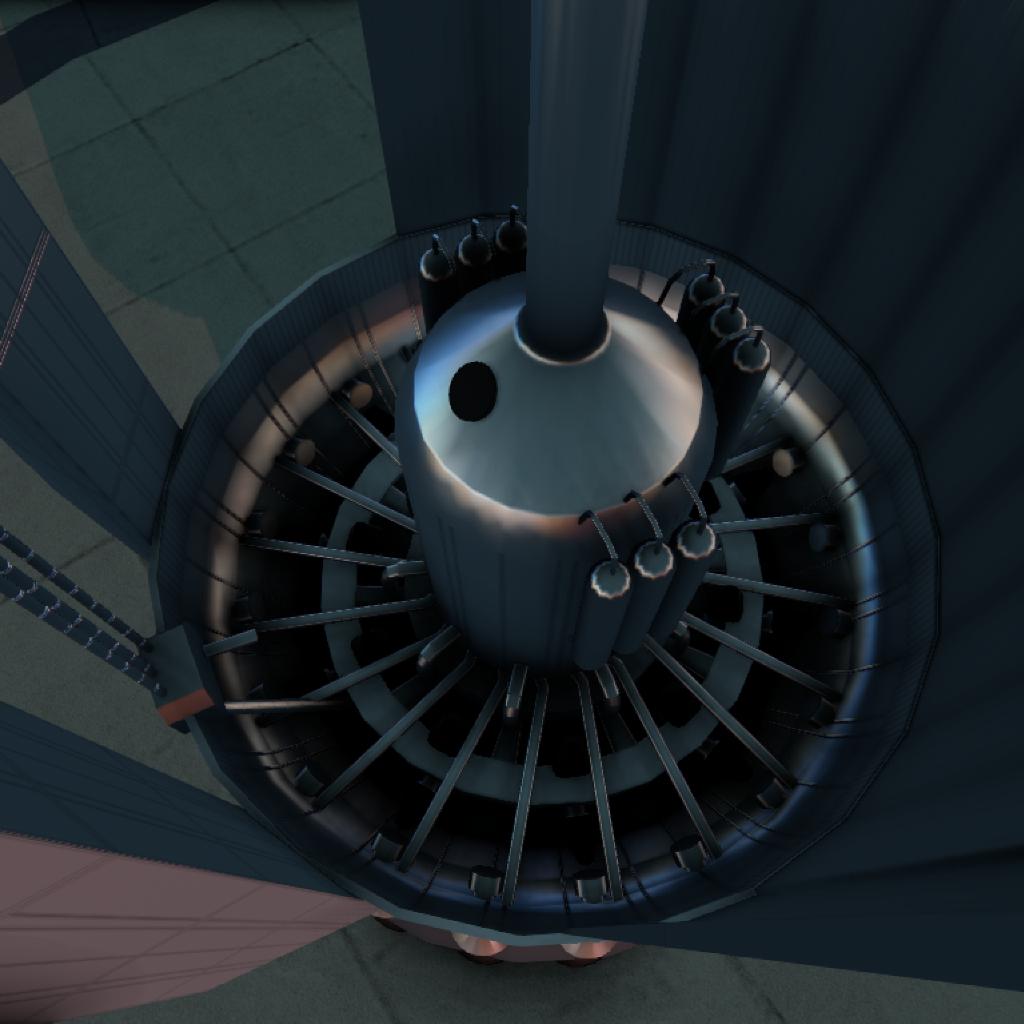
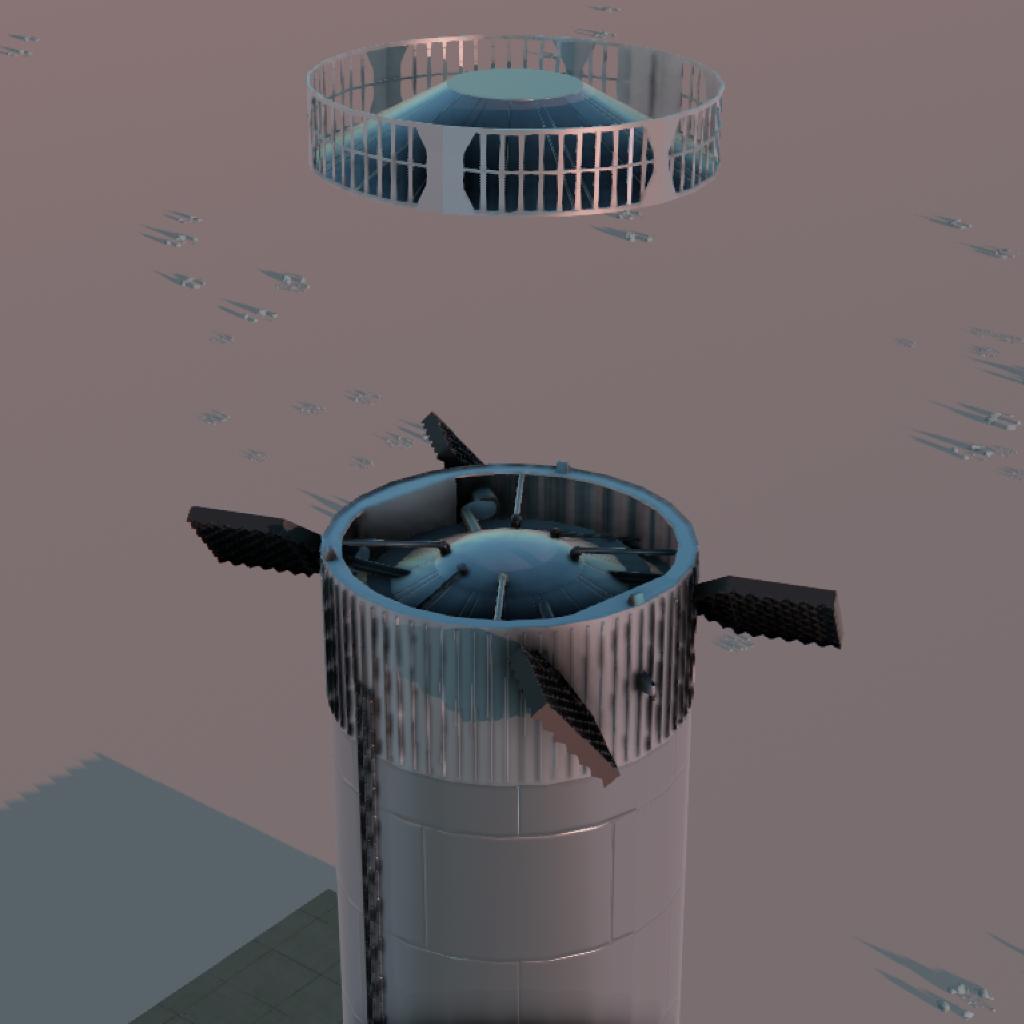

If you want to fill up the tanks, search for "Liquid Oxygen Tank" and "Liquid Methane Tank"
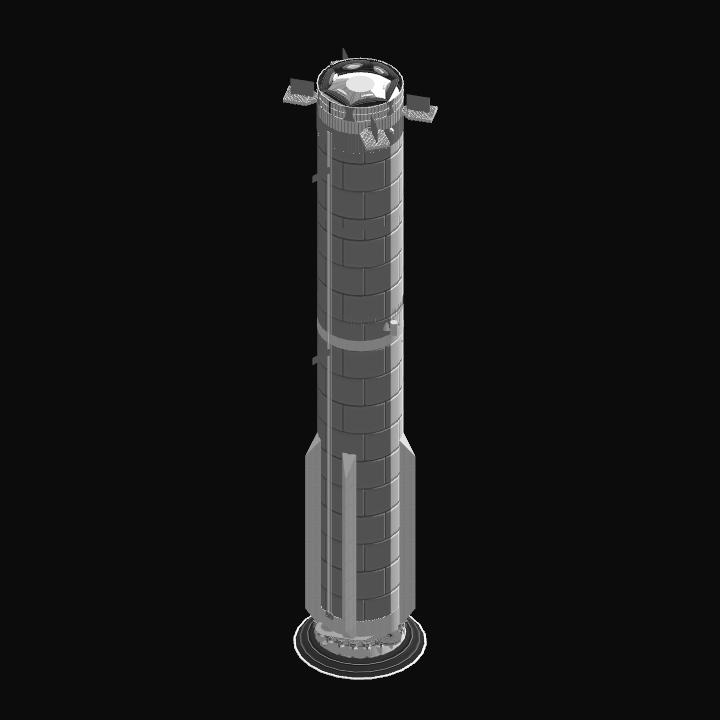
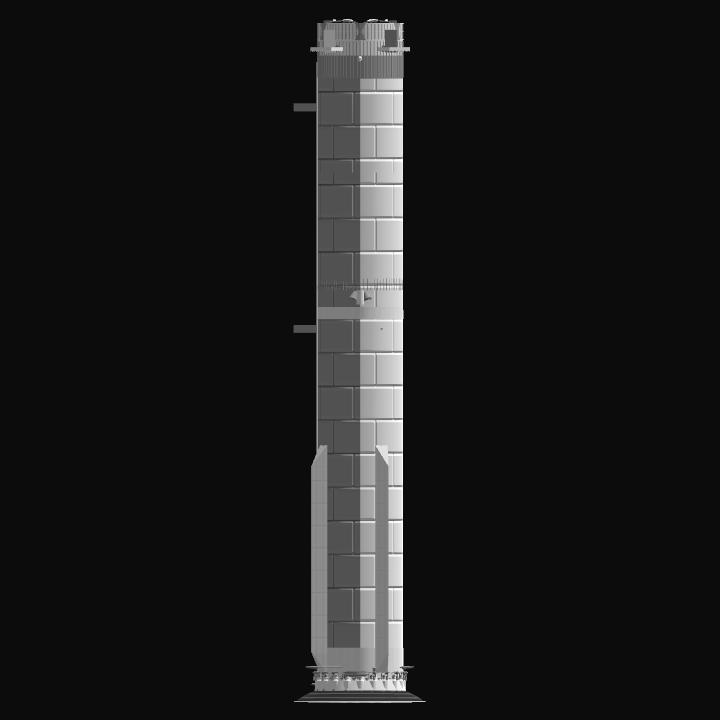
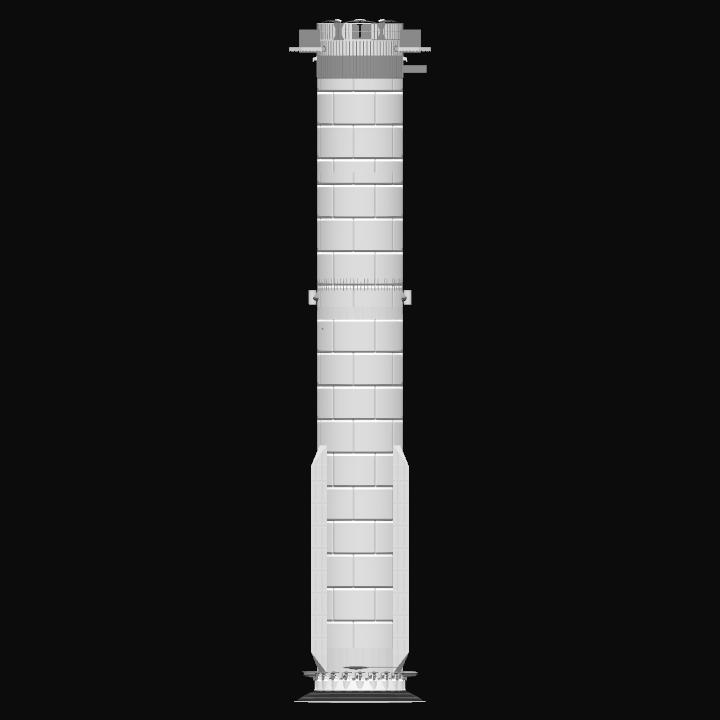
If you want to see this stacked: https://www.simplerockets.com/c/55D3F2/Starship-S33-B14
GENERAL INFO
- Predecessor: Starship Flight 10
- Created On: Windows
- Game Version: 1.3.205.0
- Price: $52,979k
- Number of Parts: 1382
- Dimensions: 72 m x 15 m x 14 m
PERFORMANCE
- Total Delta V: 1.0km/s
- Total Thrust: 82.9MN
- Engines: 120
- Wet Mass: 5.11E+5kg
- Dry Mass: 3.9E+5kg
STAGES
| Stage | Engines | Delta V | Thrust | Burn | Mass |
|---|---|---|---|---|---|
| 1 | 109 | 1.0km/s | 81.3MN | 6s | 5.08E+5kg |
10 Comments
- Log in to leave a comment
-
4,398 Luc3sone month ago
@SpaceLAerospace although I couldn’t test fly it, my laptop aint powerful enough :(
-
-
-
-
4,398 Luc3sone month ago
@SpaceLAerospace the starship flight 10 is not detailed like this, it just has a program that recreates flight 10. I’ll try and make the stacked version of this and 33 in a bit
-
2,126 SpaceLAerospaceone month ago
Also I tried putting ship 33 on booster 16 manually but the staging and the way the booster and ship worked were completely messed up, could you upload the stack publicly?
-
2,126 SpaceLAerospace+1 one month ago
@Luc3s is the starship flight 10 auto credit better to use or is manually placing the ship better?
-
4,398 Luc3sone month ago
@SpaceLAerospace You just need to grab the command disc of the ship and place it on this, and the name is ShipCommand in ship 33 if you need to find it in the search
-

@Luc3s It flew perfectly! :D