

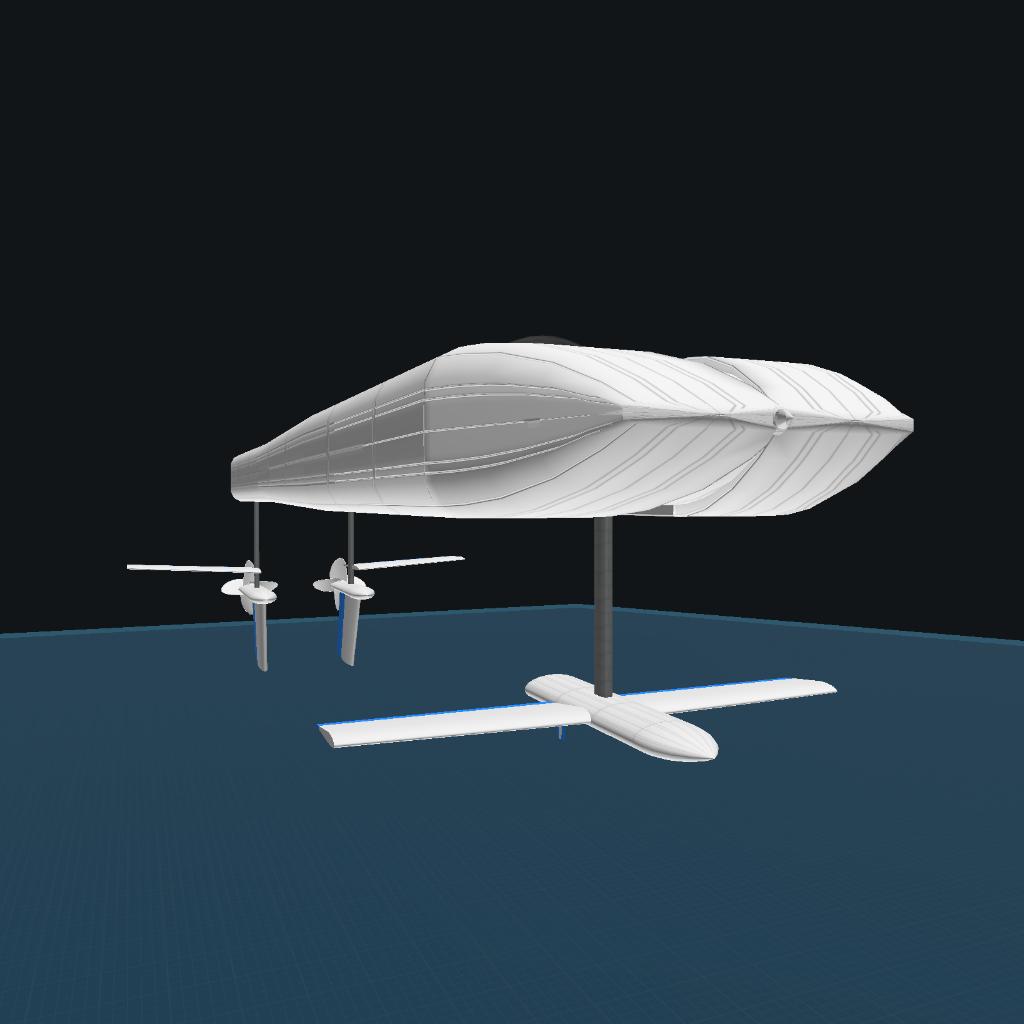
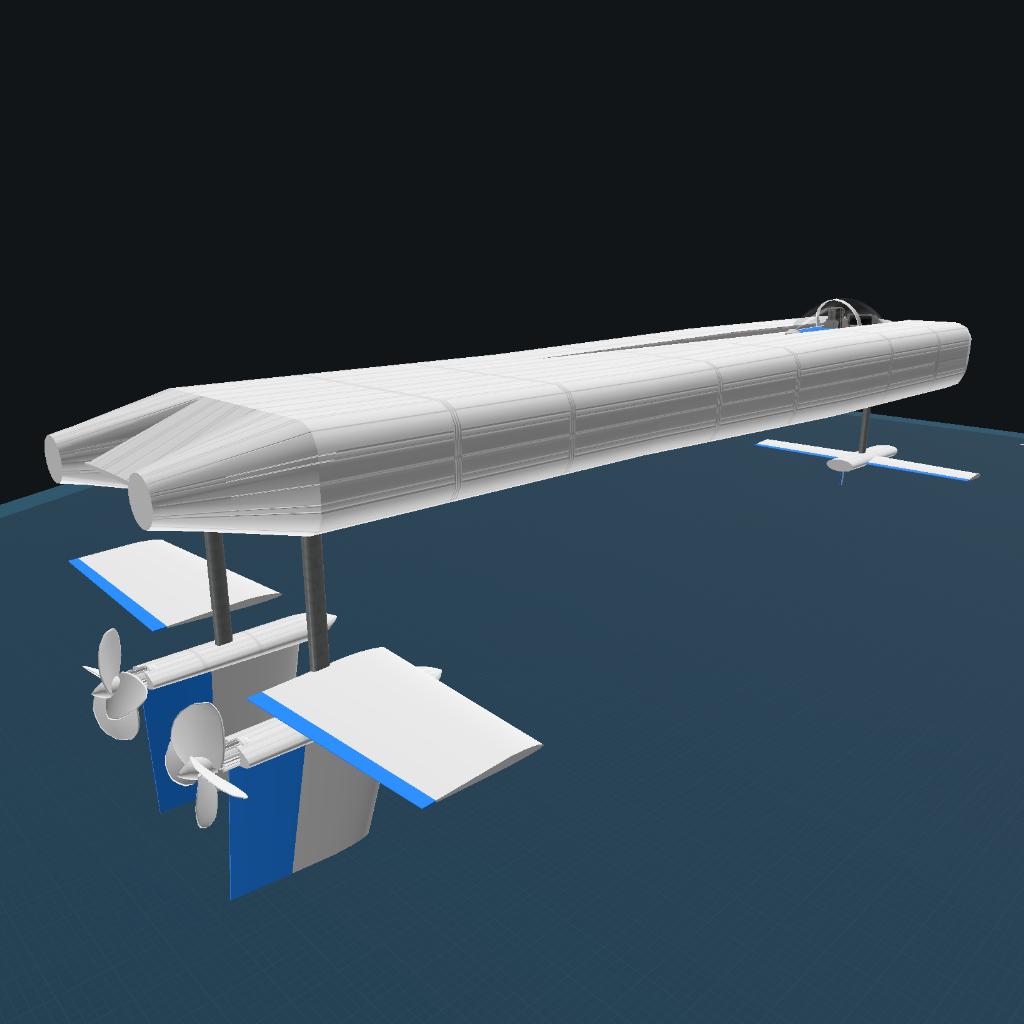
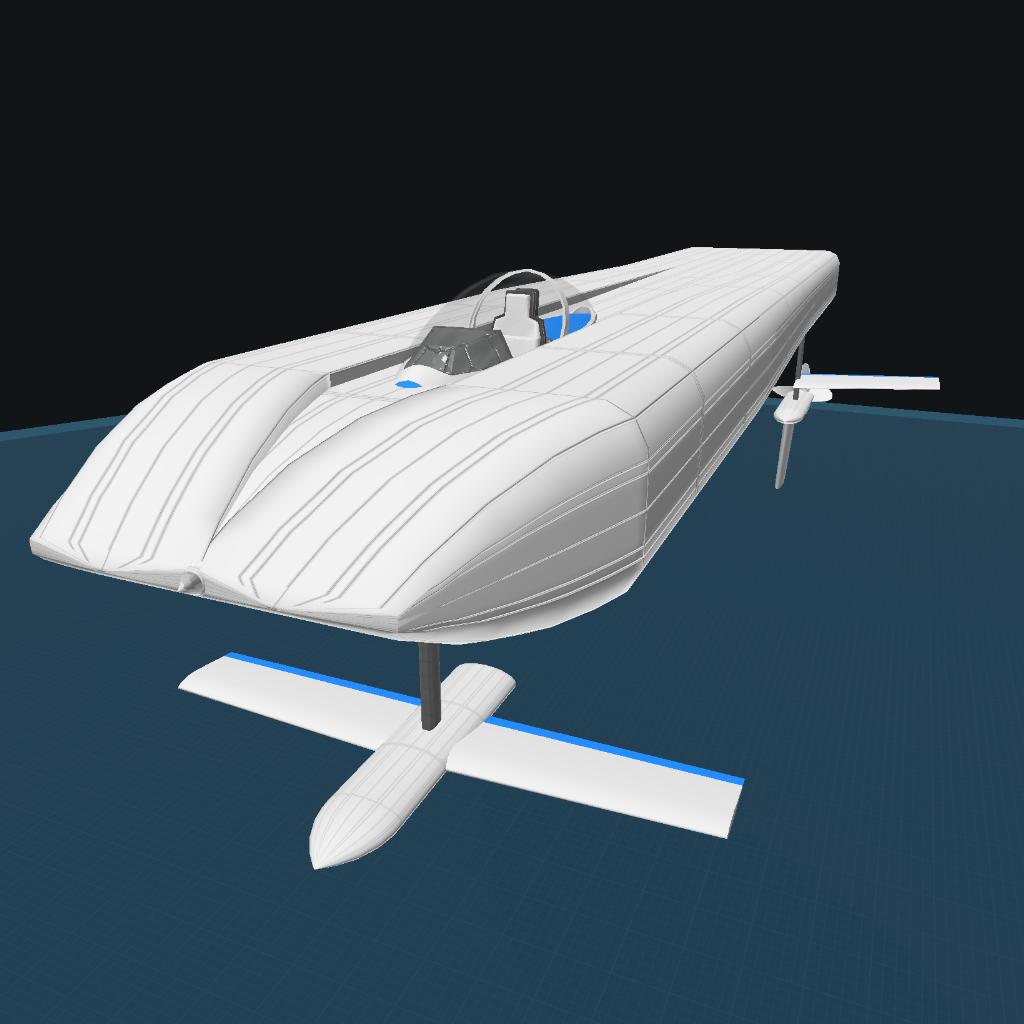
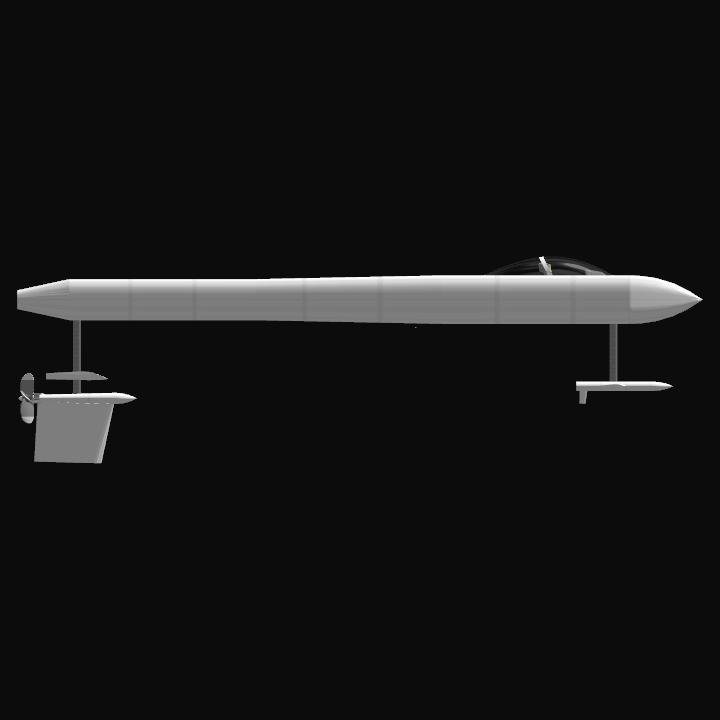
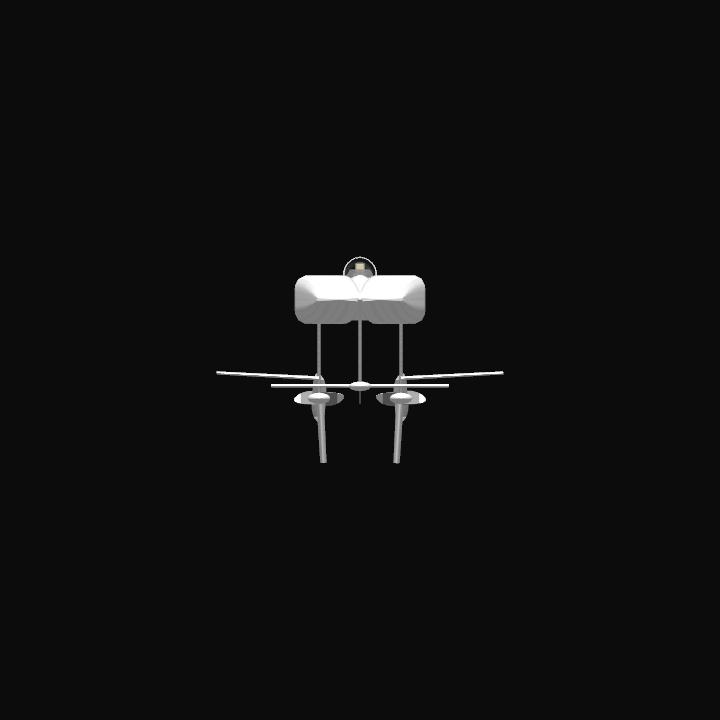
This is a revision of my high-speed hydrofoil that 1. Goes faster than previous versions and 2. Fixes a couple of problems in the previous version of this boat.
The boat now does 170 m/s and is more stable than before, fully manuverable at full speed (even if it does tilt alarmly in turns). It can go even faster (180) by changing the ride heigth in the Vizzy autopilot to 1.7, but the boat becomes unstable and will crash in tight turns.
I have also fixed the problem where the props would slowly damage themselves at full speed.
This is just the thing to get those extra TPs for water navigation and speed records. If you modify this craft, I would be cautious about removing heavy items. Several tons of weight in the nose is needed to balance the huge amount of power the engines are generating. One advantage to all the weight is this boat has a huge battery. I’ve never fully explored this boat’s maximum range, but it promises to be huge.
GENERAL INFO
- Created On: iOS
- Game Version: 1.3.204.1
- Price: $923k
- Number of Parts: 61
- Dimensions: 6 m x 8 m x 18 m
PERFORMANCE
- Total Delta V: 0m/s
- Total Thrust: 0N
- Engines: 0
- Wet Mass: 15,891kg
- Dry Mass: 15,891kg
STAGES
| Stage | Engines | Delta V | Thrust | Burn | Mass |
|---|
5 Comments
- Log in to leave a comment
-
508 Zazoone month ago
@TowpilotKen thanks! Btw do you know how to make it display at the top of the screen?
-
45 TowpilotKen+1 one month ago
@Zazo The coding for the MFD can be accessed by moving the canopy, directly highlighting the MFD and editing the Flight Program from the Part Properties menu. It’s the basic “ALTITUDE: Above Sea Floor” function with a bit of simple math to make it readable. Feel free to copy the coding, I’ve forgotten where I found it, I think it was a tutorial somewhere.
-
-

@Zazo For testing, I just use the DISPLAY command and put in whatever raw data readout I want as part of the loop. You can also insert the same JOIN command that is found in the MFD but you need to use the same TEXT variable and SET it to empty before the DISPLAY command will properly display the text string. I don’t know how to show more than one line of text, tho. I’ll bet there’s a way, but I don’t know that yet.