

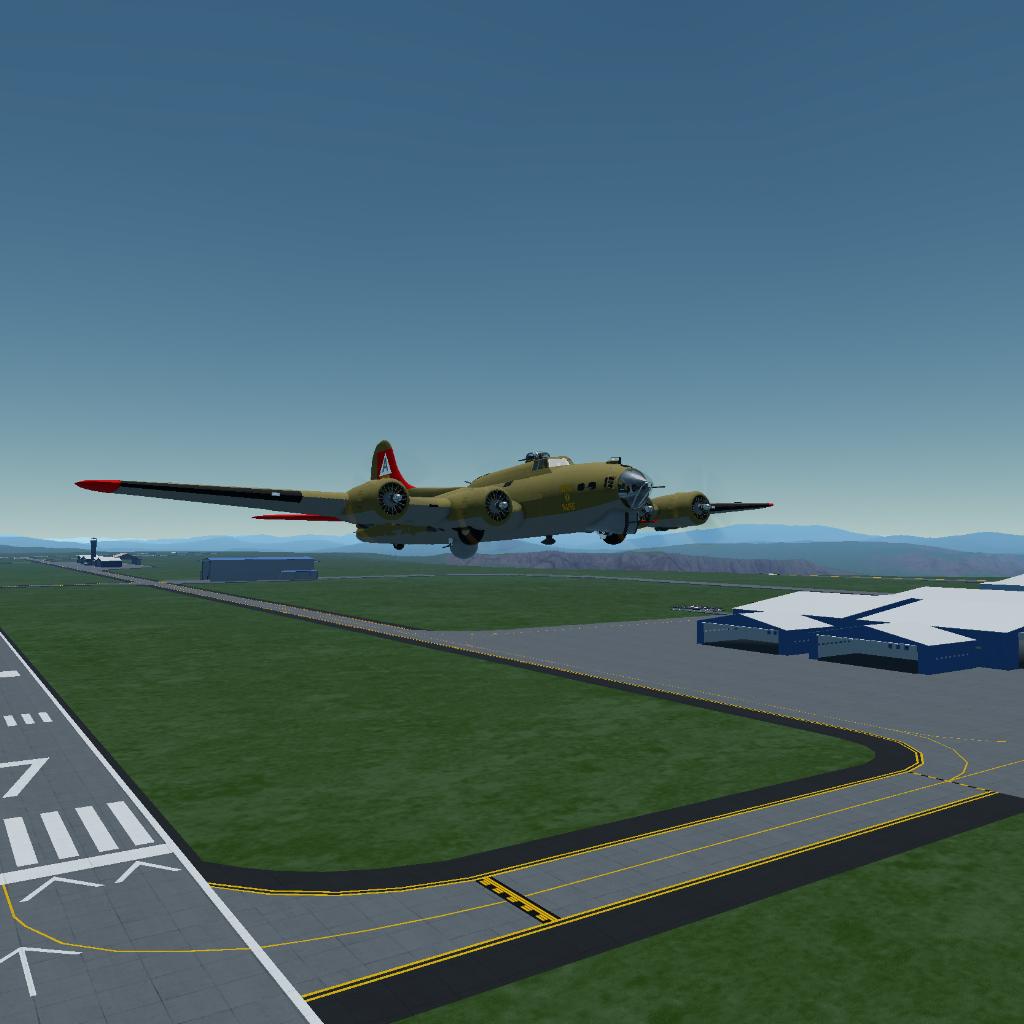
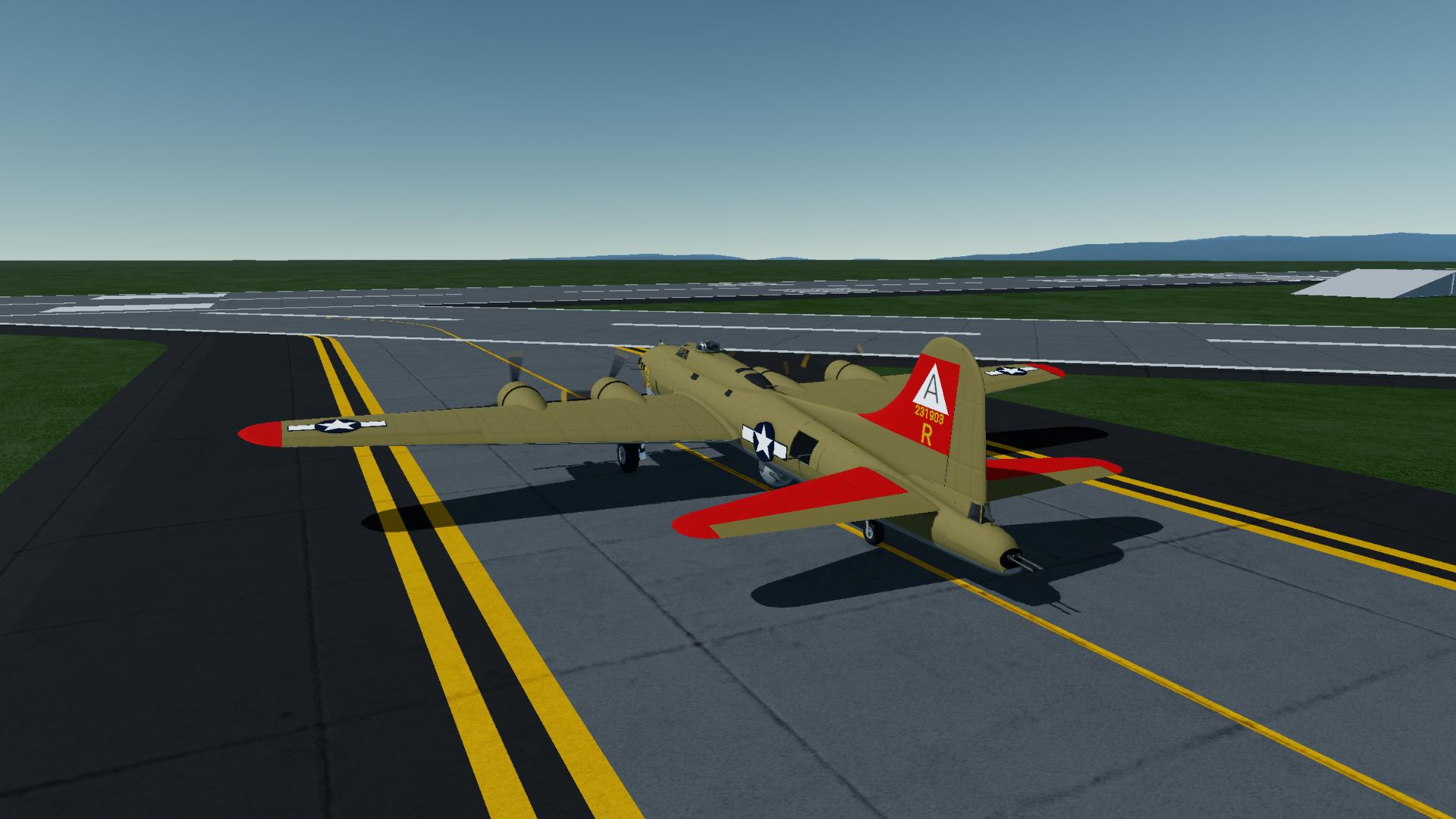
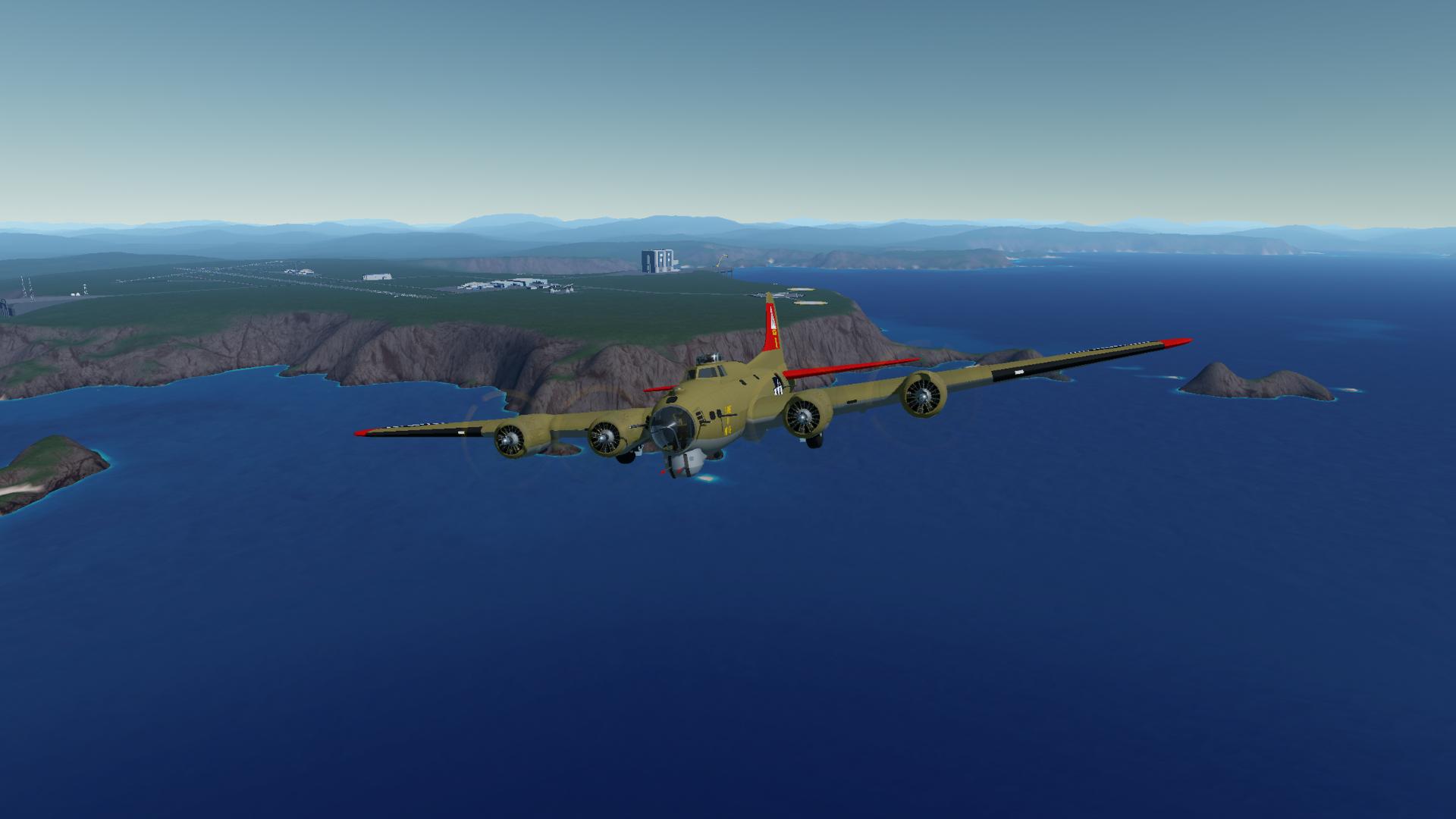
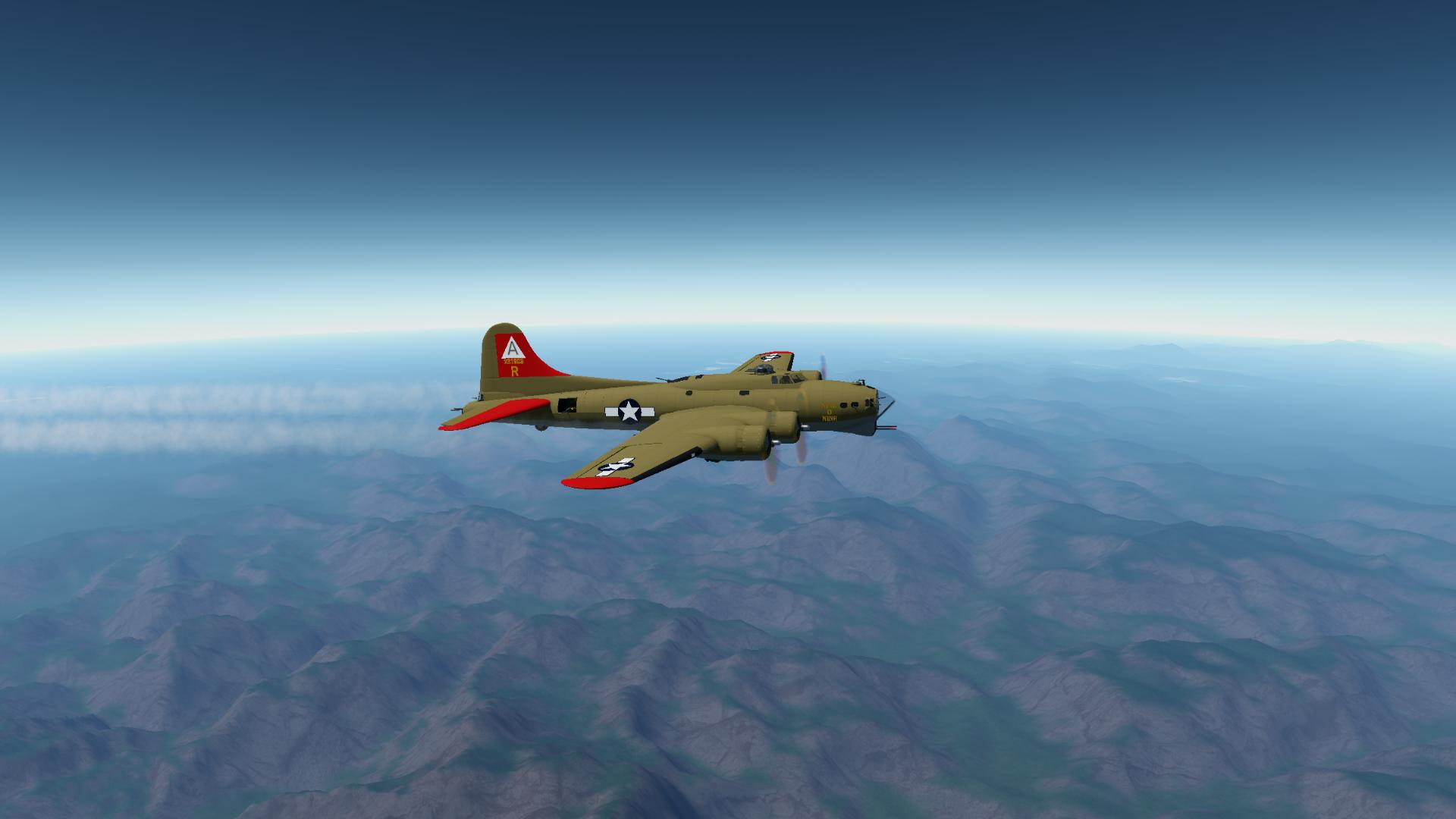
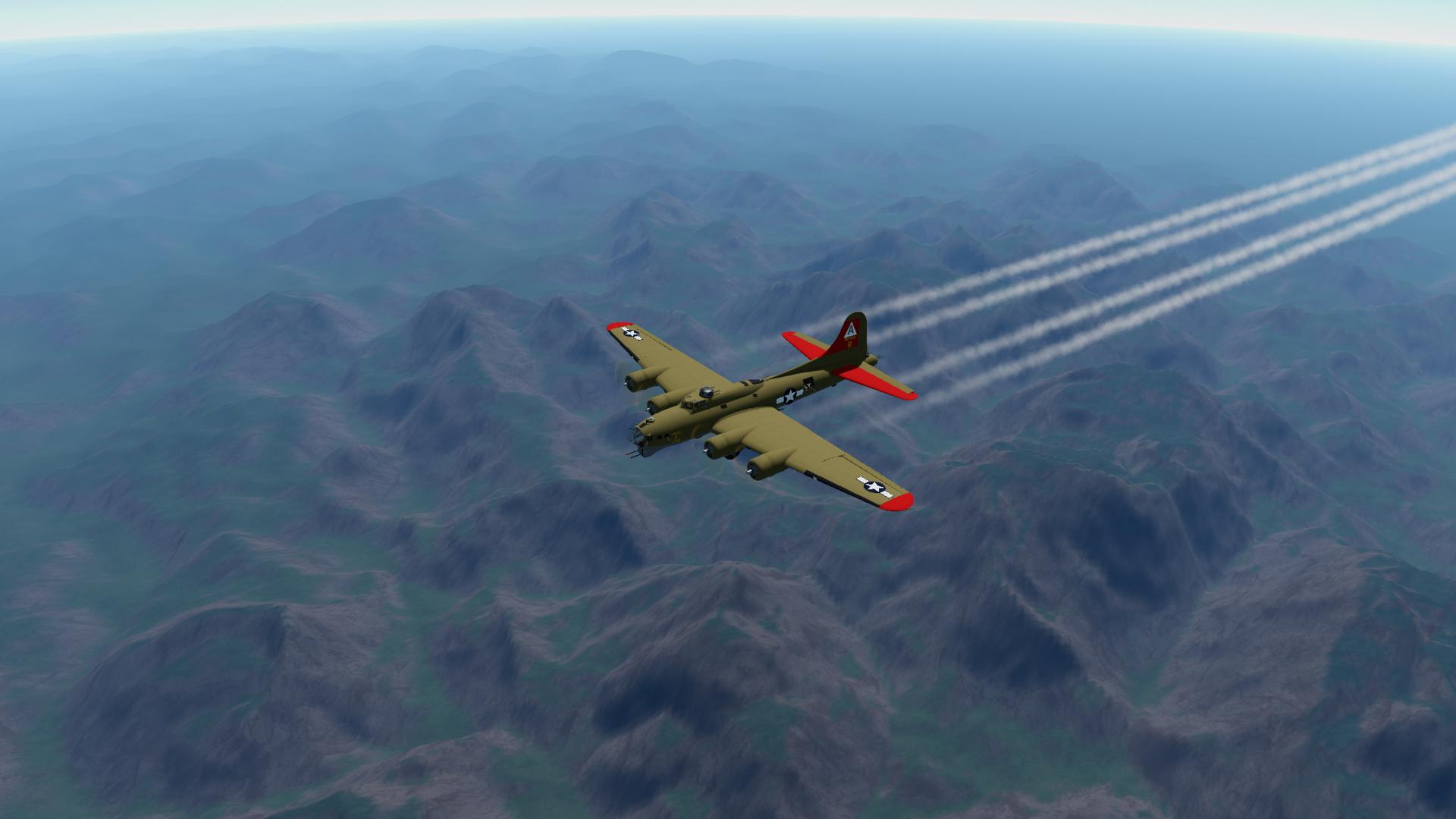
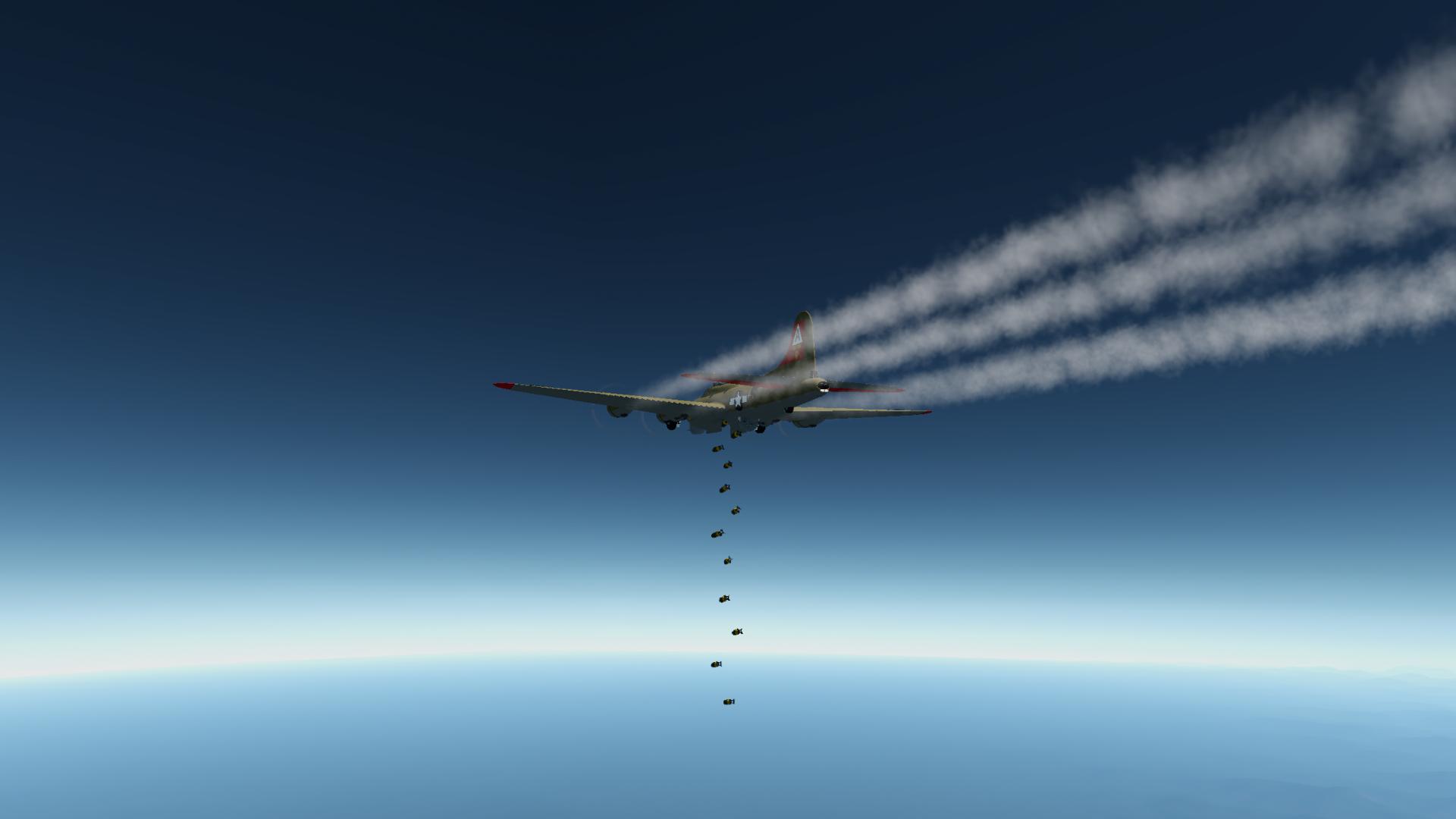
I changed up the flight controls significantly.
- throttle is now controlled by slider 1
- landing gear is now controlled by slider 3. (value of +1 = up, value of -1 = down)
These are the only two sliders you’ll need.
Elevator trim is now controlled by the throttle slider. 40-60 equals no change or your deadzone. >60 pushes the nose down, <40 pushes the nose up. The further from your deadzone, the quicker your trim changes. Think of this as a trim wheel on a real plane. This allows very fine adjustments to the aircraft’s elevator trim.
The purpose for these changes is to move key flight functions to the left hand, while still keeping your right hand on the yoke. Another reason is so that you can set your throttle and not have to worry about that setting changing if you’re using the rudder and unknowingly pushing forward or back on left stick.
Feedback is welcome on these flight control changes, as well as any other improvements you’d like to see.
Also if someone would be so kind as to come up with a VIZZY autopilot program for speed, altitude and heading, I would appreciate it :)
GENERAL INFO
- Created On: iOS
- Game Version: 1.3.205.0
- Price: $5,461k
- Number of Parts: 2319
- Dimensions: 7 m x 32 m x 23 m
PERFORMANCE
- Total Delta V: 0m/s
- Total Thrust: 2kN
- Engines: 15
- Wet Mass: 29,533kg
- Dry Mass: 17,148kg
STAGES
| Stage | Engines | Delta V | Thrust | Burn | Mass |
|---|---|---|---|---|---|
| 13 | 8 | 0m/s | 0N | 0s | 26,531kg |
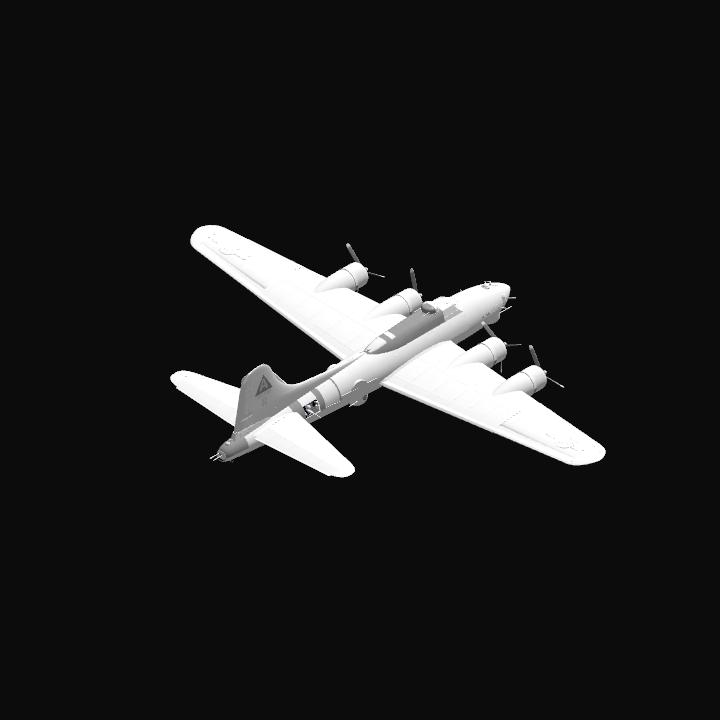
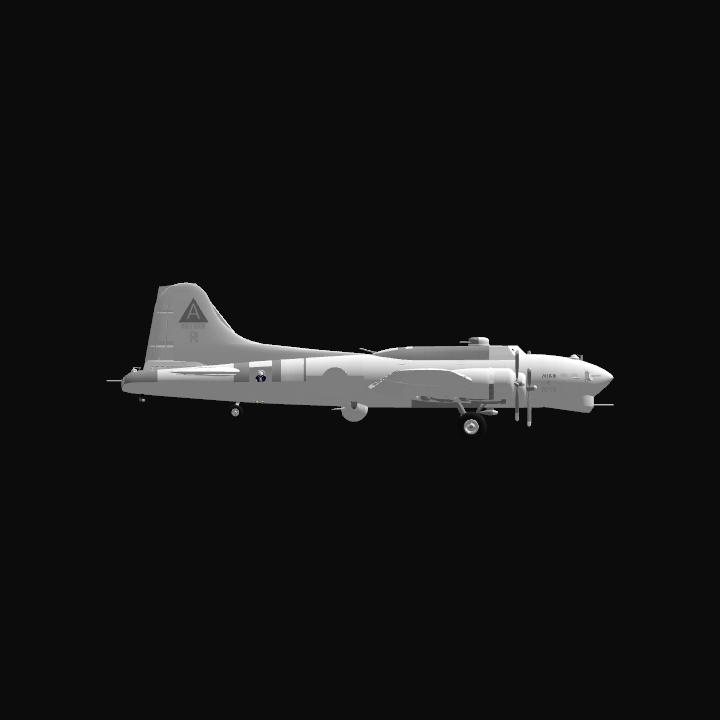
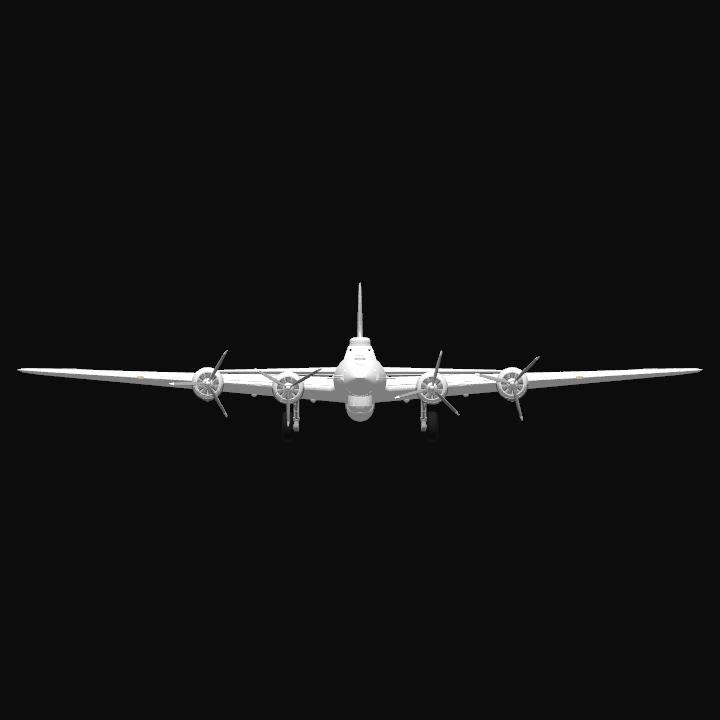
You could make it so you can toggle the flight controls to be normal with WASD/joystick and how you have it now. Overall really nice WW2 replica! @Jfranz16