

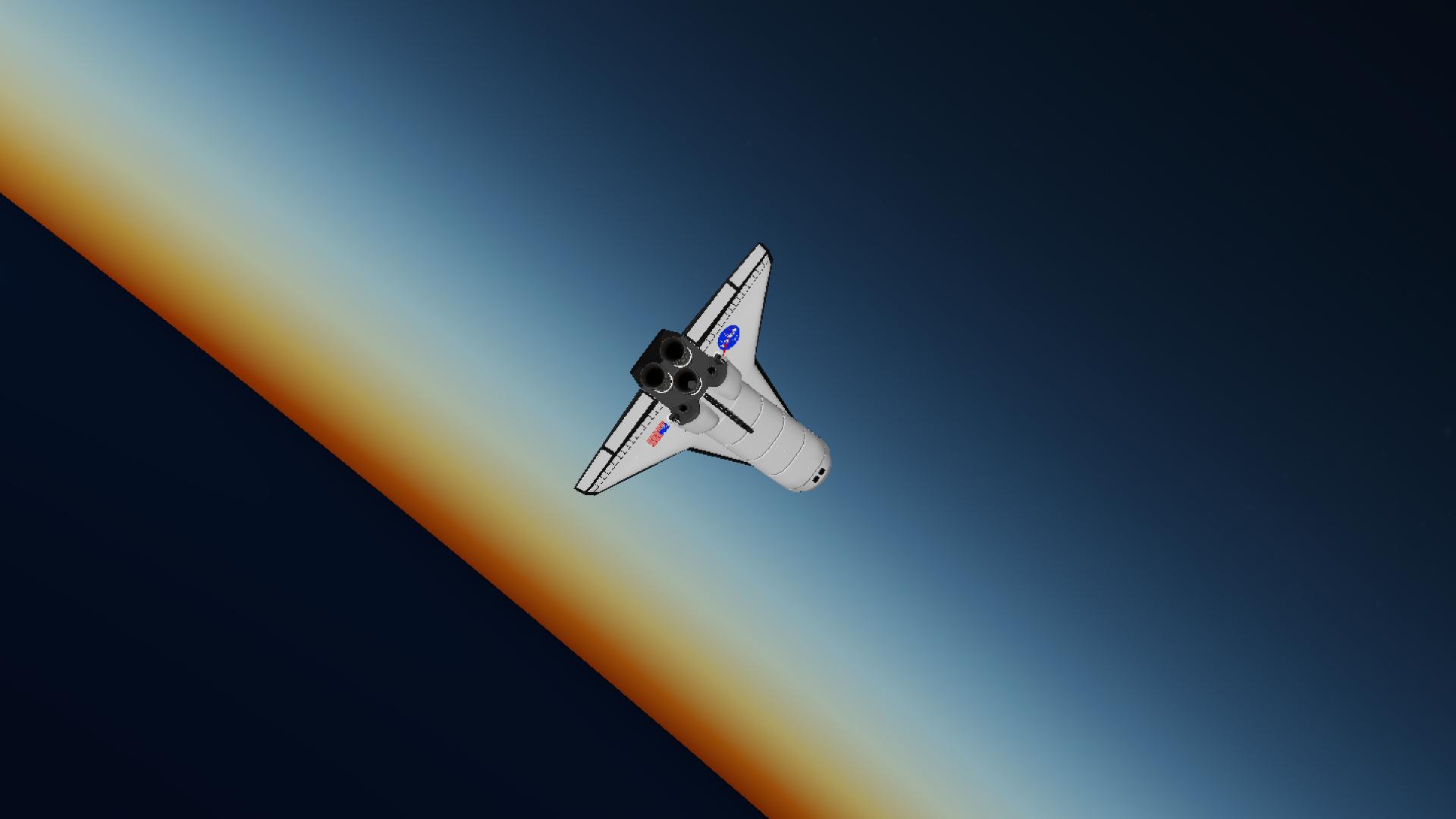
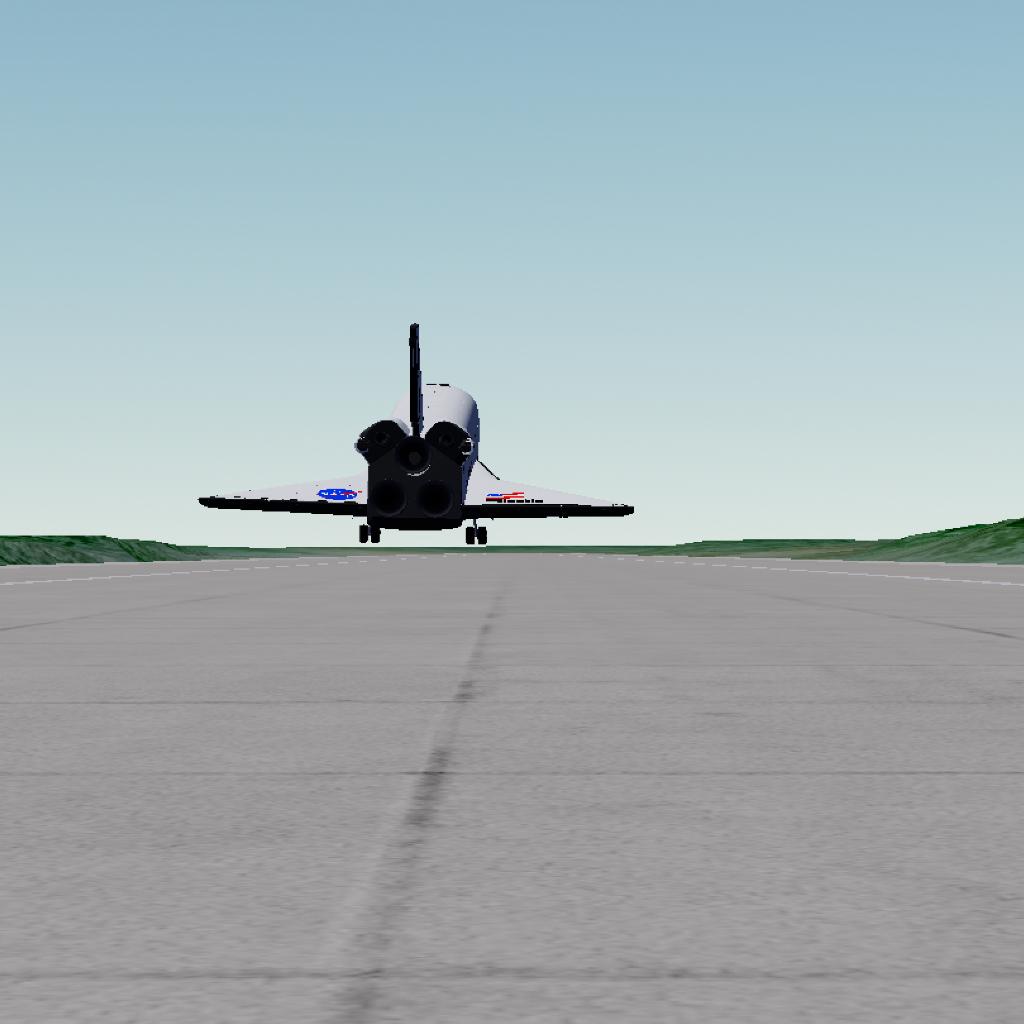
Warning:
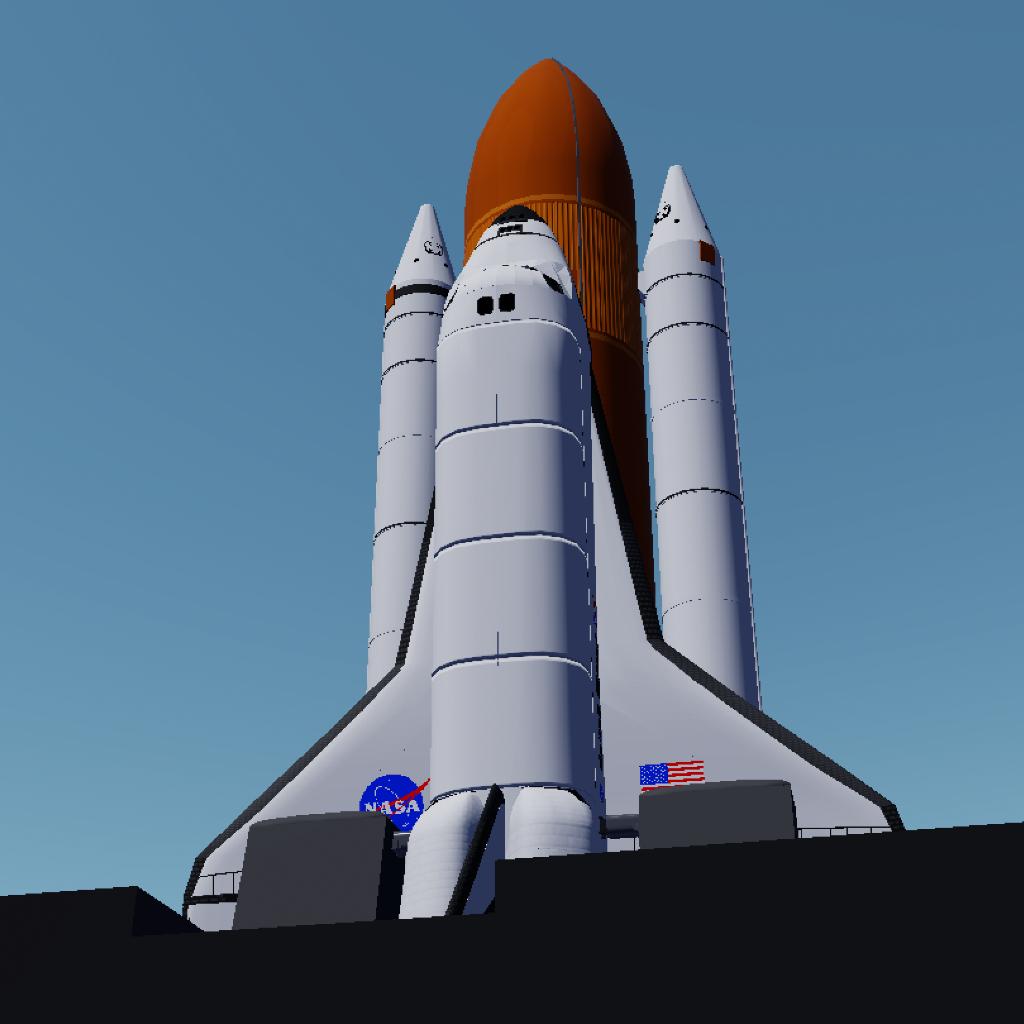
•This craft may not work on Cape Canaveral. It was working just fine some days ago, I even made a full mission from there, but all of sudden the pad just started to glitch and disconnect from the vehicle. I even remade the pad vehicle supports, but no success. Still, it can be launched, but because it's not fixed, it will be moving a little, so time warp will not be possible. If you have this problem and still want or need to launch it from KSC, maybe make another launch support structure for now. From normal old pads it's working normally. I will try to fix it later. OBS: It may be a problem in the specific RSS map I use.
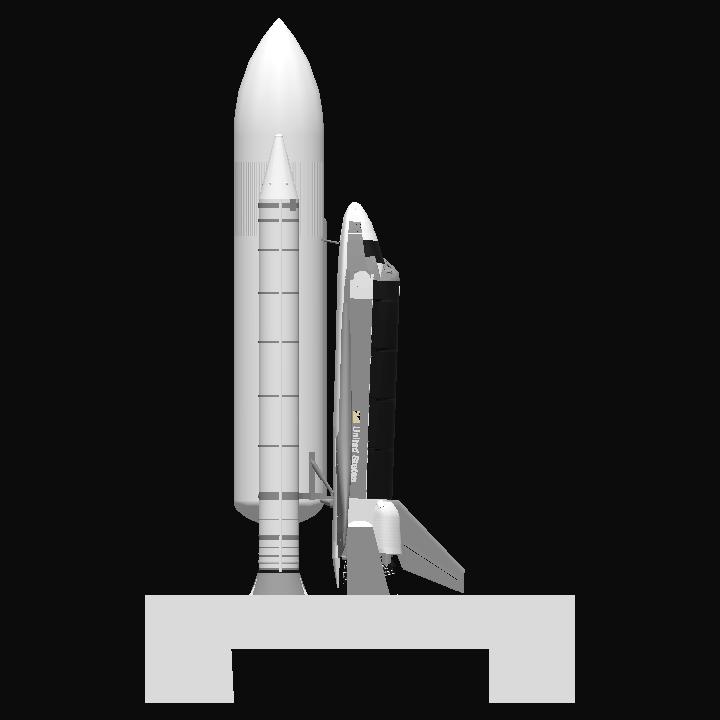
Launch and Control
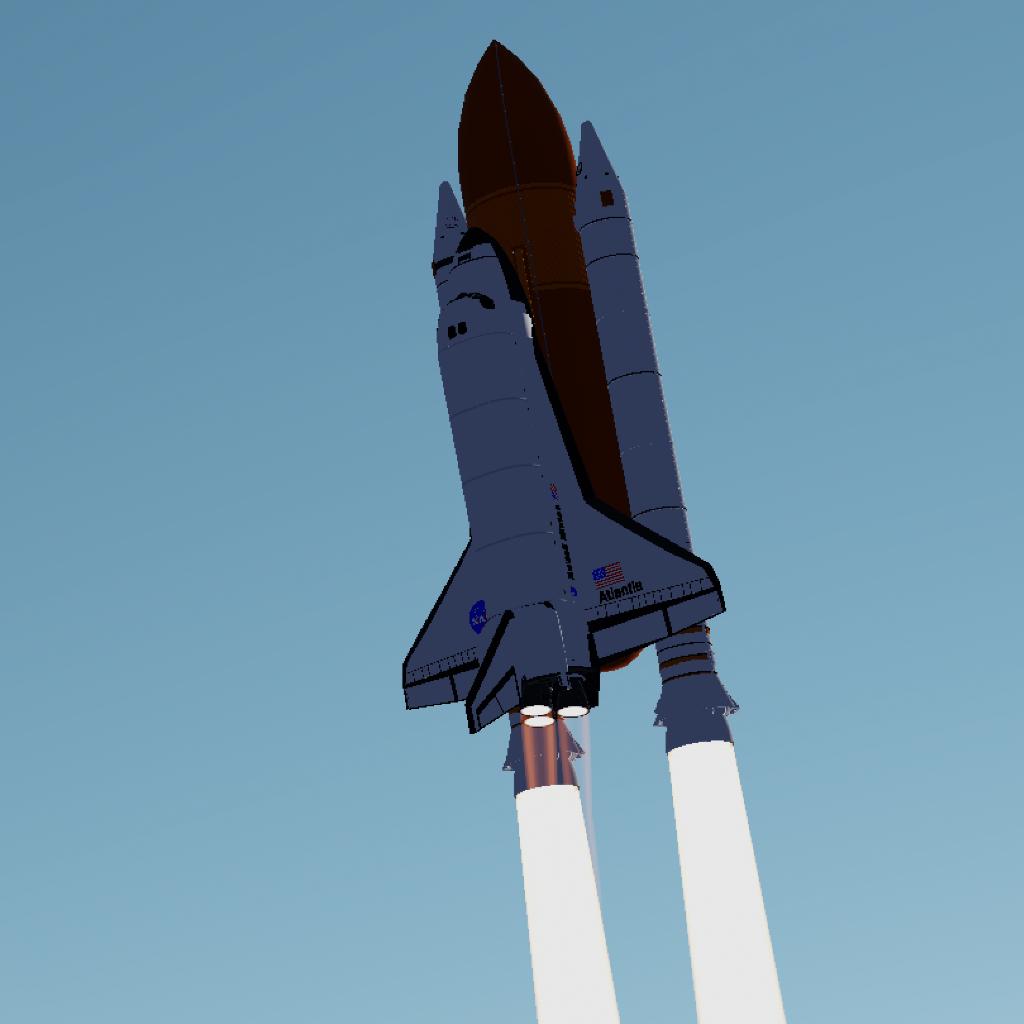
This vehicle relies only on the engines gimbal to control it's attitude during ascent. It does have a strong gyro, but it's turned off by default, made mainly for reentry. Because of the launch program, the only things you'll have to control are the heading and roll.
Due the imbalance involving the Center of Mass and Thrust, the action of the wings and gimbal nozzles, in this craft Yaw consequently brings Roll. Principally during the first part of the ascent it's the main thing you have to worry about.
IMPORTANT
• If you are going to launch it to a different heading, set it before the vehicle separates from the pad and AT ≈T+5s START THE ROLL MANEUVER IN THE TARGETED DIRECTION, A HARD ROLL IF THE ANGLE IS TOO FAR, LIKE 45°. FROM NOW ON YOU WILL FIGHT WITH THE ROLL, BUT AT THE SAME TIME BE CAUTIOUS TO NOT CHANGE THE PITCH INPUT, IF YOU DO, CHANGE IT BACK.
OBS: Depending on how good the roll maneuver was, the roll problem will be very small, so you need to be precise in this maneuver.
Orbit
The Easy Way:
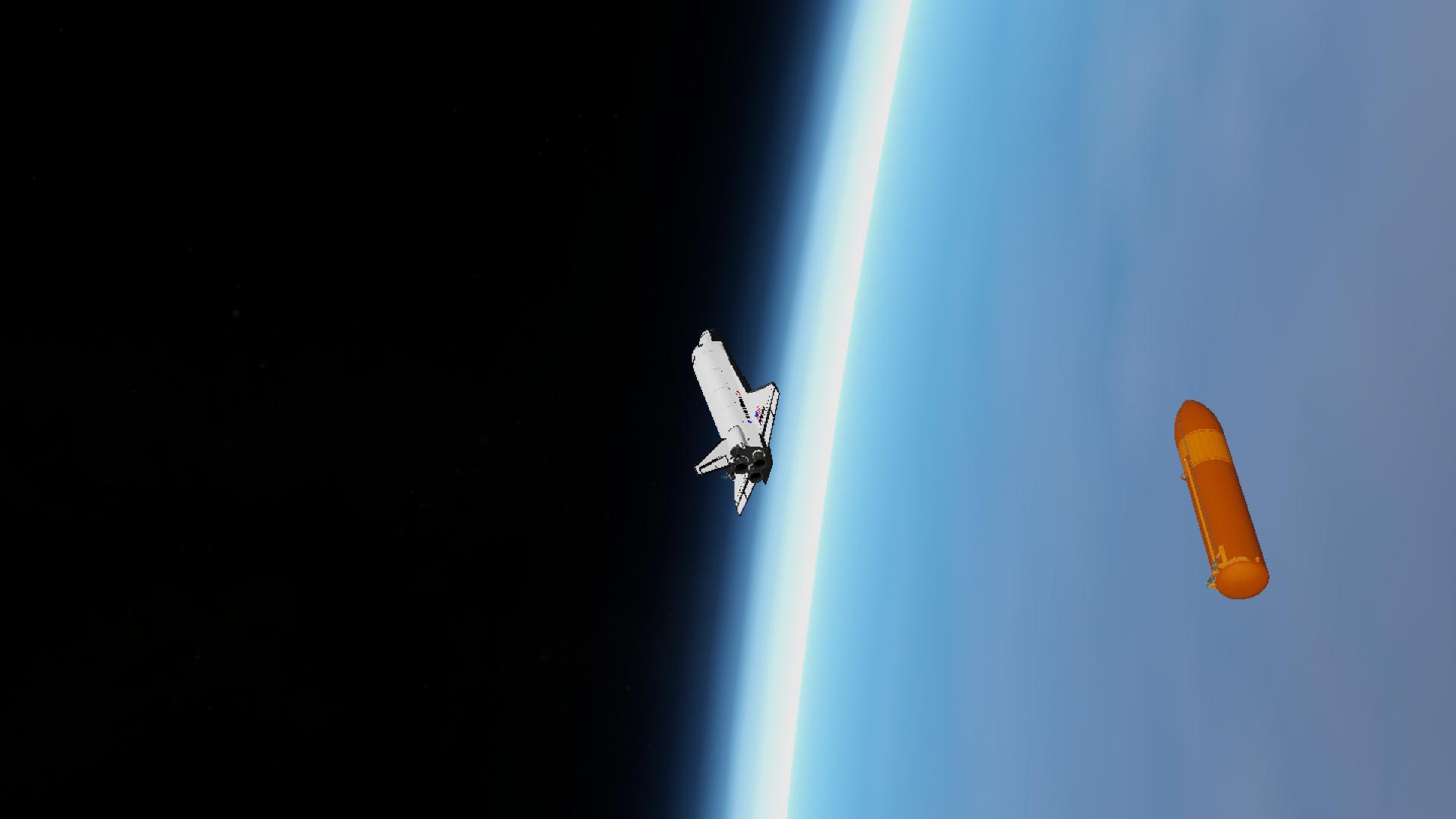
The pitch program ands after the SRBs separation. Following the path it leaves, the craft will make an Apogee and Perigee normally like any other rocket, so, to deorbit the External Tank, you should let the Perigee below 100km and raise it up using the OMS, as simple as that.
THE HARD (AND REAL) WAY:
To make an ascent path like the real Space Shuttle, right after the SRBs separation, put the pitch at 5° or less to reach an altitude of ≈140 to 160km. Obviously depending on the weight and launch. DON'T KNOW HOW THE REAL SHUTTLE ASCENT WORKED? WATCH THESE VIDEOS AND PAY ATTENTION TO THE SPEED, ALTITUDE, ATTITUDE AND TIME:
Shuttle launch with telemetry by Dewesoft
STS-134 launch with telemetry
Controls:
•Slider 1 to control the body flap (only with the control surfaces activated);
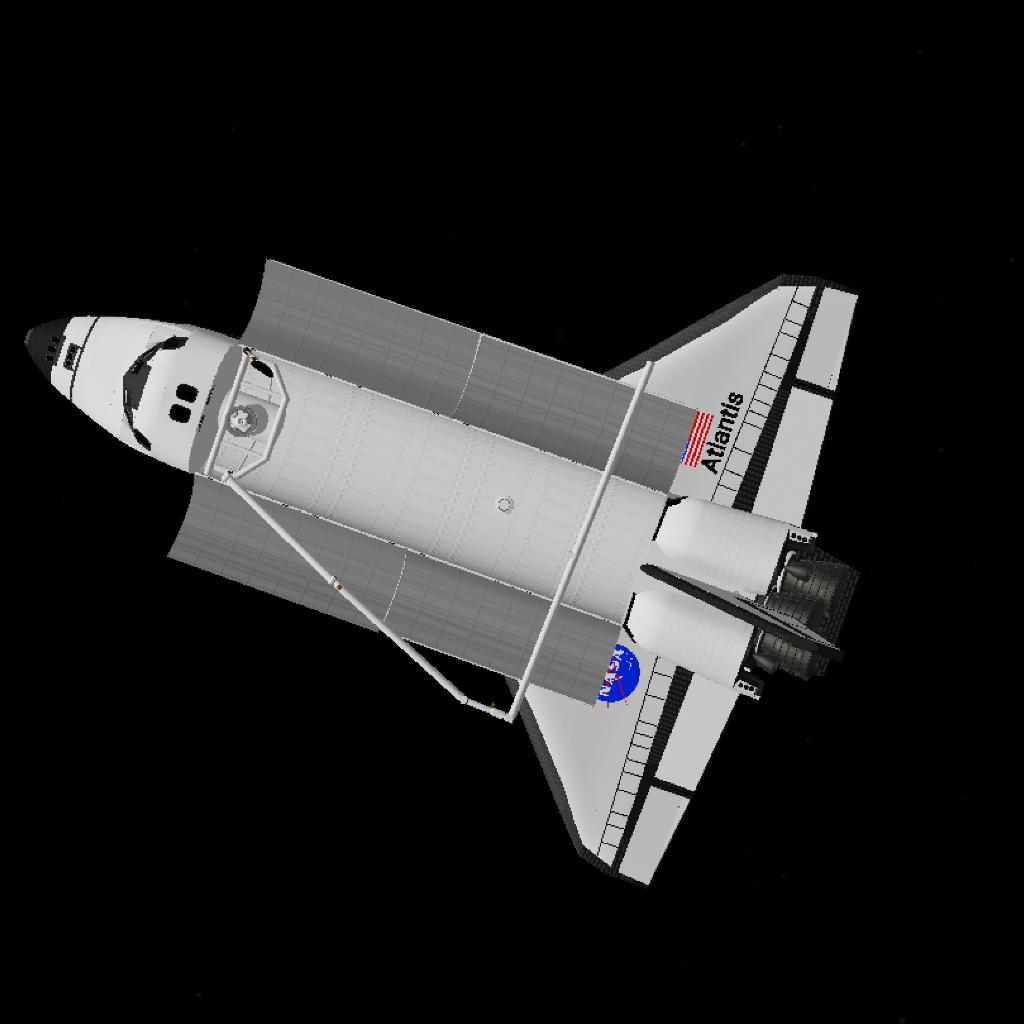
•Slider 1 to open/close the airlock door and the cargo bay access hatch;
•Slider 4 to control the Ku-Band antenna. After turned on, it will only get back together with the payload bay closing (maintain AG12 activated);
• To control de Canadarm, take control of it's CPU: the command chip located on its base.
Tips:
• Set the camera centered on one of the payload bay doors, for a better camera position. I recommend the third one from the top to the bottom.
• Operate the Canadarm very slowly, angular momentum isn't something you want in it.
• Pay attention to the battery level, you can recharge them using the Fuel Cells (last AG). Always check it's level during entry, you'll need it to control the craft (autopilot, surfaces and gyro).
Credits:
—Base vehicle (if I remember right)
(heavily modified)
—Canadarm
Let me know about any problems you find.
GENERAL INFO
- Created On: Android
- Game Version: 1.3.205.0
- Price: $92,402k
- Number of Parts: 1088
- Dimensions: 64 m x 40 m x 40 m
PERFORMANCE
- Total Delta V: 2.8km/s
- Total Thrust: 60.0MN
- Engines: 76
- Wet Mass: 6.03E+6kg
- Dry Mass: 2.55E+5kg
STAGES
| Stage | Engines | Delta V | Thrust | Burn | Mass |
|---|---|---|---|---|---|
| 1 | 3 | 512m/s | 5.9MN | 8.1m | 6.03E+6kg |
| 2 | 2 | 2.3km/s | 27.0MN | 1.9m | 1.9E+6kg |
| 3 | 0 | 0m/s | 0N | 0s | 8.48E+5kg |
No Comments
5 Upvotes
Log in in to upvote this post.