

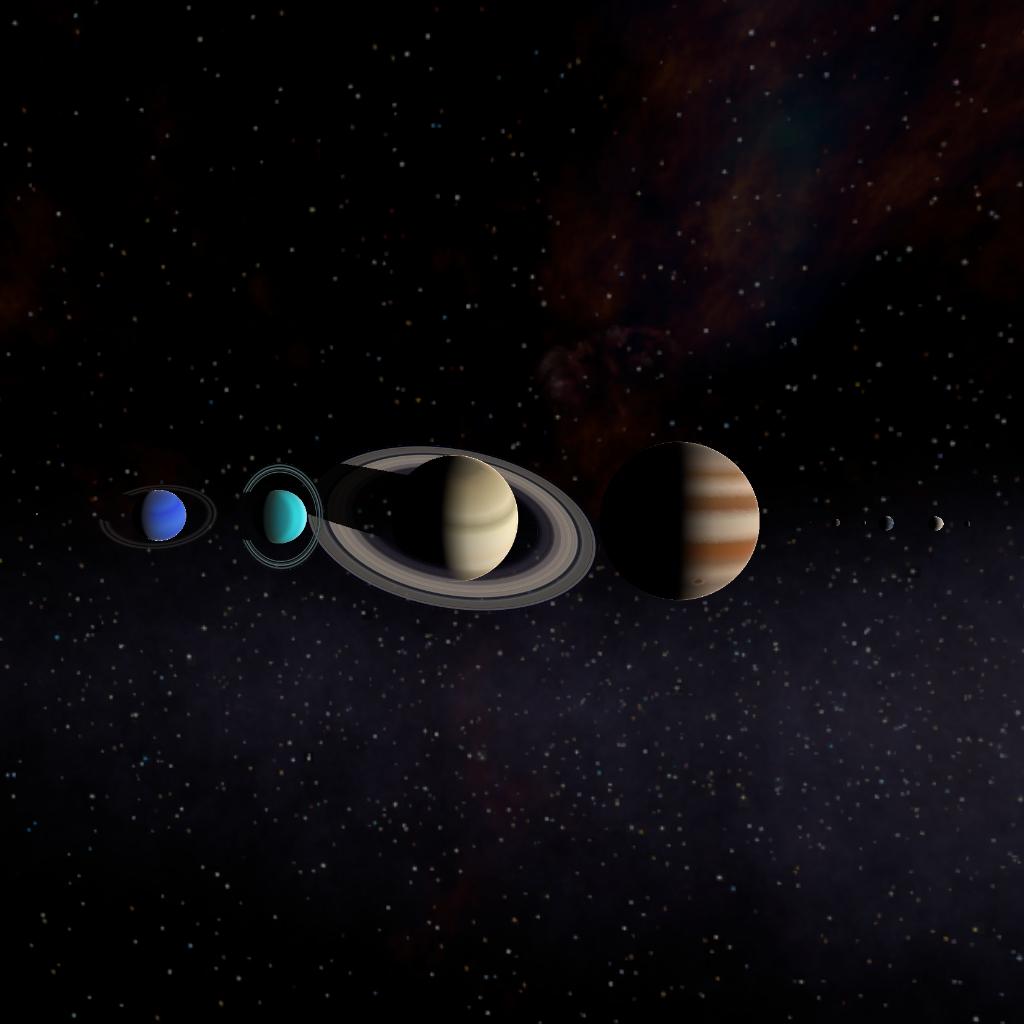
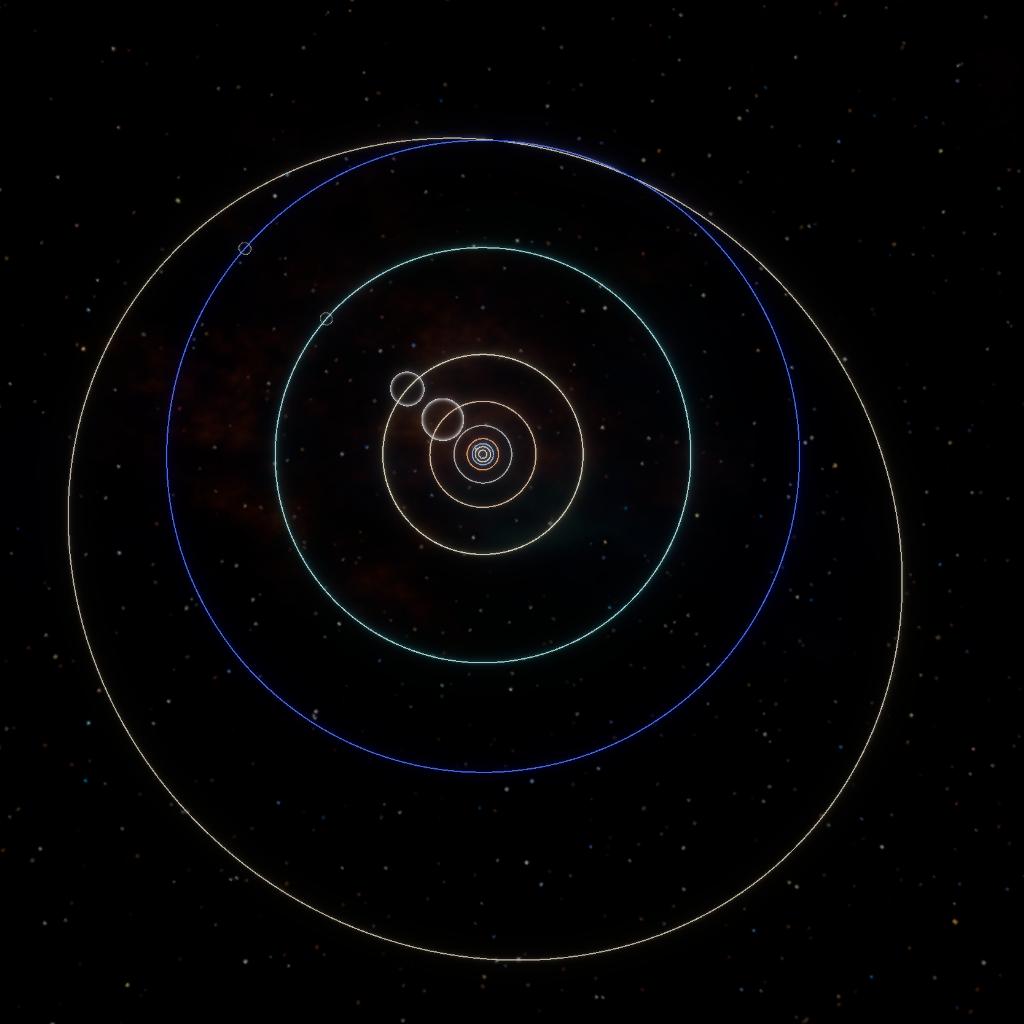
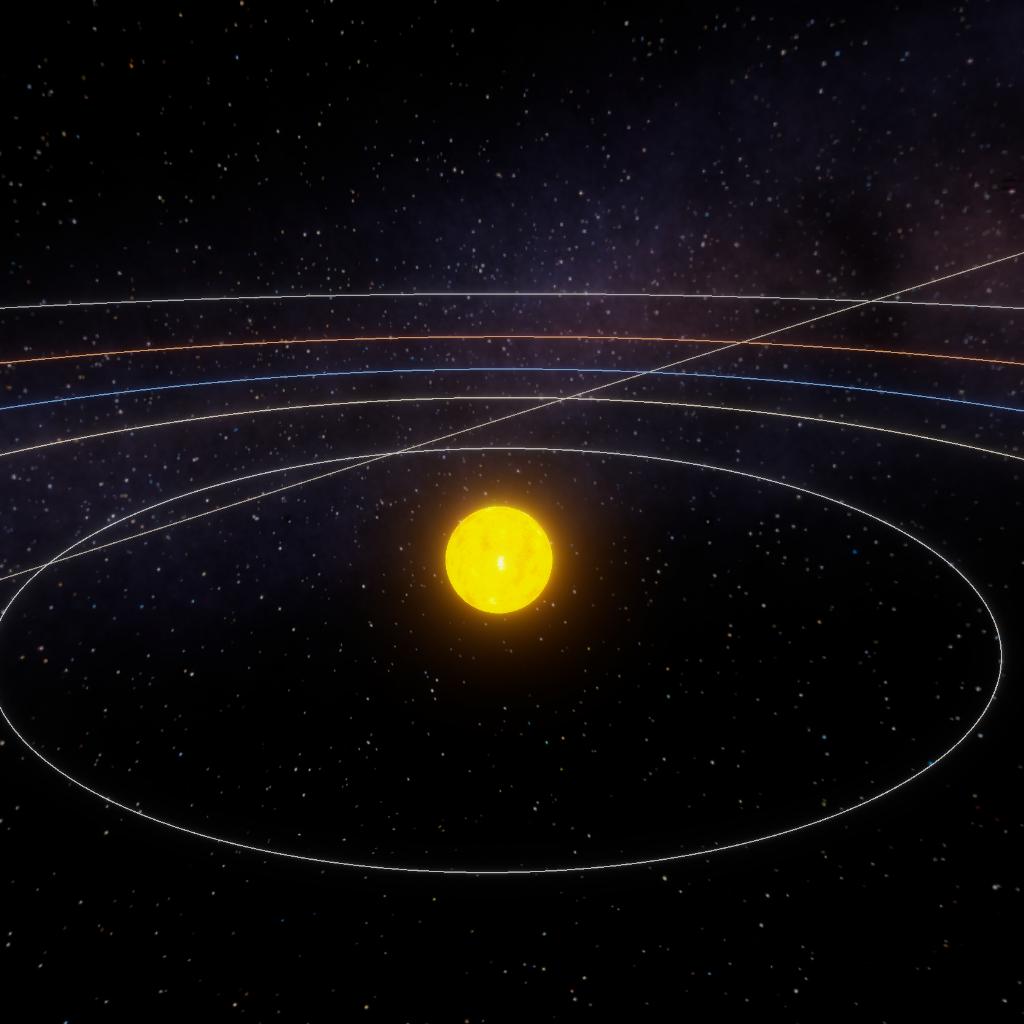
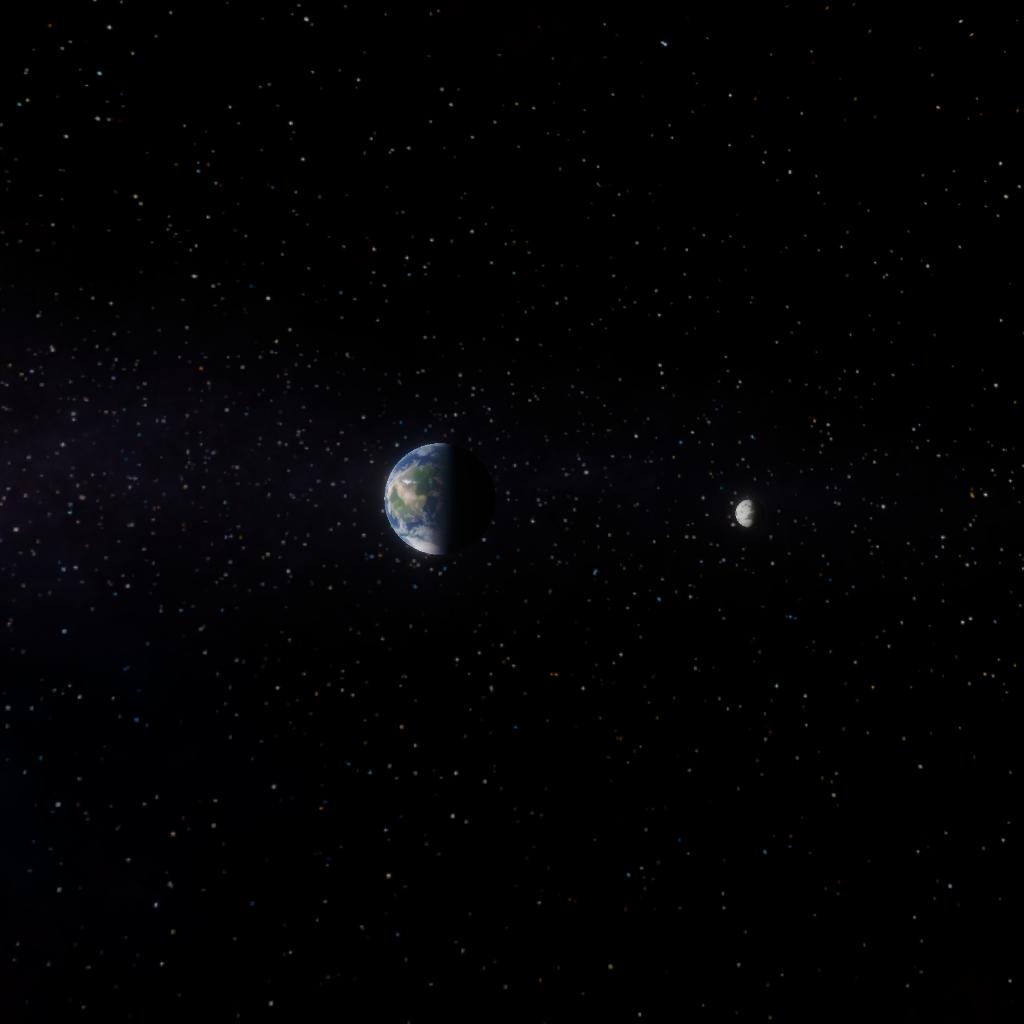
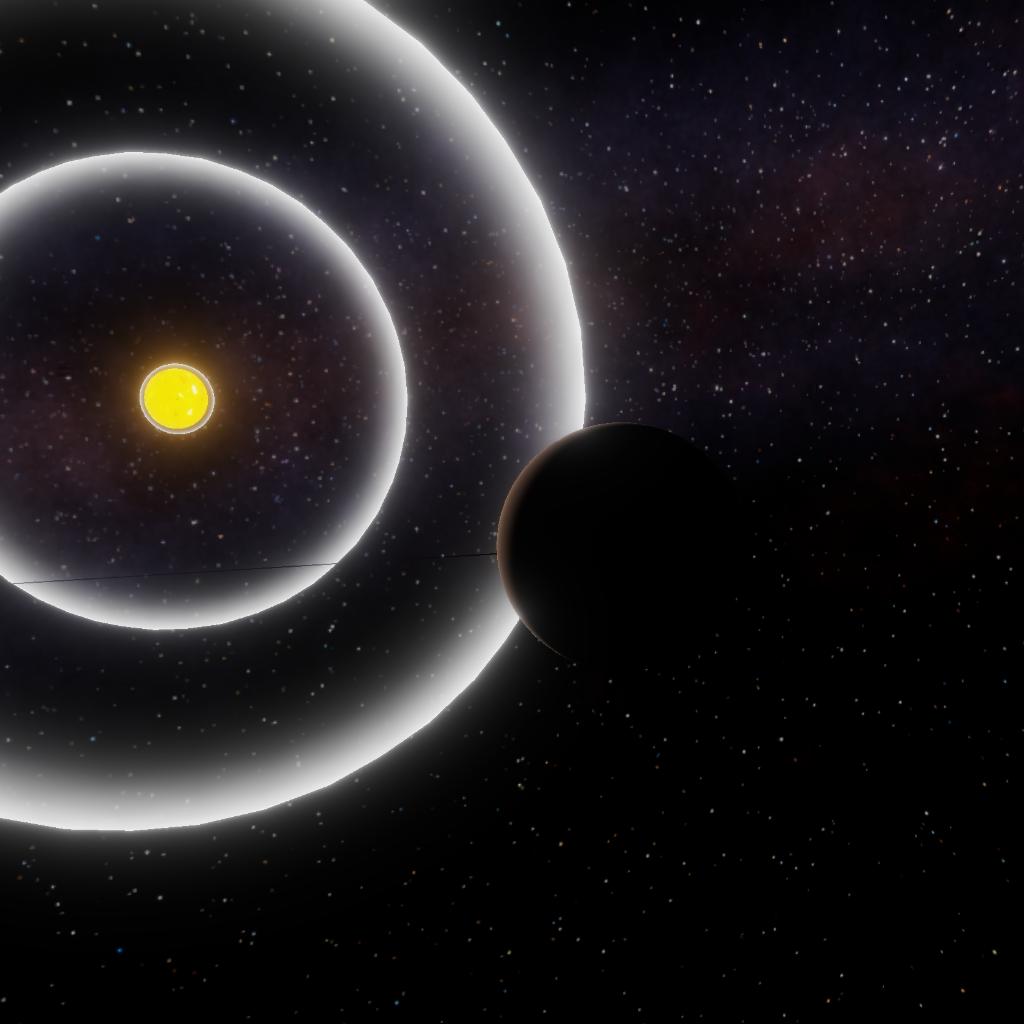
Our home solar system, With 8 planets, 24 moons & 9 dwarf planets.
NOTE: I had to make the orbits 10 times smaller because I can’t make anything orbit beyond 1,000 gm.
GENERAL INFO
- Successors 1 post(s)
- Created On: iOS
- Game Version: 1.3.205.0
CELESTIAL BODIES
| Name | Parent | Radius | Surface Gravity | Apoapsis | Periapsis |
|---|---|---|---|---|---|
| Sun | 695.7 Mm | 1.37 km/s | - | - | |
| Mercury | Sun | 2,440 km | 26.9 m/s | 5,818.8 Mm | 5,807.2 Mm |
| Venus | Sun | 6,052 km | 40.9 m/s | 10,821.9 Mm | 10,800.2 Mm |
| Earth | Sun | 6,371 km | 49.0 m/s | 15,071.5 Mm | 15,041.4 Mm |
| Moon | Earth | 1,737 km | 8.0 m/s | 38,314 km | 38,238 km |
| Mars | Sun | 3,390 km | 35.0 m/s | 22,313.7 Mm | 22,269.1 Mm |
| Ceres | Sun | 470 km | 8.1 m/s | 40,993.0 Mm | 40,911.1 Mm |
| Jupiter V2 | Sun | 69,911 km | 123.8 m/s | 75,538.4 Mm | 75,387.5 Mm |
| Saturn V2 | Sun | 58,232 km | 103.1 m/s | 142,598.3 Mm | 142,313.4 Mm |
| Uranus V2 | Sun | 25,362 km | 44.7 m/s | 296,071.0 Mm | 295,479.5 Mm |
| Neptune V2 | Sun | 24,622 km | 43.4 m/s | 450,626.6 Mm | 449,726.3 Mm |
| Pluto | Sun | 1,188 km | 5.5 m/s | 690,358.1 Mm | 514,549.5 Mm |
6 Comments
- Log in to leave a comment
-
22.4k Tallisar3 months ago
I have a better question
……………
You can go beyond 1000 gigameters editing the system’s XML file. As to how to do that on mobile, I’m not sure, @Wy00tt. Maybe @Zenithspeed could help, as he managed to somehow achieve it. -
2,235 Wy00tt3 months ago
Can someone show me how to make the editing tools appear to make objects orbit beyond 1000 gm?
-
-
10.1k BeaconIndustries3 months ago
@Wy00tt you can edit system scale and tecnically that would make the distances bigger
-


3 Upvotes
Log in in to upvote this post.
@Wy00tt @Tallisar i don't know the exact procedure but i remember it being something like this:
1. locate JNO's folder on your device's files app and enter it
2. within that (you may have to go through multiple folders, there might be like a "UserData" or something like that, for example), look for the "CelestialDatabase" folder
3. enter that, locate your system's file (it should be XML format with it containing the name you saved it as in Planet Studio)
4. inside that file, search for the planet you want to adjust, find "semi-major axis", increase the value of that (it's in metres)
5. if it doesn't let you edit the text, you'll need to install an app that does, i personally use(d) one called "SimpleEdit" though i'm not sure if it still works; additionally, the CelestialDatabase folder doesn't always appear in your files, it might take a bit of fiddling around (relaunching the game, etc) to get it to show up, i haven't been able to find any concrete pattern as to when it appears and when it doesn't, so you might not always be able to access it (this is also why my activity dropped sharply after version 1.0, that was when this began to be common (though it was already a thing earlier just much more rare), and since i do have quite a lot of systems and planet with external XML modding, this halted my planet building significantly)